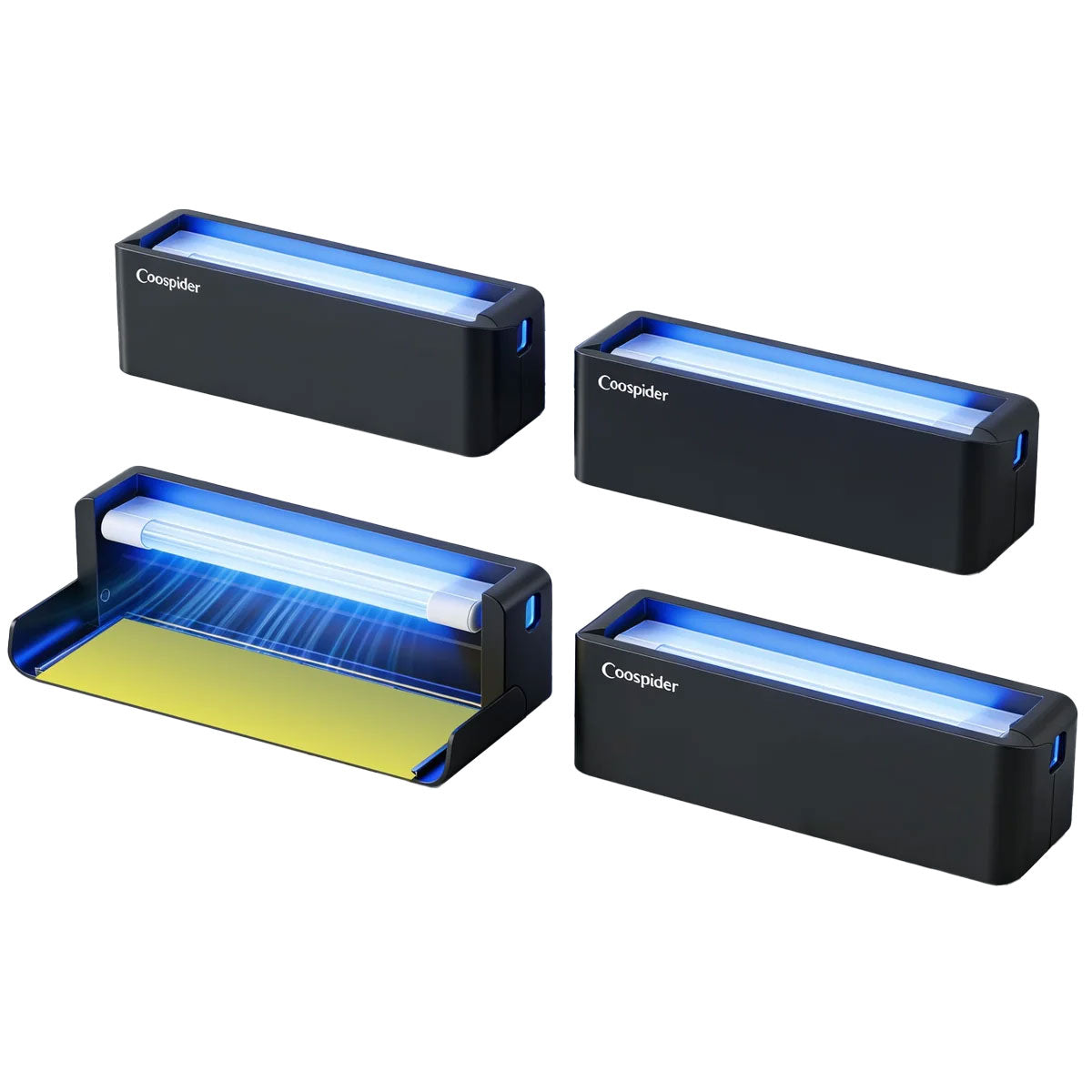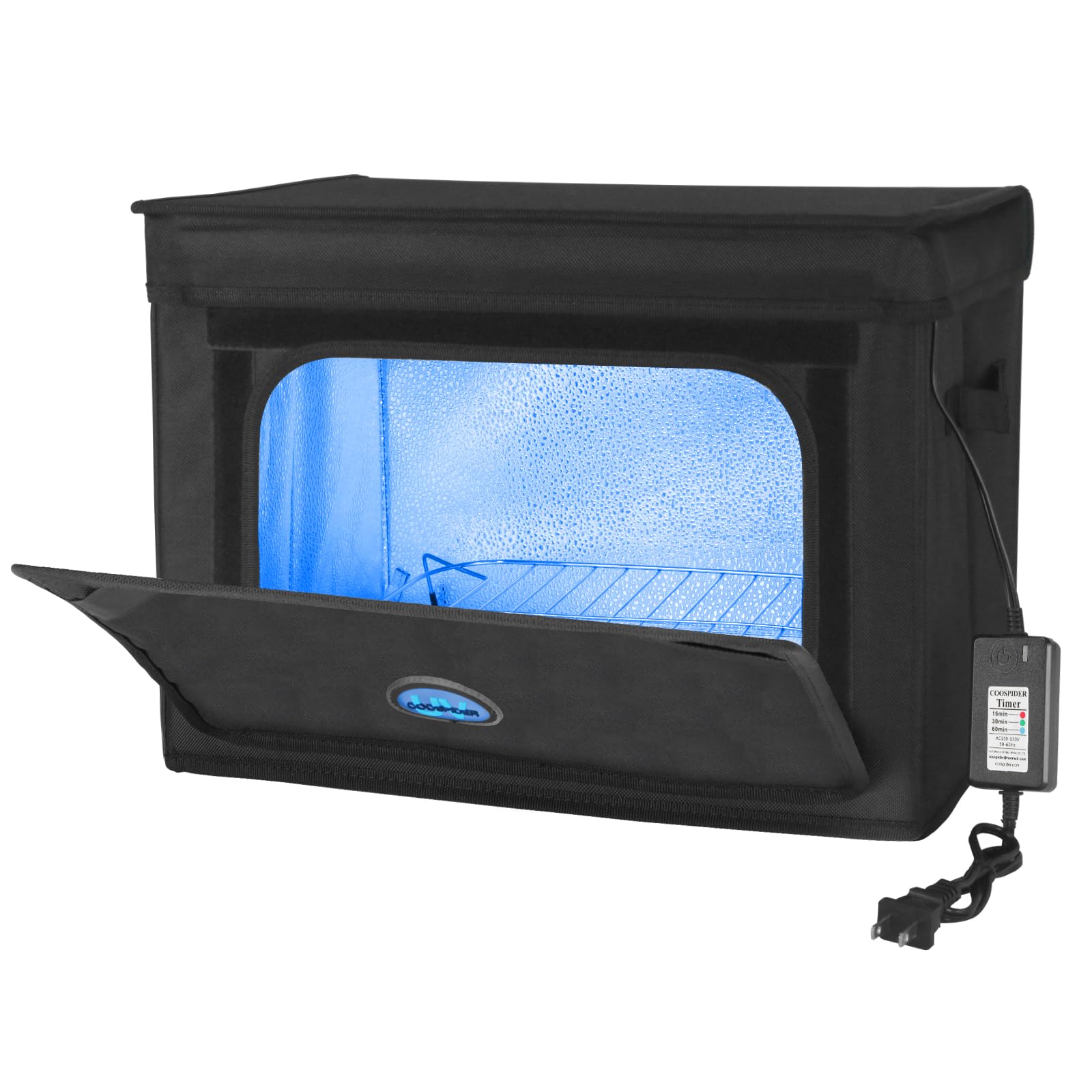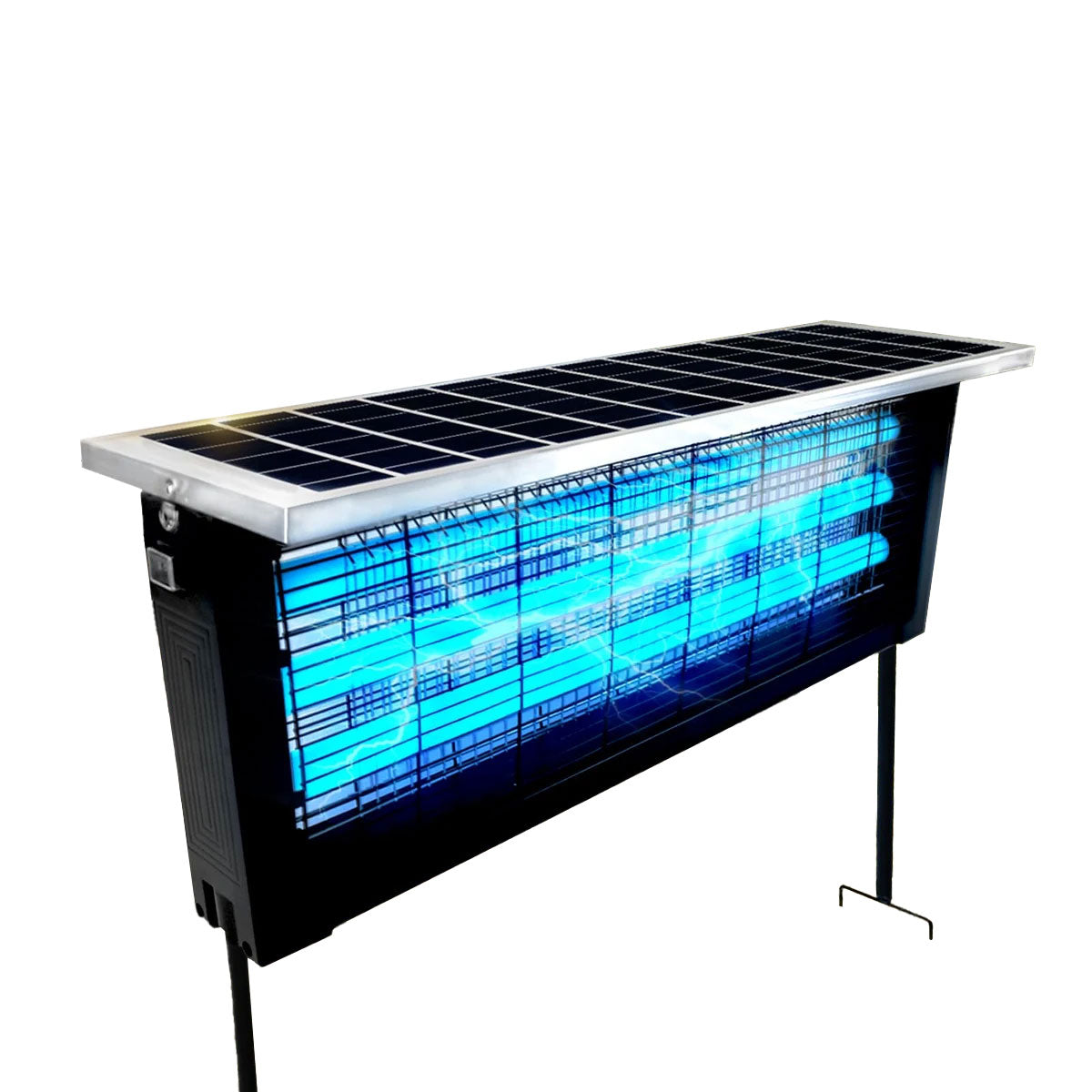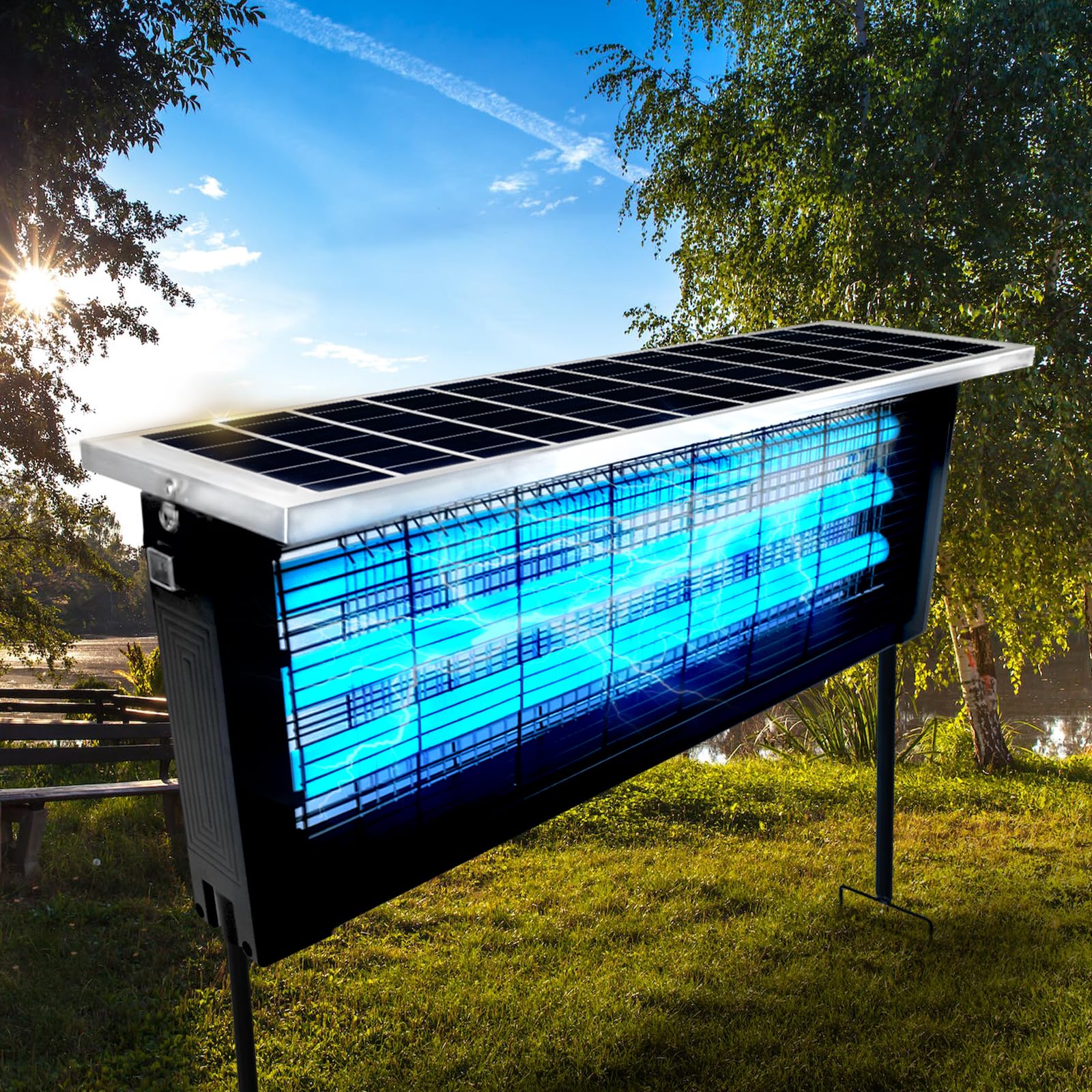
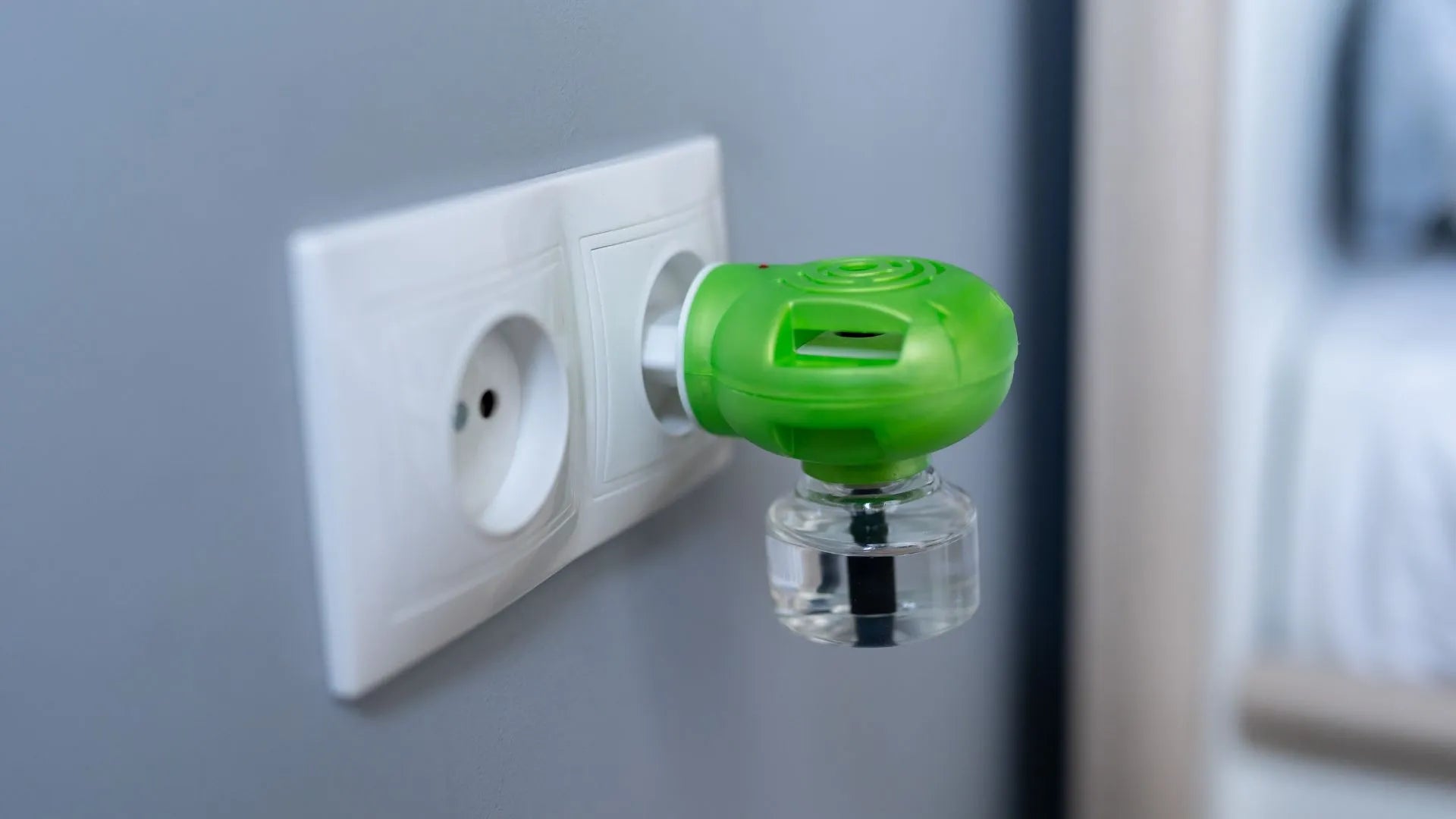
For many regions around the world, the rainy season doesn’t just bring cooler air and refreshing showers — it also introduces one of the biggest hidden threats to household electronics: humidity. While most people focus on preventing mold growth or protecting furniture, few realize that electronic mosquito repellent devices are especially vulnerable during prolonged wet seasons.
Ironically, the time when mosquito populations surge is also when electronic repellents face the highest risk of internal corrosion, electrical instability, and shortened lifespan.
If your mosquito repellent suddenly stops working, produces weaker output, or behaves inconsistently during humid months, moisture exposure may be the real cause.
This guide explores how humidity affects electronic mosquito repellents from a practical and technical perspective, why damage occurs, and how you can protect your devices effectively throughout the rainy season.
Why Humidity Is a Serious Threat to Electronic Mosquito Repellents
Electronic mosquito repellents often operate continuously for long hours, sometimes overnight or even 24/7. Unlike sealed consumer electronics such as smartphones, many repellent devices include ventilation openings, heating elements, or diffusion systems designed to interact with surrounding air.
These features make them uniquely exposed to moisture.
During rainy seasons, indoor humidity levels can exceed 70–90%, allowing water vapor to penetrate devices and accumulate internally.
Humidity causes three primary risks:
-
Metal corrosion
-
Electrical leakage
-
Material degradation
Over time, these effects reduce performance or permanently damage internal components.
Understanding How Moisture Enters Your Device
Many users assume water damage only occurs through direct liquid exposure. In reality, humidity damage is far more subtle.
Moisture enters electronic devices through:
-
Air vents
-
Charging ports
-
Button gaps
-
Micro seams in plastic housing
-
Cable connections
Warm internal components attract condensation when temperature differences occur between the device and surrounding air.
This process is similar to fog forming on cold glass — except it happens inside your electronics.
The Science Behind Humidity Corrosion
Inside most electronic mosquito repellents are:
-
Copper circuit boards
-
Solder joints
-
Heating resistors
-
Microcontrollers
-
Power regulation components
When moisture combines with oxygen and airborne contaminants, electrochemical reactions begin.
What Happens Internally
-
Copper oxidizes.
-
Electrical resistance increases.
-
Signals become unstable.
-
Heat generation becomes uneven.
Eventually, circuits may fail entirely.
Even microscopic corrosion invisible to the eye can degrade performance.
Why Mosquito Repellents Are More Vulnerable Than Other Devices
Electronic repellents face unique environmental exposure compared to typical electronics.
Continuous Operation
Devices often remain powered for long periods, accelerating chemical reactions caused by humidity.
Heat Generation
Heating elements create temperature cycles that encourage condensation.
Outdoor or Semi-Outdoor Placement
Many units are used near windows, balconies, patios, or kitchens — areas with higher moisture levels.
Chemical Exposure
Liquid repellents release vapors that may interact with humidity, forming residue on internal surfaces.
Together, these factors make repellents especially sensitive during rainy seasons.
Early Warning Signs of Humidity Damage
Recognizing early symptoms allows intervention before permanent failure occurs.
Watch for:
-
Flickering indicator lights
-
Reduced mosquito repellent effectiveness
-
Strange buzzing sounds
-
Device overheating
-
Intermittent power loss
-
Delayed startup
-
Weak heating performance
Ignoring these signs often leads to irreversible corrosion.
Step 1: Control the Environment Around the Device
The easiest protection strategy is environmental management.
Avoid High-Humidity Locations
Common risky placement areas include:
-
Bathroom outlets
-
Kitchen counters near sinks
-
Window sills
-
Floors near balconies
-
Damp corners
Even small location adjustments significantly reduce moisture exposure.
Maintain Air Circulation
Good airflow prevents moisture accumulation.
Place devices where air moves naturally rather than in enclosed spaces.
Step 2: Elevate Devices Off Surfaces
During rainy seasons, moisture accumulates near floors and walls.
Placing mosquito repellents directly on surfaces increases exposure to:
-
Condensation
-
Surface dampness
-
Mold growth
Use:
-
Wall outlets at mid-height
-
Small stands
-
Dry shelves
Elevation reduces humidity concentration dramatically.
Step 3: Use Dehumidification Strategically
Lowering ambient humidity is the most effective long-term protection.
Ideal Indoor Humidity Range
40%–60% relative humidity provides optimal conditions for electronics.
Helpful Solutions
-
Dehumidifiers
-
Air conditioning
-
Moisture-absorbing packets
-
Ventilation fans
Even small reductions in humidity significantly slow corrosion processes.
Step 4: Avoid Overnight Temperature Shock
Rapid temperature changes cause condensation inside electronics.
Examples include:
-
Turning on strong air conditioning suddenly
-
Moving devices between indoor and outdoor environments
-
Placing warm devices near cool airflow
Gradual temperature transitions reduce internal moisture formation.
Step 5: Clean Devices Regularly During Rainy Months
Humidity allows dust to trap moisture, accelerating corrosion.
Safe Cleaning Routine
-
Unplug device.
-
Use dry microfiber cloth.
-
Remove dust from vents.
-
Avoid wet wipes or sprays.
Cleaning every two weeks during humid seasons can extend device lifespan significantly.
Step 6: Protect Charging Ports and Connectors
USB-powered mosquito repellents are particularly vulnerable.
Moisture inside connectors leads to:
-
Rust formation
-
Power instability
-
Charging failure
Preventive measures include:
-
Keeping cables dry
-
Disconnecting when not in use
-
Using dust plugs if available
Step 7: Store Backup Units Properly
If you rotate devices seasonally, storage conditions matter.
Proper Storage Method
-
Place device in sealed container.
-
Add silica gel packets.
-
Store in cool, dry area.
-
Avoid basements or garages.
Incorrect storage can cause corrosion even when devices are not operating.
Step 8: Understand Material Differences Between Devices
Not all mosquito repellents handle humidity equally.
Better Humidity Resistance
Devices with:
-
Sealed housings
-
Coated circuit boards
-
High-quality plastics
-
Stainless connectors
Higher Risk Designs
Units with:
-
Large ventilation openings
-
Exposed metal contacts
-
Low-cost thin casings
Material quality plays a major role in rainy-season durability.
Step 9: Use Protective Placement Strategies
Small placement habits greatly improve survival rates.
Recommended practices:
-
Keep devices at least 12 inches from windows.
-
Avoid direct exposure to rain mist.
-
Do not place under dripping air conditioners.
-
Keep away from indoor plants releasing moisture.
These small adjustments reduce humidity stress continuously.
Step 10: Power Management During Extreme Humidity
During particularly damp days, consider intermittent operation.
Turning devices off briefly allows internal components to cool and release trapped moisture.
Continuous heating without airflow increases condensation cycles.
Common Mistakes People Make During Rainy Seasons
Many failures result from well-intentioned but harmful habits.
Mistake 1: Covering Devices Completely
Blocking airflow traps moisture inside.
Mistake 2: Using Hair Dryers to Remove Moisture
Excess heat damages plastic and internal circuits.
Mistake 3: Spraying Cleaning Liquids
Liquids easily seep into vents.
Mistake 4: Leaving Devices Plugged Near Open Windows
Rain humidity travels farther indoors than expected.
How Manufacturers Design for Humidity Resistance
Modern electronic repellents increasingly incorporate protective engineering features.
These include:
-
Conformal coating on circuit boards
-
Moisture-resistant polymers
-
Improved ventilation geometry
-
Thermal management systems
Understanding these features helps consumers choose more durable devices.
Long-Term Maintenance Habits That Extend Device Life
Consistency matters more than complex solutions.
Adopt simple routines:
-
Monthly inspection
-
Seasonal deep cleaning
-
Controlled storage
-
Stable placement
Small habits accumulate into years of additional usability.
When Humidity Damage Is Already Happening
If your device shows early malfunction:
-
Unplug immediately.
-
Move to dry environment.
-
Allow 24–48 hours of passive drying.
-
Avoid powering on repeatedly.
Turning on damp electronics accelerates internal corrosion.
Why Prevention Matters More Than Repair
Unlike mechanical damage, humidity corrosion is cumulative and often irreversible.
Repair costs may exceed replacement value.
Preventive care protects both performance and safety.
The Connection Between Humidity Control and Mosquito Prevention
Interestingly, humidity management improves mosquito control effectiveness as well.
Lower indoor moisture:
-
Reduces mosquito breeding conditions
-
Improves air circulation
-
Enhances repellent diffusion
Protecting your device also strengthens its performance.
Preparing Before the Rainy Season Starts
The best protection begins before humidity peaks.
Pre-season checklist:
-
Inspect cables and ports
-
Clean vents
-
Replace worn components
-
Prepare moisture absorbers
-
Adjust placement locations
Preparation reduces emergency troubleshooting later.
Future Trends in Humidity-Resistant Mosquito Repellents
Manufacturers are exploring new innovations such as:
-
Nano-coating protection
-
Waterproof electronics integration
-
Smart humidity sensors
-
Self-regulating heating systems
These technologies aim to make devices more resilient in tropical climates.
Final Thoughts
Electronic mosquito repellents are essential tools during rainy seasons, yet the same humid conditions that increase mosquito activity also threaten device longevity.
Humidity damage rarely happens overnight. Instead, it develops slowly through microscopic corrosion, condensation cycles, and environmental exposure.
By understanding how moisture interacts with electronics — and by applying simple placement, cleaning, and humidity-control strategies — you can dramatically extend the lifespan and reliability of your mosquito repellent devices.
Protecting your device is not complicated. It simply requires awareness of the invisible environmental forces at work inside your home.
With proper care, your electronic mosquito repellent can continue operating efficiently throughout the wettest months, keeping both your living space and your investment protected long after the rainy season ends.