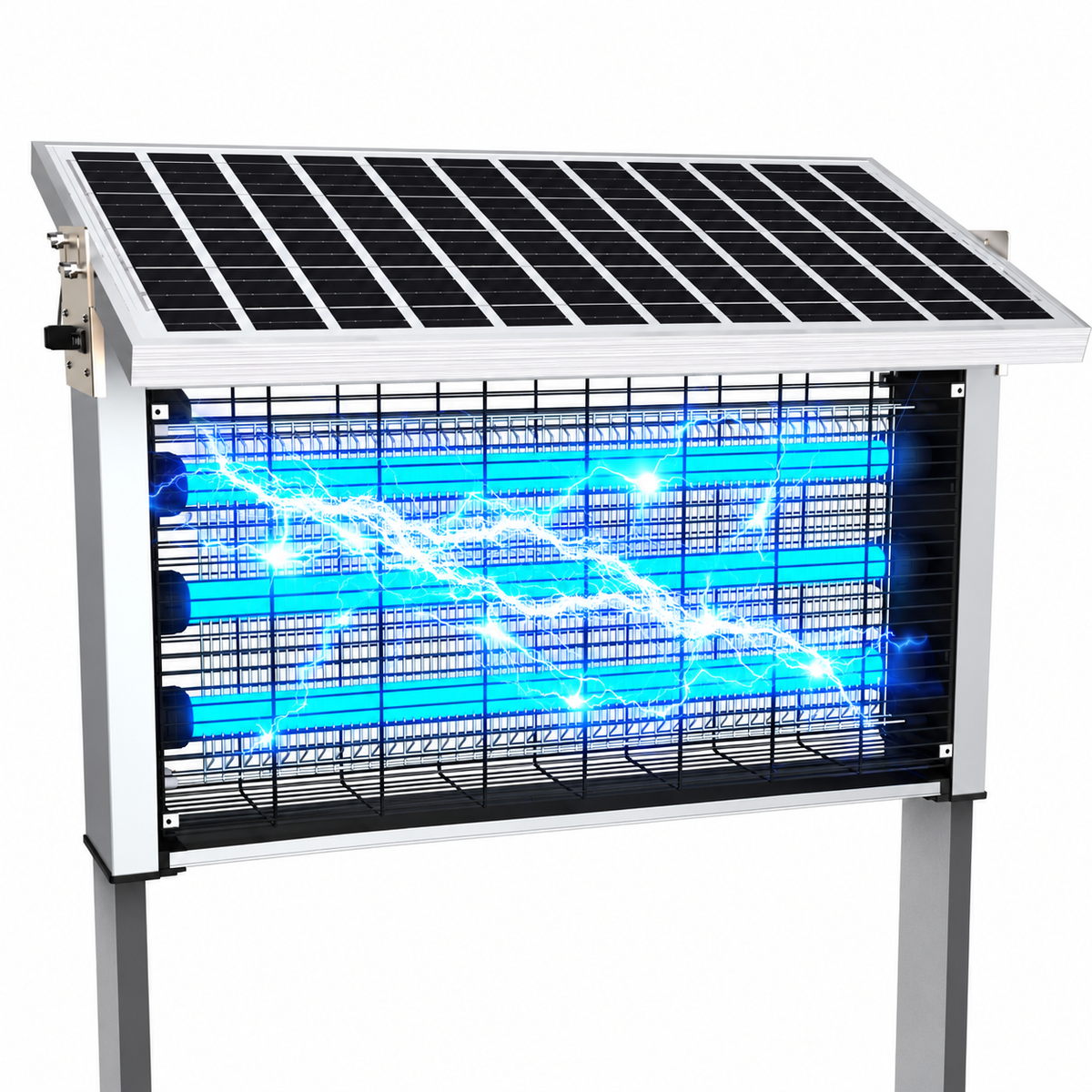
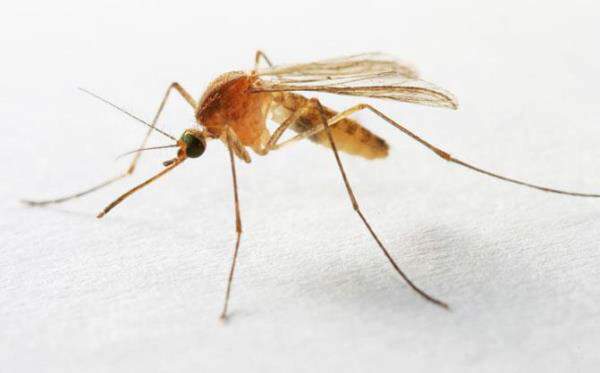
You’ve invested in a mosquito control device — maybe a smart UV lamp, a CO₂ trap, or an outdoor fan trap — expecting peaceful summer evenings. But halfway through the season, you notice something frustrating: mosquitoes seem to ignore it, and those little bites are back with a vengeance.
It’s tempting to assume that mosquitoes have “figured out” your device or that it’s time to buy a new one. In reality, the culprit is often much simpler. Many devices lose efficiency because homeowners forget a surprisingly simple maintenance step: cleaning the “face” of the device.
Yes, just like you wash your face daily to remove dirt and oil, your mosquito control system also accumulates a layer of environmental debris, dust, and insect residue that can dramatically reduce performance. This blog explores why devices lose effectiveness, what “face washing” actually means, and how a simple routine can keep your mosquito trap running at full power all summer.
Understanding How Mosquito Devices Work
Before diving into cleaning, it helps to understand why these devices attract and trap mosquitoes in the first place.
Most modern outdoor mosquito systems use one or a combination of:
-
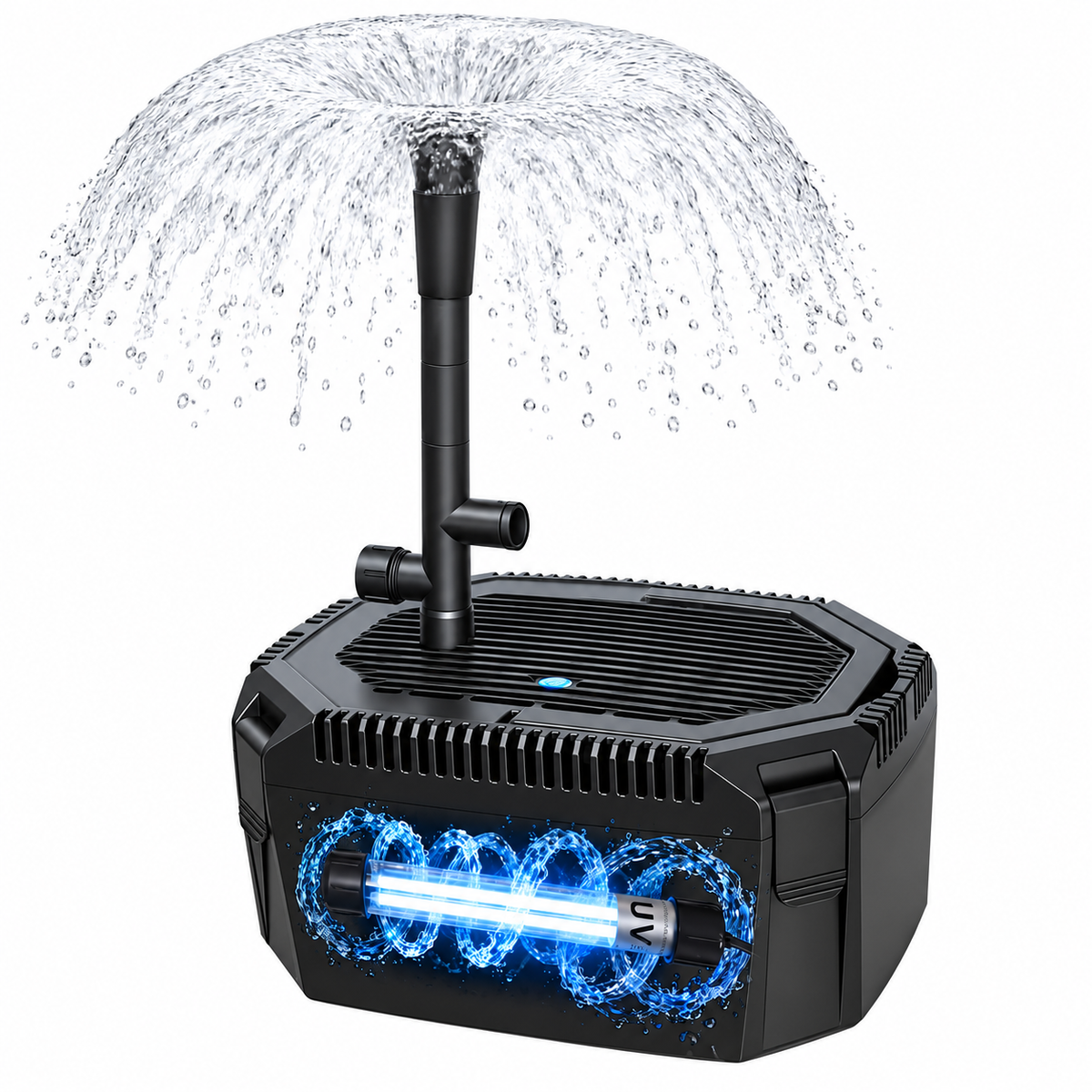
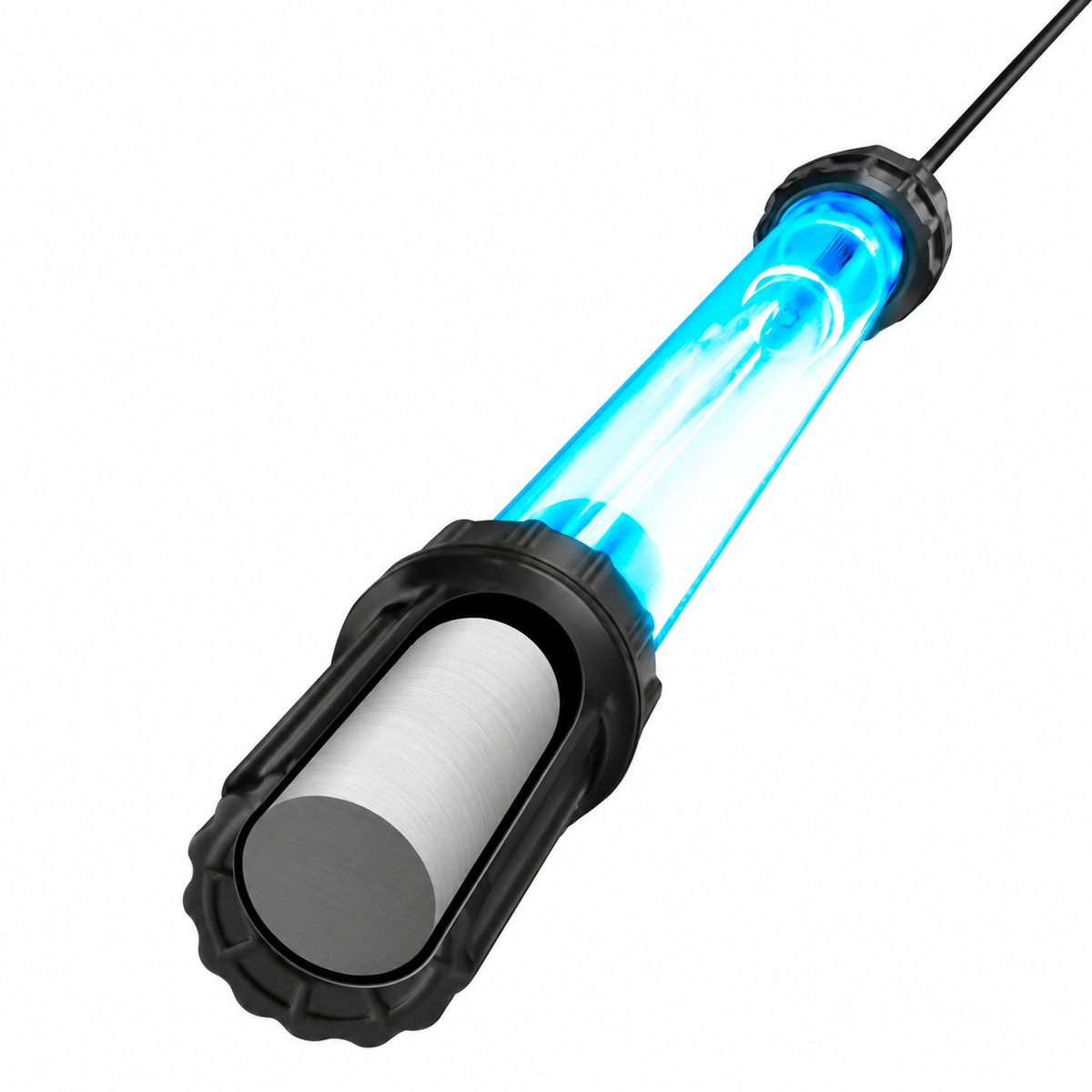
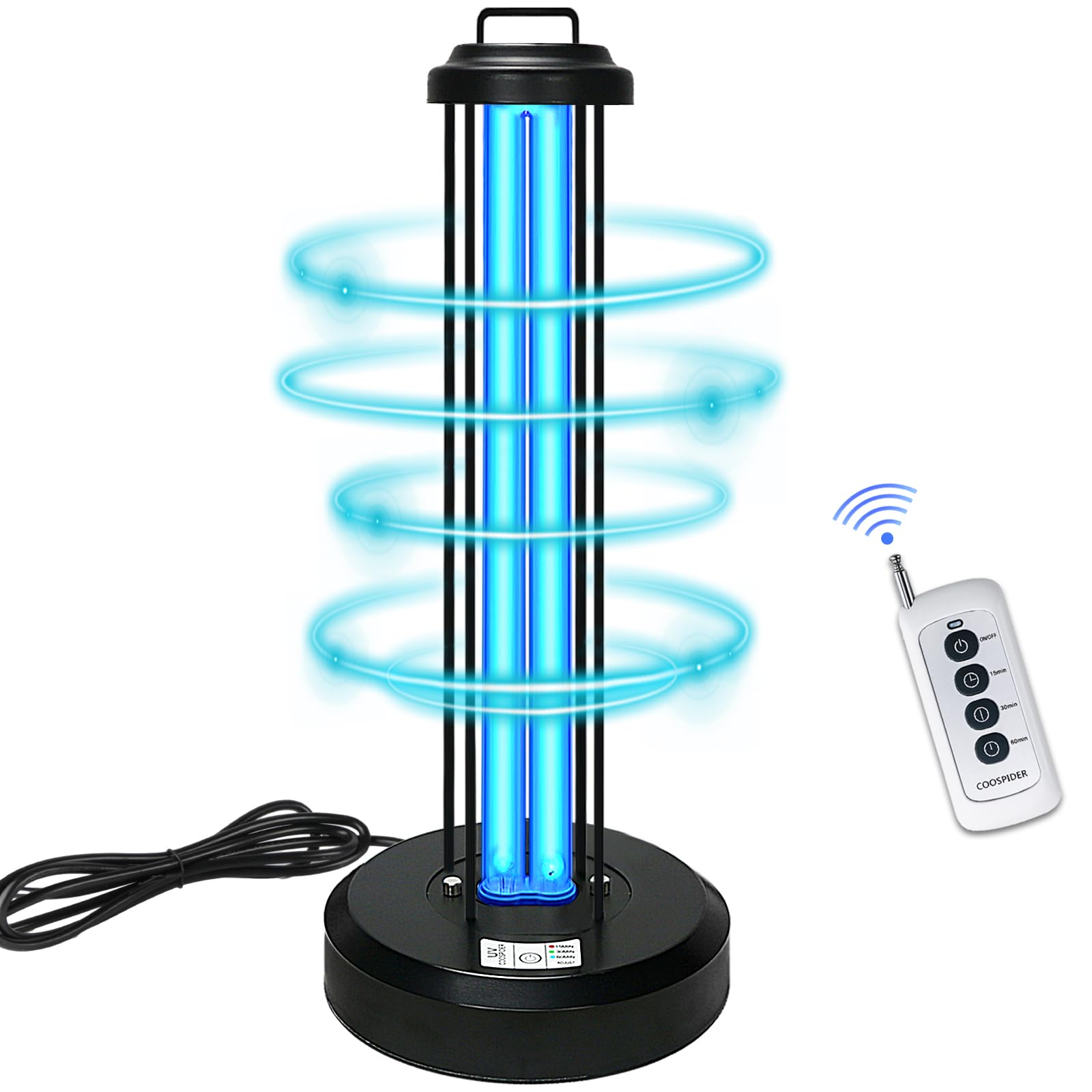
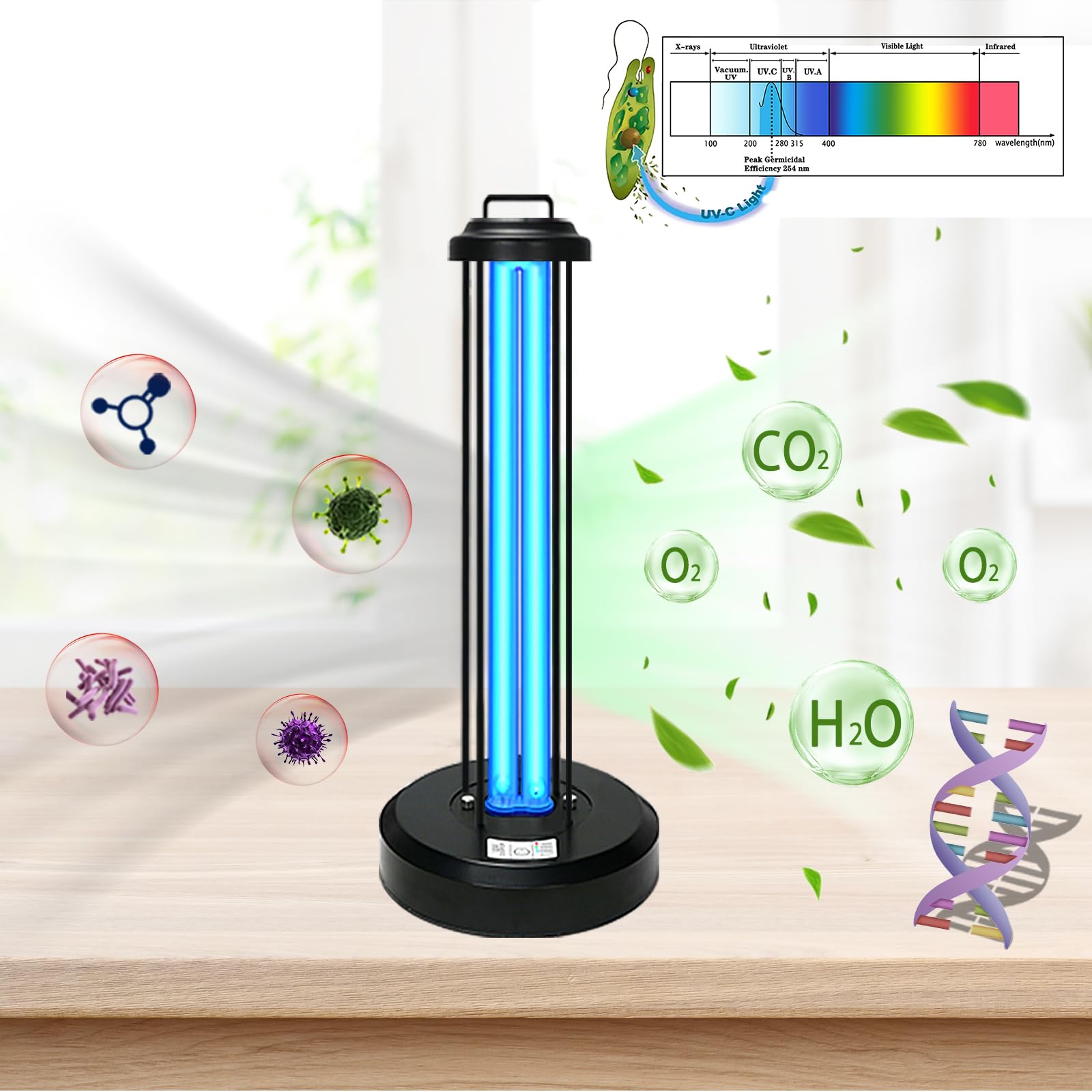
UV or LED light: Attracts insects that are sensitive to specific wavelengths.
-
CO₂ simulation: Mimics human breath to lure mosquitoes.
-
Heat or airflow: Draws insects into a trap using suction or movement.
-
Chemical attractants: Optional lures that amplify attraction.
All of these features depend on clear, unobstructed surfaces to function properly. Dust, pollen, leaves, or even dead insects can block light or airflow, reducing the effective range. Even a thin layer of grime can make a UV lamp appear dimmer or a fan less powerful.
This is why your device doesn’t necessarily need replacement — it just needs a quick cleanup.
The Hidden Enemy: Environmental Buildup
Outdoor mosquito devices face some of the harshest everyday conditions:
-
Dust and pollen: Airborne particles settle on surfaces, reducing light penetration.
-
Insect debris: Dead mosquitoes, moths, or other flying insects accumulate in trays or on light covers.
-
Plant material: Leaves, petals, and tiny twigs get blown into devices.
-
Humidity and moisture: Creates sticky residue that traps dust more easily.
Even minor buildup may seem negligible at first, but over weeks, it can cut attraction efficiency in half.
What We Mean by the “Face” of Your Device
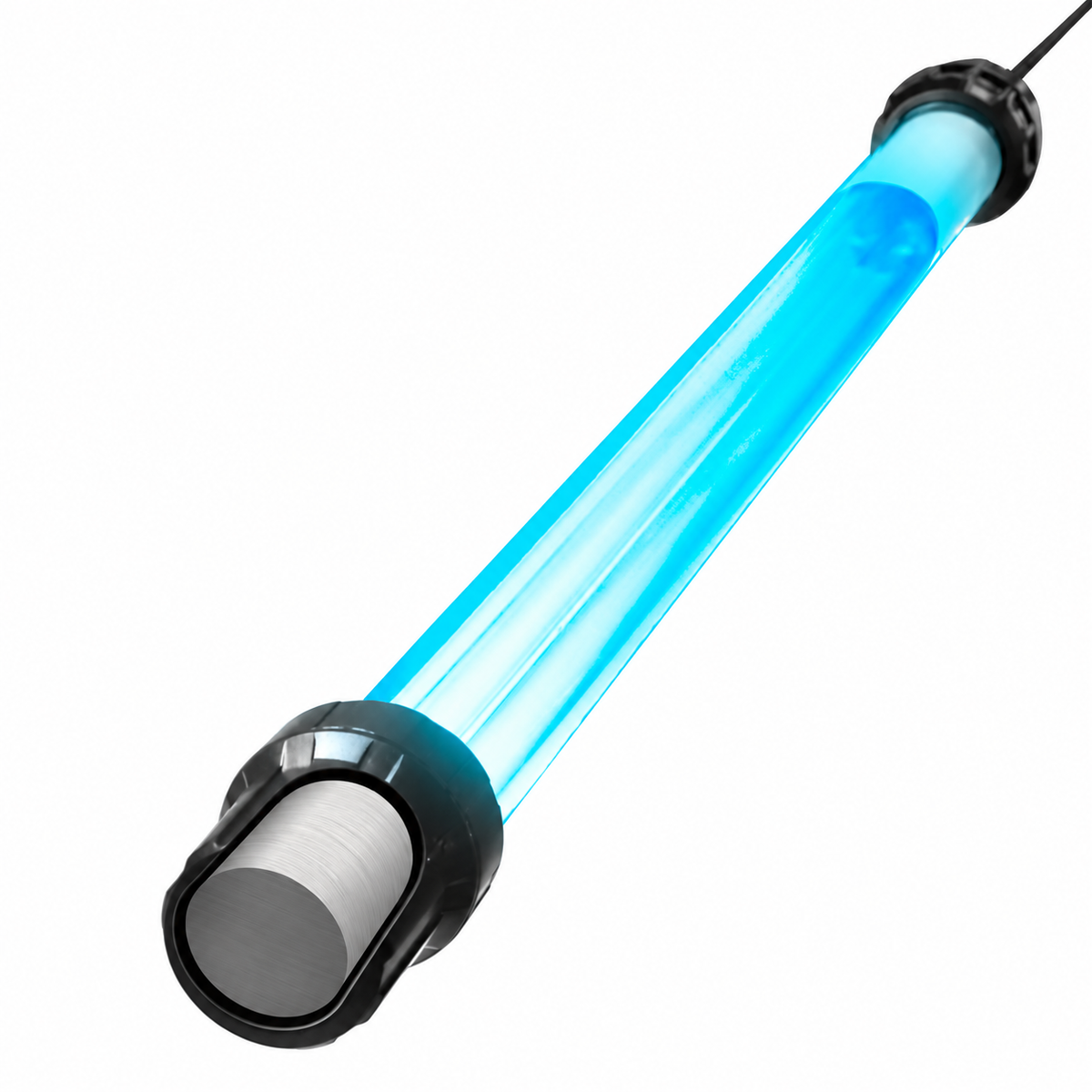
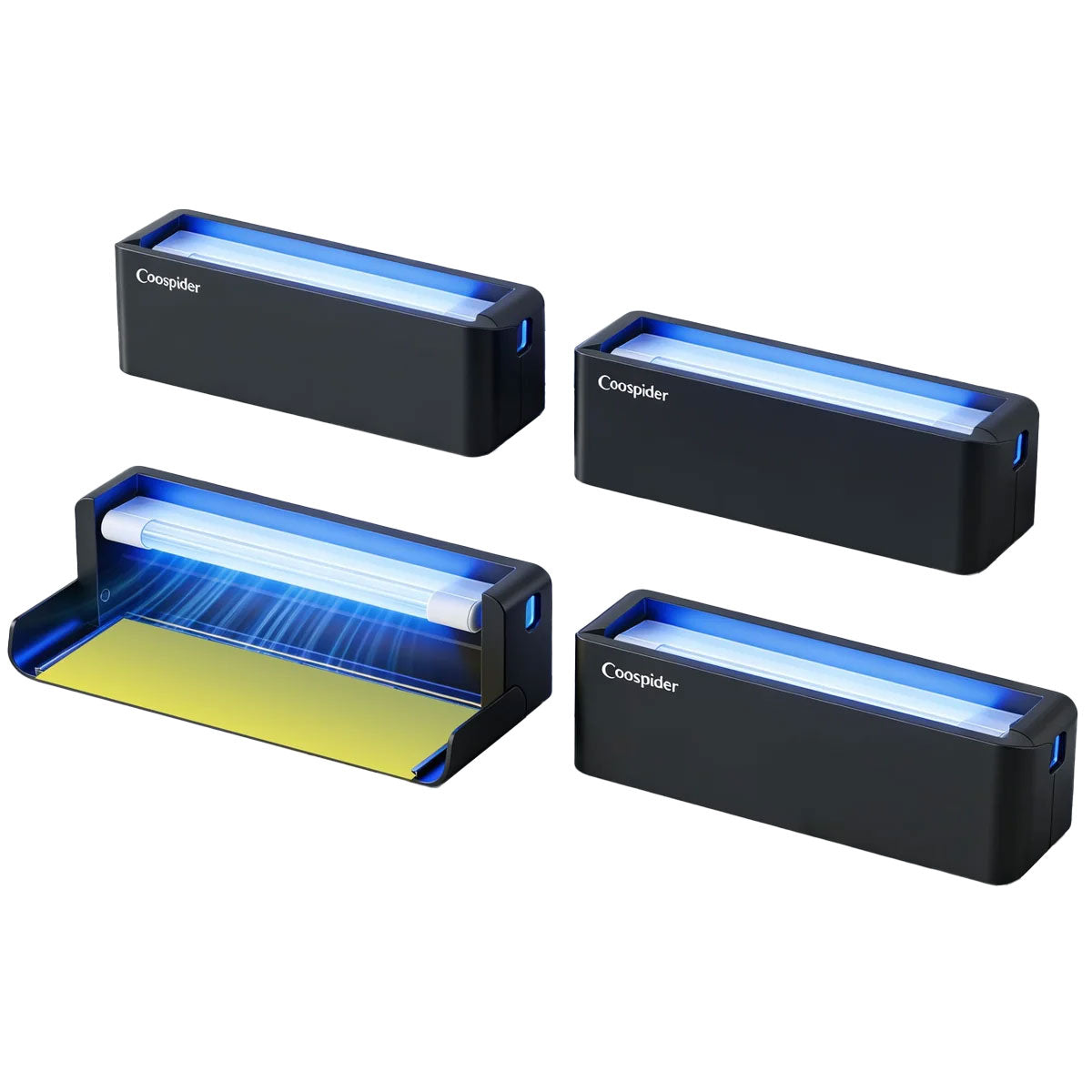
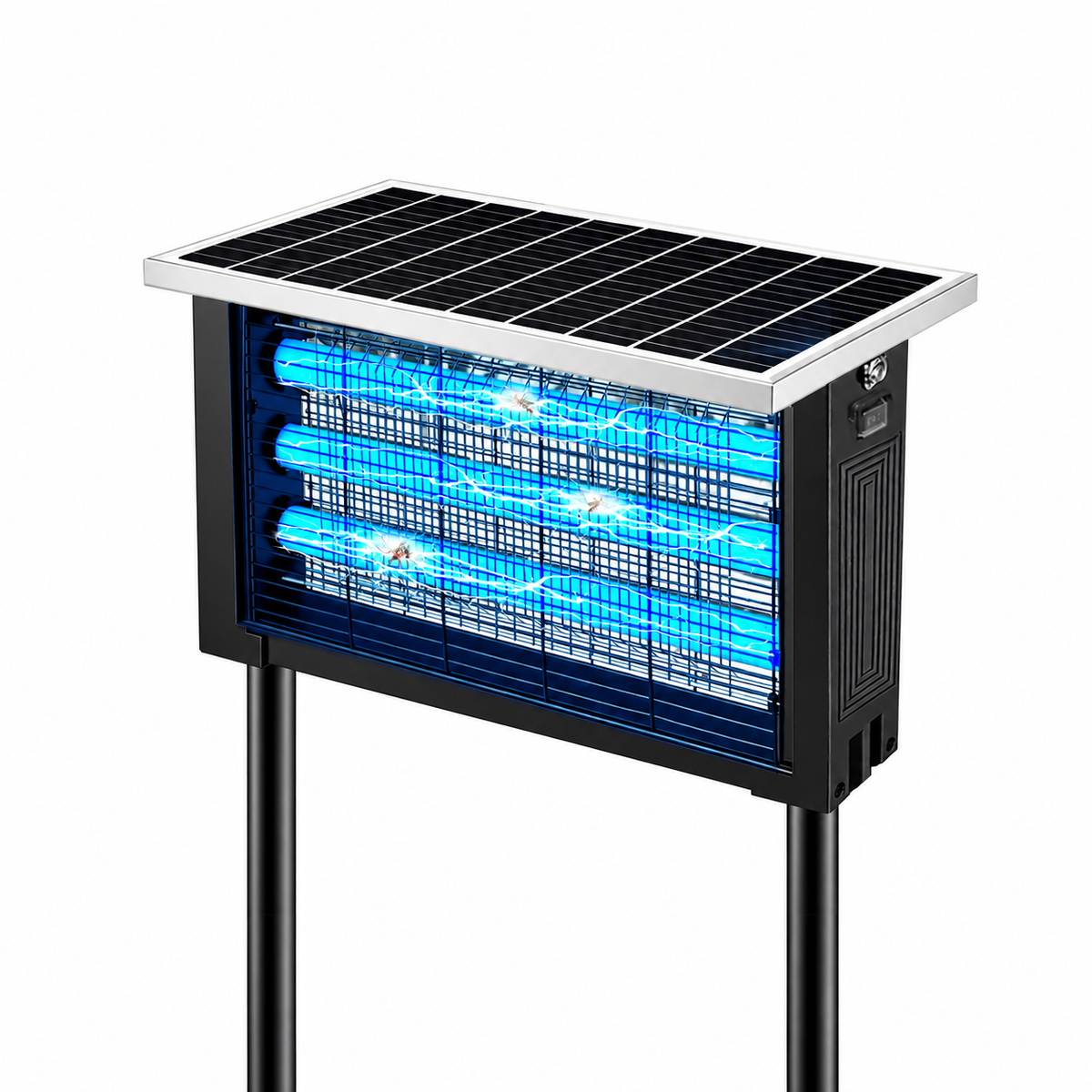
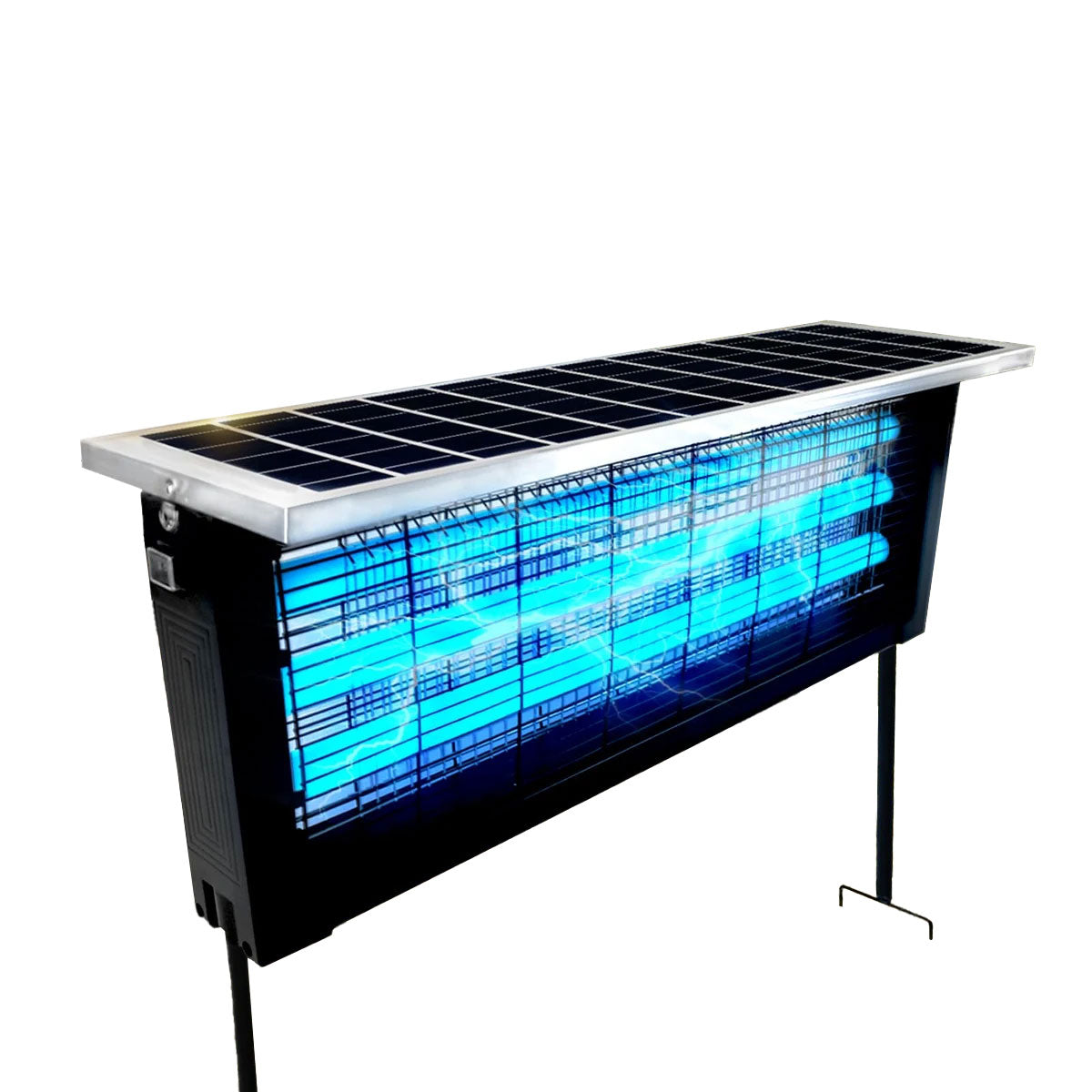
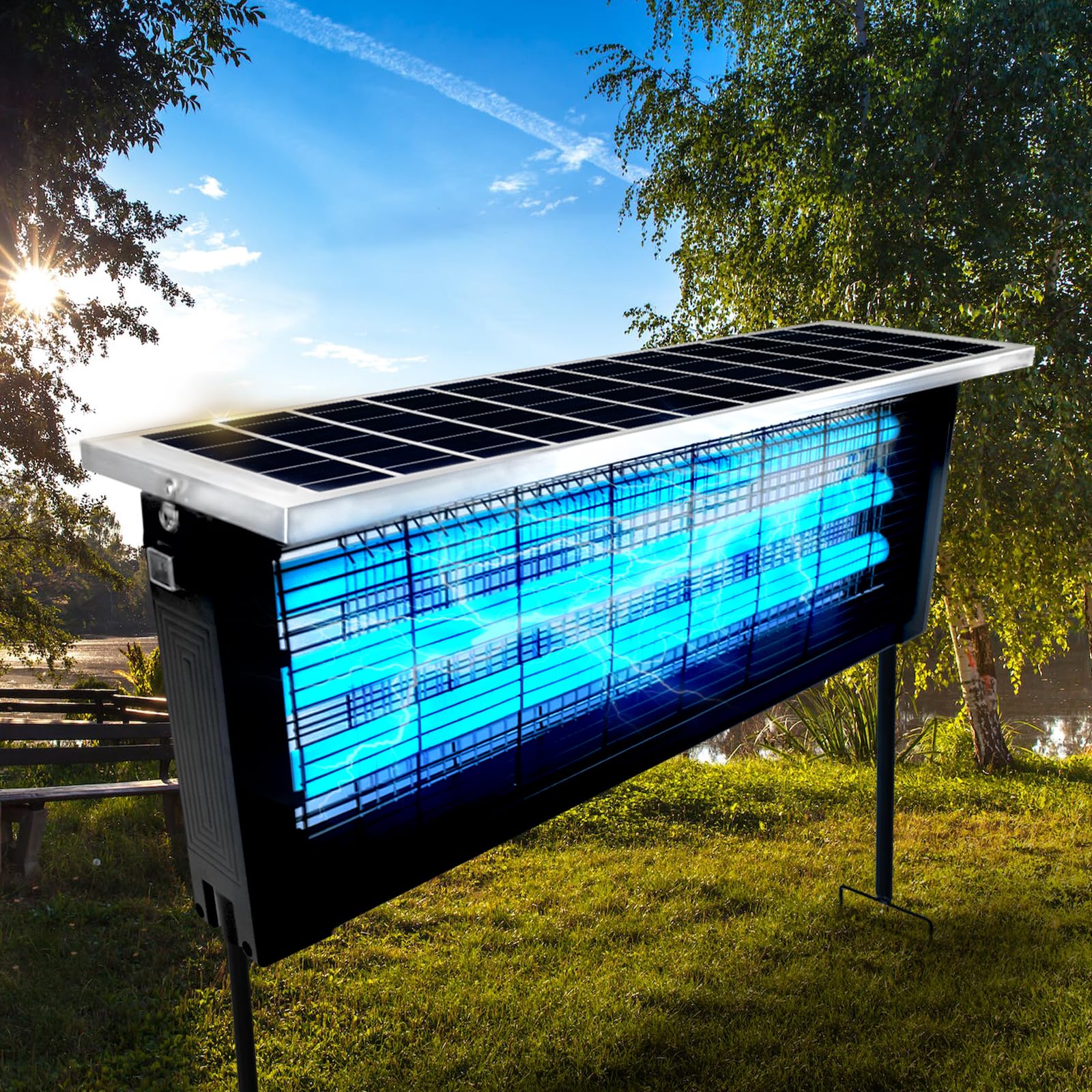
The “face” refers to the surfaces directly responsible for attracting mosquitoes:
-
Light covers or lamp shields: UV bulbs, LED arrays, or light grids.
-
Fan or suction inlets: The openings that pull insects in.
-
External housing surfaces near the intake: Where airflow and chemical cues interact.
Cleaning these areas restores proper visibility, airflow, and scent dispersion — essentially giving your device a refreshed “face.”
Signs Your Mosquito Device Needs a Face Wash
Even without opening the device, several indicators suggest it’s time for cleaning:
-
Fewer mosquitoes in the trap despite high activity in the yard.
-
Visible dust or insect debris on the light cover.
-
Reduced fan or airflow efficiency.
-
Bulbs or LEDs look dimmer than usual.
-
Sticky or wet residue on intake grids.
Recognizing these signs early prevents temporary performance loss from turning into a permanent habit of buying new devices unnecessarily.
Step 1: Power Down Safely
Always start by unplugging or switching off your device. Electricity, fans, and light sources pose risks if handled while running.
-
Unplug corded devices.
-
Remove batteries from battery-powered traps.
-
Ensure fans have fully stopped before cleaning.
Safety first.
Step 2: Remove Accumulated Debris
For Light Covers and Bulbs
-
Gently remove covers or shields according to the manufacturer’s instructions.
-
Use a microfiber cloth or soft brush to remove dust and dead insects.
-
Avoid harsh scrubbing, which can scratch bulbs or LEDs.
For Fan and Suction Inlets
-
Clear visible debris from intake grills.
-
Use a soft brush or compressed air to remove finer particles.
-
Make sure nothing obstructs the fan blades.
For Collection Trays
-
Empty trays completely.
-
Rinse with water if safe, then dry thoroughly before reinserting.
-
Ensure moisture does not remain in areas where electrical components sit.
Step 3: Clean With Mild Solutions
For sticky or stubborn residue:
-
Prepare a mild soap and water solution.
-
Lightly dampen a soft cloth (never soak components with electronics exposed).
-
Wipe surfaces gently.
-
Dry completely before powering on again.
Avoid alcohol or harsh chemicals unless specified by the manufacturer, as they can damage plastics and reduce UV light effectiveness.
Step 4: Inspect Device Positioning
After cleaning, take a moment to check placement:
-
Make sure plants or furniture aren’t blocking light or airflow.
-
Ensure the trap is slightly elevated for maximum coverage.
-
Keep devices away from competing light sources that reduce visual attraction.
Proper placement works synergistically with cleaning to maximize efficiency.
Step 5: Regular Maintenance Schedule
Consistency is key. A five-minute weekly routine can maintain peak performance throughout summer:
-
Quick dust and debris check.
-
Empty collection trays.
-
Wipe down light covers and fan inlets.
-
Check placement and adjust if needed.
This routine prevents buildup from ever becoming a performance problem.
Common Mistakes That Reduce Device Efficiency
-
Ignoring the face: Only emptying trays but leaving light covers and intakes dirty.
-
Overexposing devices to weather: Rain, wind, and sun can accelerate grime. Shelter devices when possible.
-
Using harsh cleaners: Chemicals can damage bulbs, plastics, or fan motors.
-
Skipping weekly attention: Letting weeks pass allows debris to harden or stick, making cleaning more difficult.
-
Reinstalling incorrectly: Misaligned trays or covers reduce airflow and light projection.
Seasonal Considerations
-
Spring: Dust and pollen build-up starts early. Start cleaning routines immediately.
-
Summer: Peak mosquito activity requires weekly face washing.
-
Fall: Keep devices running until mosquitoes disappear. Cleaning ensures proper storage.
-
Winter storage: Clean thoroughly before storing to prevent damage and residue buildup.
How a Clean Device Improves Mosquito Capture
When you remove obstructions and restore airflow:
-
Light reaches the maximum distance.
-
Chemical attractants disperse effectively.
-
Fans create optimal suction.
-
Mosquitoes respond to stimuli naturally, not dampened by grime.
The result: more bites prevented and less frustration outside.
Extra Tips for Maximizing Outdoor Mosquito Control
-
Rotate traps: Cover different yard zones to prevent population buildup in specific areas.
-
Combine strategies: Maintain standing water elimination, repellents, and plant management alongside devices.
-
Monitor bulbs: UV lamps lose intensity over time. Replace according to manufacturer’s schedule.
-
Check batteries or wiring: Even a partially depleted battery reduces performance dramatically.
-
Avoid competing lights at night: Bright landscape lighting can attract mosquitoes away from traps.
The Psychology of Device Neglect
Many people assume mosquitoes adapt to technology. The reality is simpler: environmental degradation reduces effectiveness.
By viewing maintenance as “face care” rather than deep cleaning, you’re more likely to keep up with the habit. Five minutes weekly prevents the need for costly replacements.
Cost Savings From Proper Maintenance
Keeping devices clean:
-
Maintains performance.
-
Extends the life of lamps and fans.
-
Reduces electricity waste.
-
Prevents premature replacement of equipment.
-
Limits additional chemical repellents needed.
A simple cleaning habit pays dividends all season.
Troubleshooting After Cleaning
Even after a “face wash,” check for:
-
Loose connections.
-
Bulbs not seated correctly.
-
Bent intake grills.
-
Wet or damp electronic components.
Correcting minor issues immediately prevents performance dips later.
Making Maintenance a Habit
Integrate cleaning into weekly yard routines:
-
Sunday evening inspection before outdoor relaxation.
-
While watering plants or trimming hedges.
-
During other equipment checks like grills or patio lighting.
Consistent habits mean mosquito control runs seamlessly all summer.
The Big Picture: Preventive Care vs Reactive Replacement
Regular cleaning turns mosquito control from a reactive chore into a predictable system.
-
Preventive maintenance avoids spikes in mosquito populations.
-
Keeps the yard usable for evenings, barbecues, and relaxation.
-
Extends the lifespan of devices.
In contrast, neglecting the “face” leads to frustration, increased bites, and unnecessary expense.
Professional Device Care Secrets
Pest control professionals emphasize:
-
Weekly visual inspection.
-
Light wiping with microfiber cloths.
-
Rotating placement to intercept mosquito flight paths.
-
Avoiding overloading devices with debris from surrounding plants.
Even high-end smart mosquito systems lose effectiveness without this simple attention.
Final Thoughts: Your Device Just Needs a Face Wash
Most “malfunctioning” mosquito devices aren’t broken. They just need a little TLC.
By cleaning the face — light covers, intake areas, and collection trays — you restore the system’s ability to attract, trap, and reduce mosquitoes efficiently. Combined with correct placement and weekly attention, your outdoor mosquito device will continue working at full power, giving you peaceful evenings and comfortable outdoor spaces all season long.
Think of it as preventive maintenance: five minutes a week keeps the bites away. Your device stays effective, your investment lasts longer, and your backyard becomes the relaxing space you imagined.