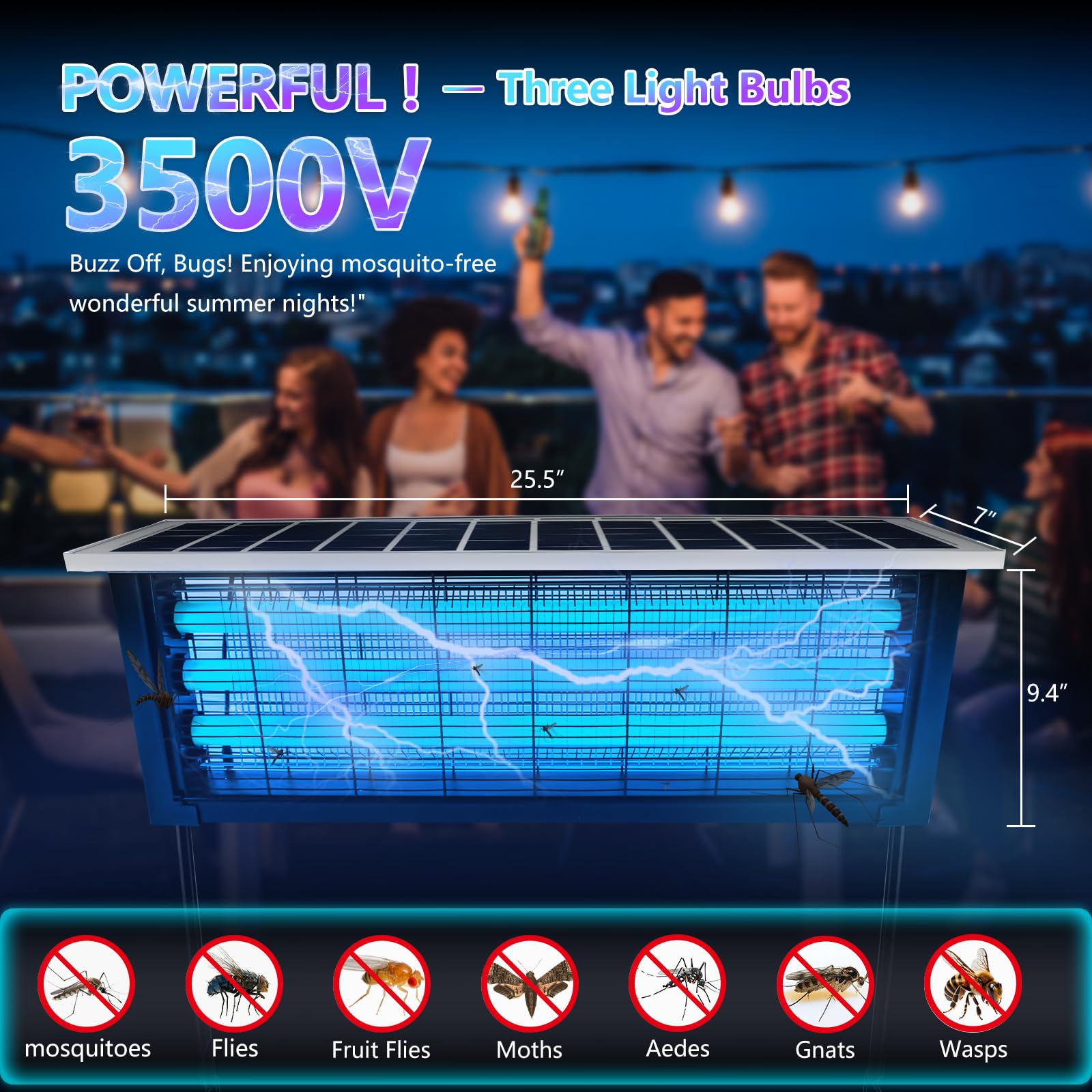

When summer evenings roll in and the familiar whine of mosquitoes fills the air, many households turn to mosquito killer lamps as a clean, quiet, and chemical-free solution. These devices promise convenience: plug them in, let them do their job, and enjoy a bite-free environment. But over time, many users notice a gradual decline in performance. The lamp seems less effective, fewer insects are captured, and the once-reliable device feels underwhelming.
A common reaction? Pick it up, give it a quick shake, empty whatever falls out, and assume it’s good as new.
Unfortunately, that quick fix barely scratches the surface.
Hidden dirt—often invisible or overlooked—builds up inside mosquito killer lamps and significantly reduces their efficiency. This blog explores why simple shaking isn’t enough, what really happens inside your device, and how proper maintenance can restore and even enhance its performance over time.
The Illusion of Clean: Why Shaking Feels Enough
At first glance, shaking your mosquito lamp seems logical. You hear debris rattling inside, see some dead insects fall out, and assume you’ve cleared the blockage. It gives a satisfying sense of maintenance without requiring effort.
But here’s the reality: most of the contaminants affecting performance aren’t loose enough to fall out.
Inside the device, there are layers of grime that cling to surfaces, settle into crevices, and accumulate in places you can’t reach with a simple shake. These include:
- Sticky insect residue
- Fine dust particles
- Pollen and airborne debris
- Moisture-related buildup
- Microbial growth in humid conditions
Shaking only removes the largest, driest particles. The rest stays behind, quietly degrading your lamp’s effectiveness.
How Mosquito Killer Lamps Actually Work
To understand why cleaning matters, you need to understand how these devices function.
Most mosquito killer lamps rely on a combination of:
1. Light Attraction
They emit ultraviolet (UV) light or specific wavelengths that attract mosquitoes and other flying insects.
2. Airflow Suction
A built-in fan pulls insects into a collection chamber once they get close.
3. Containment or Elimination
Captured insects are either trapped in a container or dehydrated over time.
Each of these mechanisms depends on clean, unobstructed components. When dirt builds up, every stage of the process is compromised.
The Hidden Enemies Inside Your Lamp
Let’s break down the types of hidden dirt that accumulate and why they matter.
Sticky Residue from Insects
When insects are captured, they don’t always remain intact. Many are partially crushed, releasing bodily fluids that create a sticky film on internal surfaces. Over time, this residue:
- Coats fan blades
- Lines the inner walls
- Adheres to intake vents
This sticky layer traps additional dust and debris, accelerating buildup and making it harder for airflow to function properly.
Dust and Airborne Particles
Even in clean homes, dust is unavoidable. Your mosquito lamp actively pulls in air, which means it also pulls in:
- Household dust
- Pet dander
- Textile fibers
- Outdoor pollutants
These particles accumulate on:
- Fan blades
- Air intake grills
- Light covers
As dust thickens, it reduces airflow and dulls the brightness of the light source.
Pollen and Seasonal Debris
During certain times of the year, especially spring and early summer, pollen levels spike. Mosquito lamps operating near windows or outdoors are particularly vulnerable.
Pollen grains are small but sticky, making them difficult to remove without proper cleaning. They can:
- Clog ventilation openings
- Stick to light surfaces
- Mix with moisture to form stubborn grime
Moisture and Humidity Effects
In humid environments, moisture becomes a major factor. It interacts with dust and insect residue to create a paste-like buildup that’s far more difficult to remove.
Additionally, humidity can lead to:
- Mold or mildew growth
- Corrosion of internal components
- Odor development
A simple shake does nothing to address these issues.
Microbial Growth
Where there is organic matter (dead insects) and moisture, microbes can thrive. Over time, bacteria and fungi may develop inside the collection chamber or on internal surfaces.
This not only affects performance but can also introduce hygiene concerns, especially if the device is used indoors.
How Dirt Reduces Efficiency
Now that we know what builds up inside, let’s examine how it impacts performance.
Reduced Airflow
The fan is critical for pulling mosquitoes into the trap. When dust and residue accumulate on fan blades or vents:
- Airflow weakens
- Suction power decreases
- Fewer insects are captured
Even a small reduction in airflow can significantly impact effectiveness.
Diminished Light Output
UV light is the primary attractant. When the light cover or surrounding surfaces are coated with dust or grime:
- Light intensity drops
- Attraction range shrinks
- Fewer mosquitoes are drawn in
Think of it like a dirty window blocking sunlight—the source hasn’t changed, but its effectiveness has.
Blocked Entry Points
Intake vents are designed to guide insects into the device. When these become partially blocked:
- Entry becomes more difficult
- Insects may escape before being captured
- Efficiency drops without obvious signs
Increased Energy Consumption
A clogged system forces the fan and electrical components to work harder. This can lead to:
- Higher energy usage
- Increased wear and tear
- Shortened device lifespan
Unpleasant Odors
Accumulated organic matter can begin to decompose, especially in warm conditions. This leads to:
- Musty or foul smells
- Reduced indoor air quality
- A less pleasant user experience
Why Shaking Falls Short
Given all these issues, it’s clear why shaking isn’t enough.
Shaking only addresses:
- Loose, dry debris
- Large insect remains
It does not remove:
- Sticky residue
- Dust adhered to surfaces
- Moisture-related buildup
- Microbial growth
In fact, shaking can sometimes redistribute dirt, spreading fine particles deeper into the device rather than removing them.
Proper Cleaning: What Your Lamp Actually Needs
To maintain peak performance, your mosquito killer lamp requires a more thorough approach.
Regular Disassembly
Most devices are designed to be opened safely. Removing the collection tray and accessing internal components allows you to:
- Inspect buildup
- Reach hidden areas
- Clean more effectively
Gentle Brushing
A soft brush can dislodge dust and debris from:
- Fan blades
- Vent openings
- Corners and crevices
This is far more effective than shaking alone.
Wiping Surfaces
Using a slightly damp cloth (with the device unplugged) helps remove:
- Sticky residue
- Fine dust layers
- Pollen buildup
For stubborn grime, mild cleaning solutions can be used carefully.
Deep Cleaning Cycles
Depending on usage, a deeper cleaning every few weeks or months is essential. This may include:
- Thorough wiping of all accessible surfaces
- Cleaning the light cover
- Ensuring airflow paths are fully clear
Drying Completely
After cleaning, ensure all parts are fully dry before reassembly. Moisture left inside can lead to new problems.
Maintenance Frequency: How Often Is Enough?
The ideal cleaning schedule depends on your environment:
- High mosquito activity areas: Clean weekly
- Moderate use: Clean every 2–3 weeks
- Low use or indoor-only: Clean monthly
If you have pets, live in a dusty area, or experience high humidity, more frequent cleaning is recommended.
Signs Your Lamp Needs More Than a Shake
If you’re unsure whether your device needs a deep clean, look for these warning signs:
- Noticeably fewer insects captured
- Weaker airflow or fan noise changes
- Dimmer light output
- Visible dust buildup
- Unpleasant odors
These indicators suggest internal contamination that shaking won’t fix.
Extending the Life of Your Device
Proper cleaning doesn’t just improve performance—it extends the lifespan of your mosquito killer lamp.
By preventing buildup, you:
- Reduce strain on the fan motor
- Maintain consistent light output
- Avoid corrosion and damage
- Keep the device operating as intended for longer
Common Mistakes to Avoid
While cleaning is essential, doing it incorrectly can cause damage.
Using Excess Water
Too much moisture can harm electrical components. Always use minimal dampness and avoid soaking parts.
Skipping Unplugging
Never clean the device while it’s connected to power.
Ignoring Manufacturer Instructions
Different models have specific guidelines—always follow them.
Cleaning Too Aggressively
Harsh scrubbing or strong chemicals can damage surfaces and reduce effectiveness.
Prevention Tips for Cleaner Operation
Keeping your lamp cleaner for longer reduces maintenance effort.
- Place it away from dusty areas
- Avoid positioning near open windows during high pollen seasons
- Empty the collection tray regularly
- Use in well-ventilated spaces
Small adjustments can significantly reduce dirt accumulation.
The Bigger Picture: Clean Device, Better Results
Mosquito killer lamps are often marketed as low-maintenance solutions, but “low maintenance” doesn’t mean “no maintenance.” Like any device that interacts with the environment, it requires care to function properly.
A simple shake might give the illusion of cleanliness, but it leaves behind the very contaminants that matter most. Over time, this neglect compounds, turning an effective device into an underperforming one.
Final Thoughts
Hidden dirt is the silent enemy of mosquito killer lamp efficiency. It builds up gradually, often unnoticed, until performance drops enough to become frustrating.
The good news? The solution is straightforward.
By moving beyond the quick shake and adopting a more thorough cleaning routine, you can:
- Restore full functionality
- Improve mosquito capture rates
- Extend the life of your device
- Maintain a cleaner, more comfortable environment
In the end, a few extra minutes of proper maintenance can make the difference between a lamp that merely runs—and one that truly works.
So next time you’re tempted to just give it a shake, remember: what you can’t see is exactly what matters most.