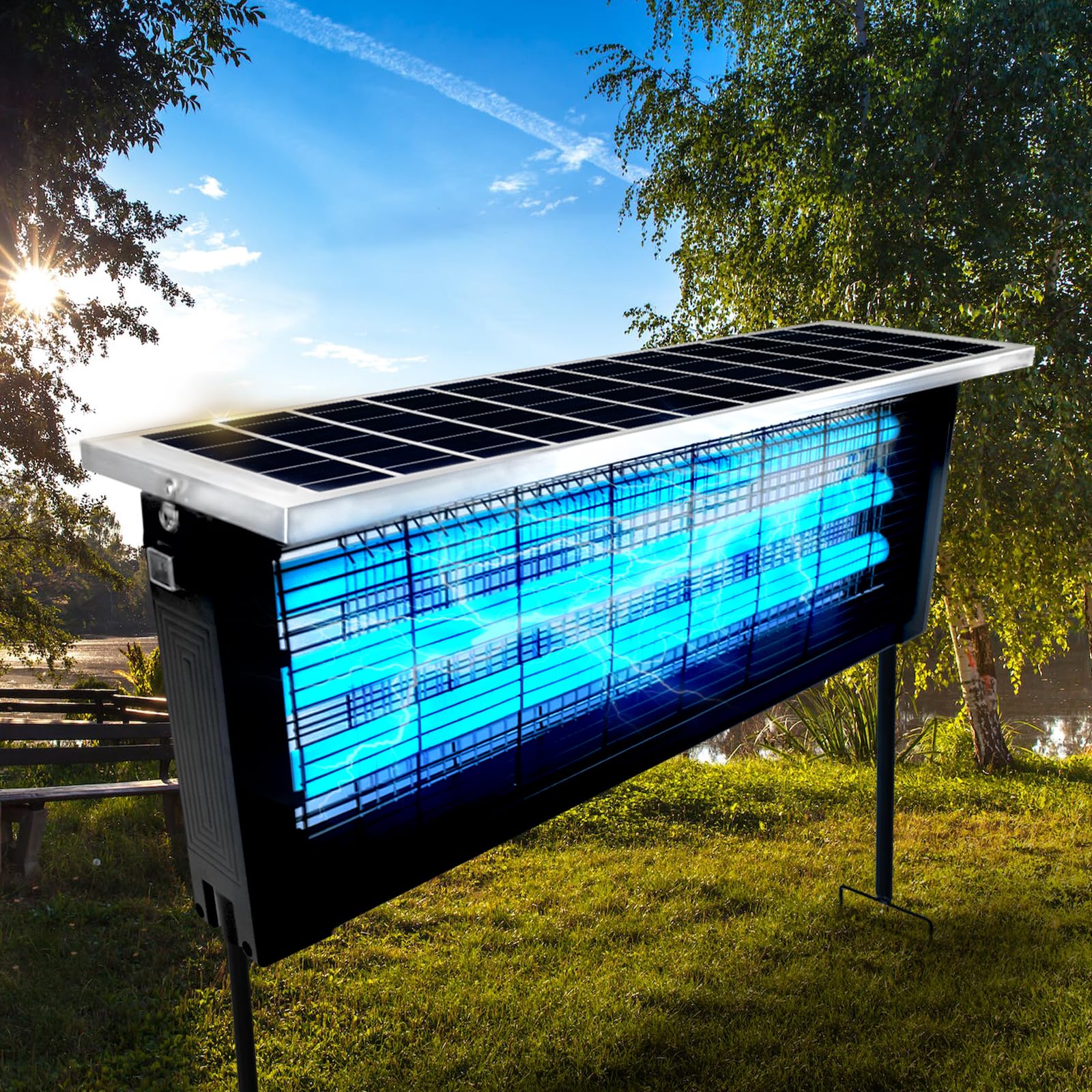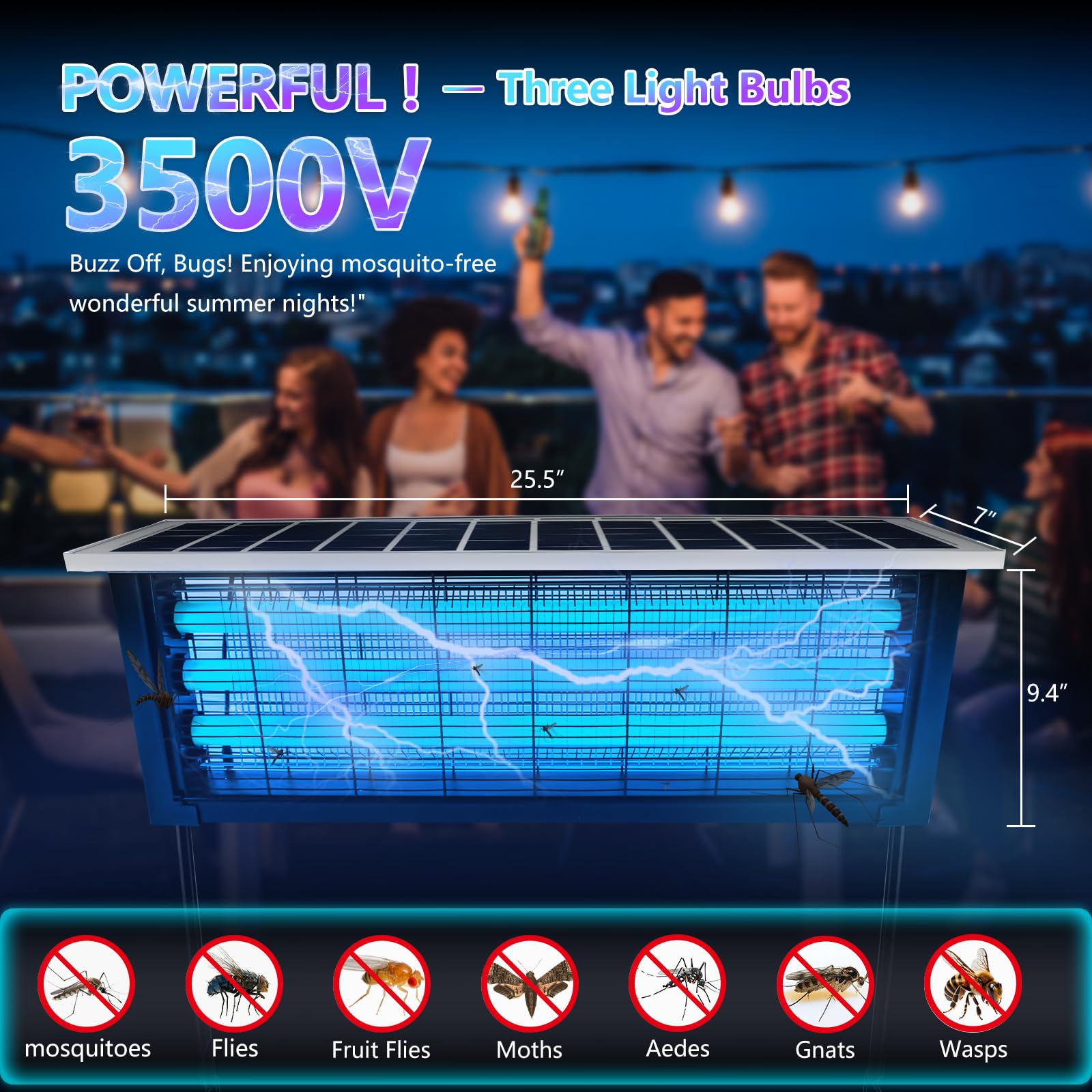

When temperatures rise and evenings stretch longer, mosquitoes inevitably return. For many households, a mosquito killer lamp becomes an essential tool for maintaining comfort without relying on sprays or chemical repellents. These devices are quiet, efficient, and convenient—but only when properly maintained.
Over time, your mosquito killer lamp collects more than just insects. Dust, debris, moisture, and microbial buildup can accumulate inside, reducing its efficiency and even creating hygiene concerns. If you’ve been relying on a quick shake or occasional emptying of the tray, you’re likely missing the deeper cleaning your device truly needs.
This comprehensive step-by-step guide walks you through how to safely disassemble, clean, and sanitize your mosquito killer lamp so it performs at its best all summer long.
Why Deep Cleaning Matters
Before diving into the process, it’s important to understand why regular deep cleaning is essential.
A mosquito killer lamp works by attracting insects using light and airflow, then trapping them in a collection chamber. Over time, the following can build up inside:
- Dead insects and organic residue
- Dust and airborne particles
- Pollen and seasonal allergens
- Moisture from humid air
- Bacteria and mold in enclosed spaces
This buildup can lead to:
- Reduced airflow and suction power
- Dimmed light output
- Blocked intake vents
- Unpleasant odors
- Shortened device lifespan
A thorough cleaning routine restores efficiency, improves hygiene, and ensures consistent performance.
Tools and Supplies You’ll Need
Before starting, gather everything you’ll need to make the process smooth and safe:
- Soft microfiber cloths
- A small soft-bristle brush (like a paintbrush or toothbrush)
- Cotton swabs
- Mild soap or gentle cleaning solution
- 70% isopropyl alcohol (for sanitizing)
- A small bowl of warm water
- A dry towel
- Optional: compressed air can
Having these items ready will help you clean thoroughly without damaging delicate components.
Step 1: Power Down and Unplug
Safety comes first.
- Turn off the mosquito killer lamp
- Unplug it from the power source
- Allow it to cool down if it has been running
Never attempt to clean the device while it is connected to electricity. This reduces the risk of electric shock and protects internal components.
Step 2: Move to a Suitable Cleaning Area
Choose a well-lit, ventilated space where you can comfortably work.
Good options include:
- A kitchen counter
- A workbench
- An outdoor patio
Lay down a towel or paper to catch debris. Cleaning can get messy, especially if the device hasn’t been maintained in a while.
Step 3: Disassemble the Device
Most mosquito killer lamps are designed for easy disassembly. While designs vary, typical removable parts include:
- The outer protective cover
- The collection tray or container
- The fan housing (in some models)
Carefully remove each component according to the manufacturer’s instructions. Avoid forcing any parts—if something doesn’t come off easily, double-check how it’s meant to be removed.
Keep all pieces organized so reassembly is simple later.
Step 4: Empty and Dispose of Debris
Start with the collection tray.
- Gently tap out dead insects into a trash bin
- Use a brush to remove stuck debris
- Avoid shaking too aggressively, as this can spread dust
If the contents have been sitting for a while, you may notice odors or sticky residue—this is normal and will be addressed in the next steps.
Step 5: Dry Cleaning—Remove Loose Dust First
Before introducing any moisture, remove as much dry debris as possible.
Use a soft brush or compressed air to clean:
- Fan blades
- Air intake vents
- Interior corners
- Light housing exterior
This step prevents dust from turning into a muddy residue when wet cleaning begins.
Step 6: Wash Removable Components
For washable parts like the collection tray and outer casing:
- Fill a bowl with warm water and a small amount of mild soap
- Submerge or wipe down the components
- Gently scrub away residue using a soft brush or cloth
Pay special attention to:
- Corners where debris accumulates
- Surfaces with sticky insect residue
- Vent openings that may be partially clogged
Rinse thoroughly with clean water to remove soap residue.
Step 7: Clean Internal Surfaces Carefully
Internal components require more caution.
- Use a slightly damp (not wet) cloth to wipe accessible surfaces
- Clean around the fan housing without applying pressure
- Use cotton swabs for tight spaces
Avoid letting water drip into electrical areas. The goal is to remove grime without introducing moisture where it shouldn’t go.
Step 8: Sanitize Key Areas
Once surfaces are clean, it’s time to sanitize.
Lightly dampen a cloth or cotton swab with 70% isopropyl alcohol and wipe:
- The collection chamber interior
- Surfaces that had insect residue
- High-contact airflow areas
Sanitizing helps eliminate bacteria and reduces odor-causing microbes.
Allow alcohol to evaporate completely—it dries quickly and leaves no residue.
Step 9: Clean the Light Source (With Care)
The light is critical for attracting mosquitoes, so keeping it clean is essential.
- Use a dry or slightly damp microfiber cloth
- Gently wipe the surface of the light cover or bulb shield
- Avoid direct contact with delicate bulbs if exposed
Dust and film on the light can significantly reduce its effectiveness, so this step makes a noticeable difference.
Step 10: Dry Everything Thoroughly
Before reassembling:
- Place all parts on a dry towel
- Allow them to air dry completely
- Ensure no moisture remains in crevices
Even small amounts of trapped moisture can lead to mold or damage over time.
Step 11: Reassemble the Lamp
Once everything is dry:
- Reattach all components in reverse order
- Ensure each piece fits securely
- Double-check that no parts are loose
Proper reassembly ensures safe operation and optimal airflow.
Step 12: Test the Device
Plug the lamp back in and turn it on.
Check for:
- Smooth fan operation
- Normal airflow strength
- Bright, consistent light output
If everything looks and sounds right, your device is ready for use.
How Often Should You Deep Clean?
Cleaning frequency depends on usage and environment.
- High mosquito activity: Weekly cleaning
- Average household use: Every 2–3 weeks
- Low use: Once a month
You may need to clean more often if:
- You have pets
- Your home is dusty
- Humidity levels are high
Signs It’s Time for a Deep Clean
Watch for these indicators:
- Reduced insect capture
- Weak airflow
- Dimmer light
- Visible dust buildup
- Musty or unpleasant smells
If you notice any of these, it’s time to clean—even if it hasn’t been long since your last session.
Pro Tips for Better Performance
Keep It Elevated
Place the lamp slightly above ground level for better airflow and visibility to insects.
Avoid Competing Light Sources
Bright lights nearby can reduce its effectiveness.
Position Strategically
Place it near entry points like windows or doors, but not directly next to people.
Empty the Tray Frequently
Don’t let debris accumulate for too long—it becomes harder to clean later.
Common Mistakes to Avoid
Even with good intentions, certain mistakes can reduce effectiveness or damage your device.
Using Harsh Chemicals
Strong cleaners can damage plastic and internal coatings.
Skipping Drying Time
Reassembling too soon traps moisture inside.
Ignoring Hidden Areas
Dust in vents and fans has a major impact on performance.
Cleaning While Plugged In
Always unplug first—no exceptions.
Creating a Maintenance Routine
Consistency is key.
Set a reminder to:
- Check the collection tray every few days
- Perform light cleaning weekly
- Do a full deep clean regularly
A simple routine keeps your mosquito killer lamp operating like new.
The Payoff: A Truly Bug-Free Summer
A clean mosquito killer lamp doesn’t just look better—it works better. With proper care, you’ll notice:
- More effective insect capture
- Stronger airflow
- Brighter attraction light
- Reduced odors
- Longer device lifespan
Instead of wondering why your lamp isn’t performing, you’ll enjoy consistent, reliable results.
Final Thoughts
Mosquito killer lamps are one of the easiest ways to maintain a comfortable, insect-free environment—but they’re not completely maintenance-free. Hidden dirt, residue, and microbial buildup can quietly reduce performance over time.
By following this step-by-step cleaning and sanitizing guide, you’re not just maintaining your device—you’re optimizing it.
This summer, don’t settle for “good enough.” Take the time to properly disassemble, clean, and sanitize your mosquito killer lamp, and enjoy the full benefits of a truly bug-free space.
Because when your device works at its best, so does your summer.