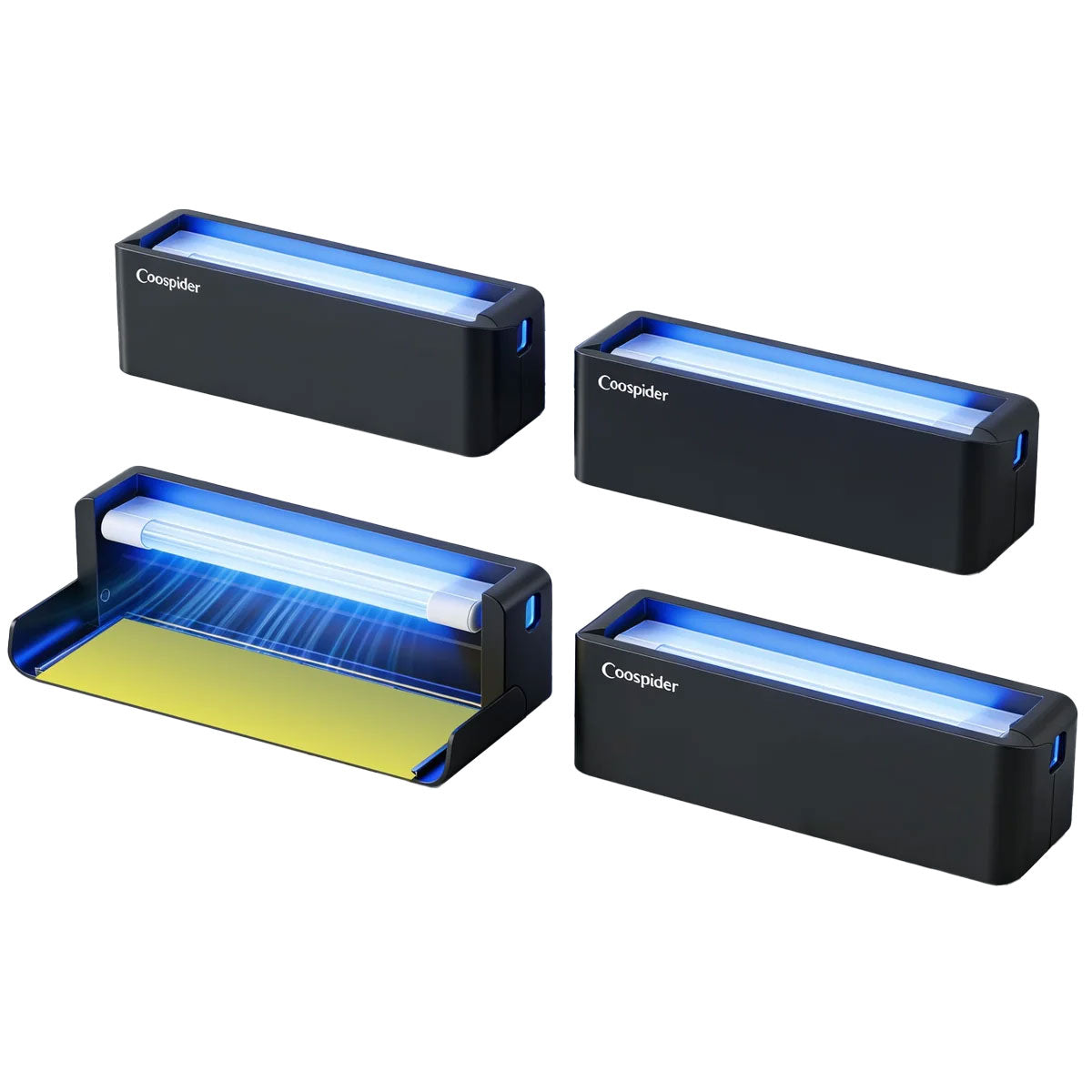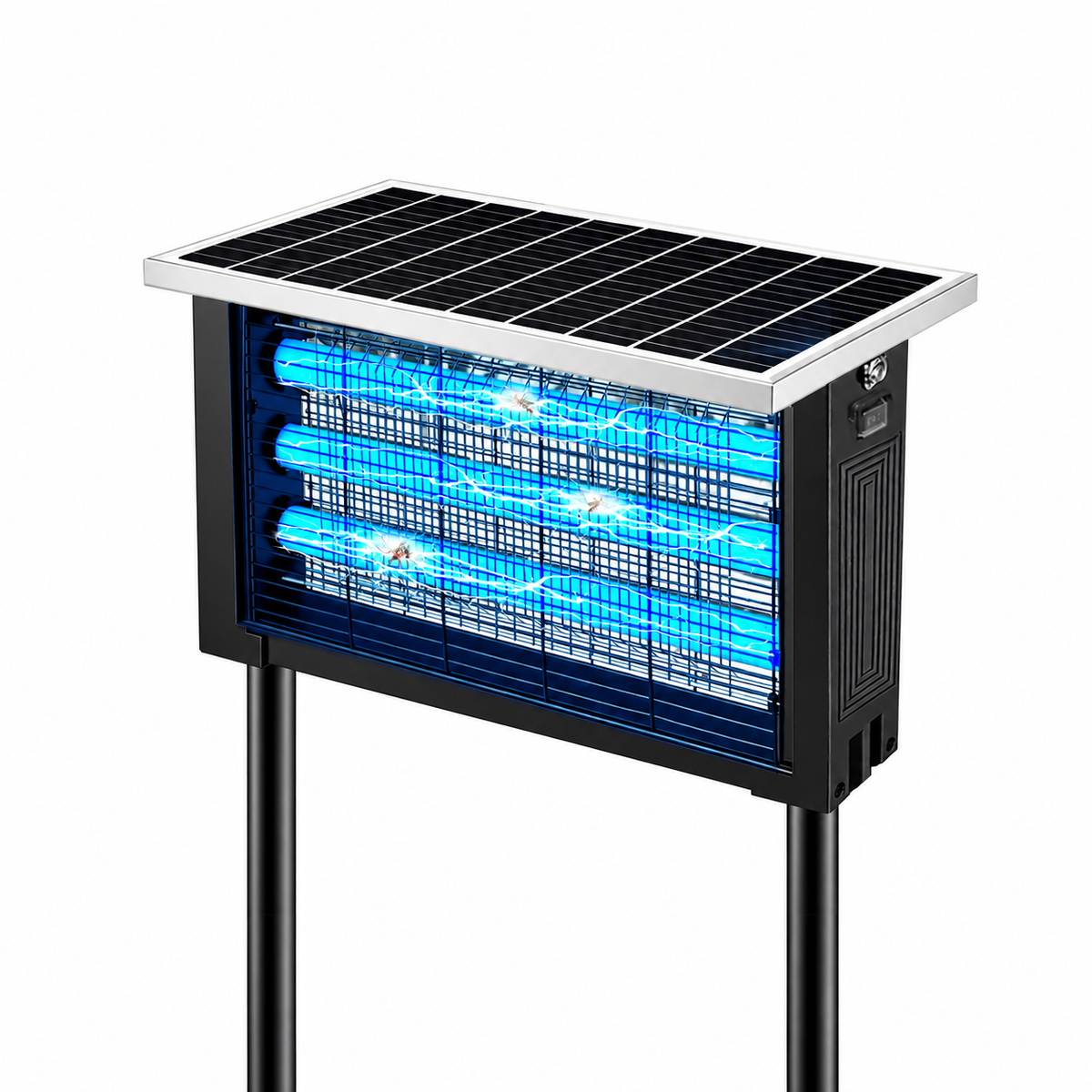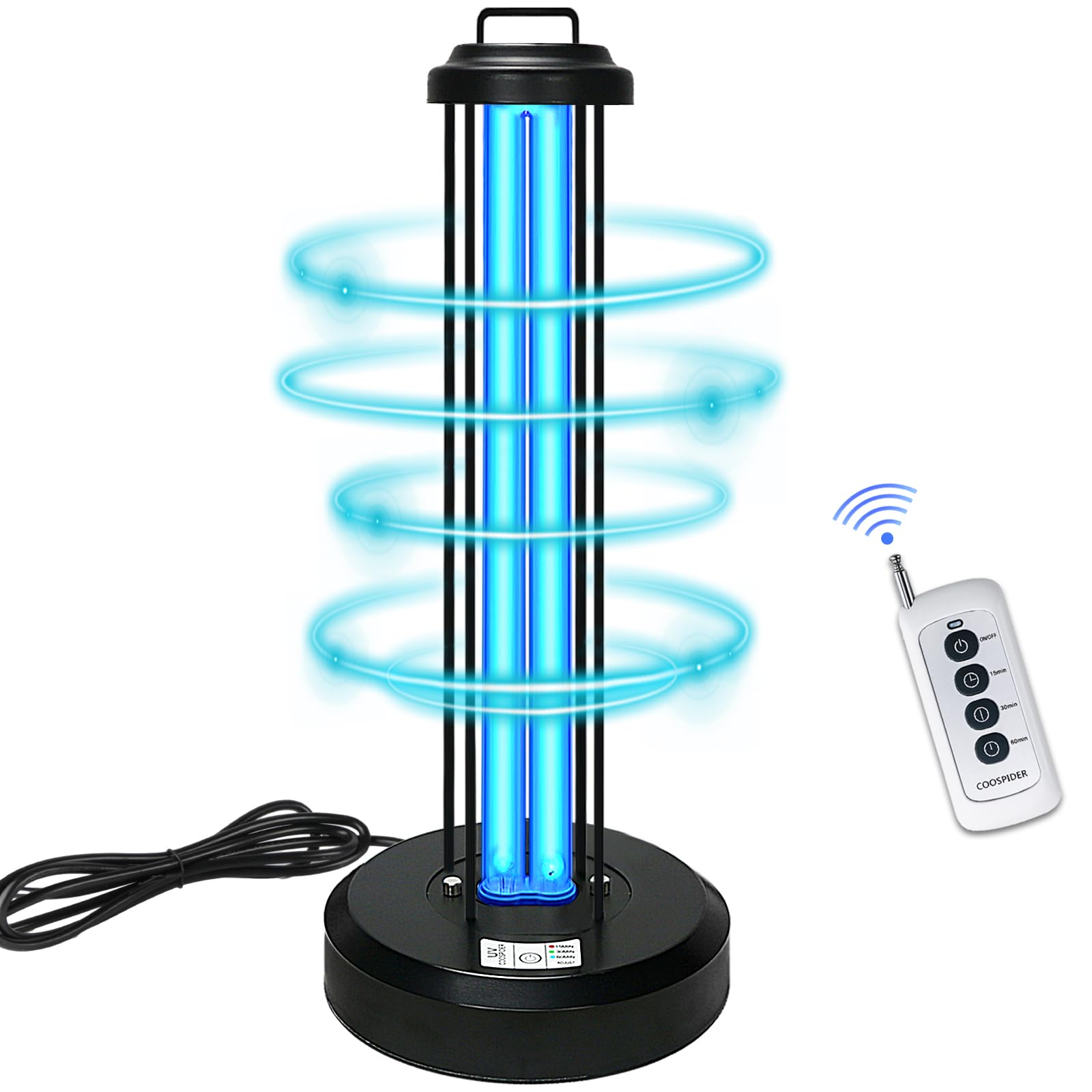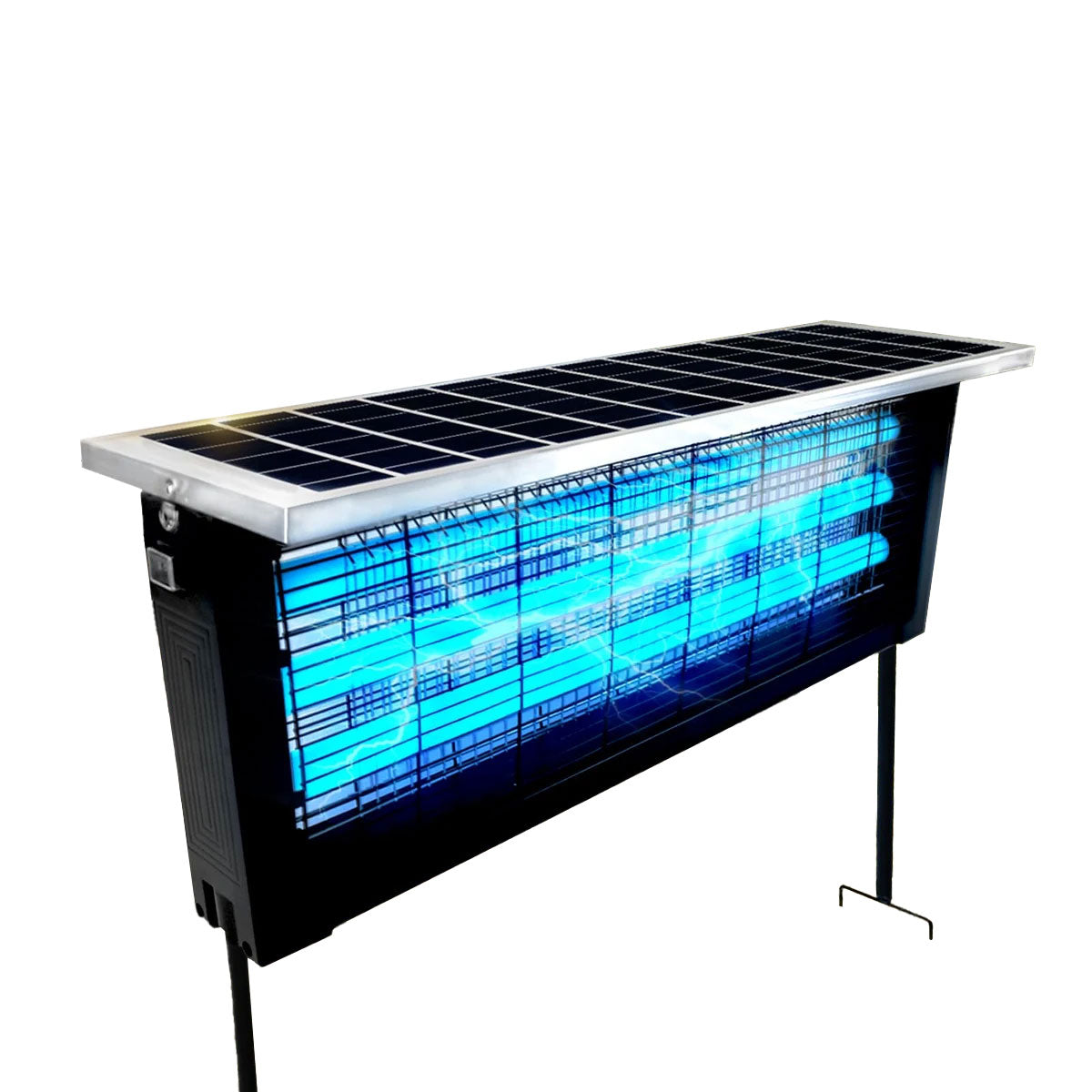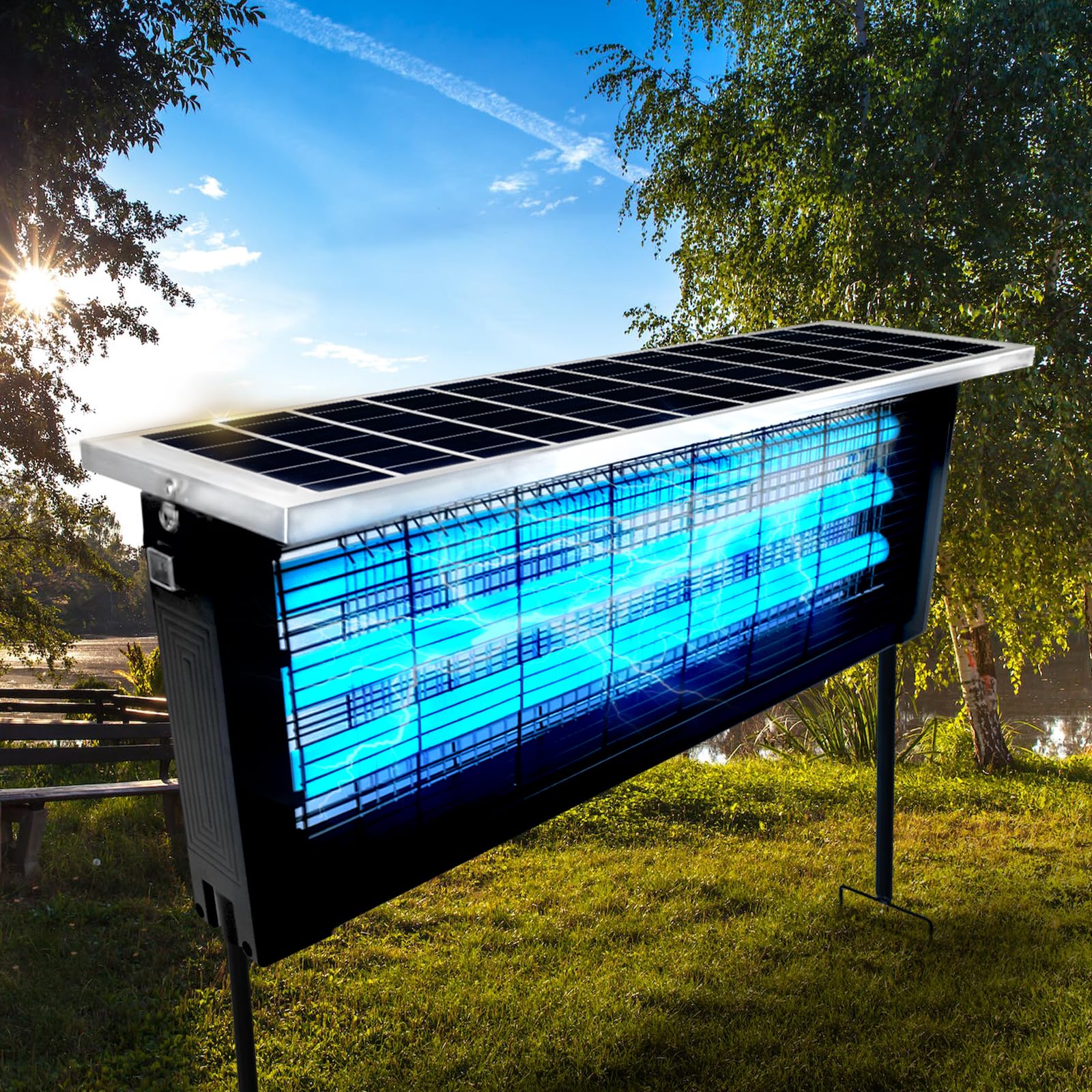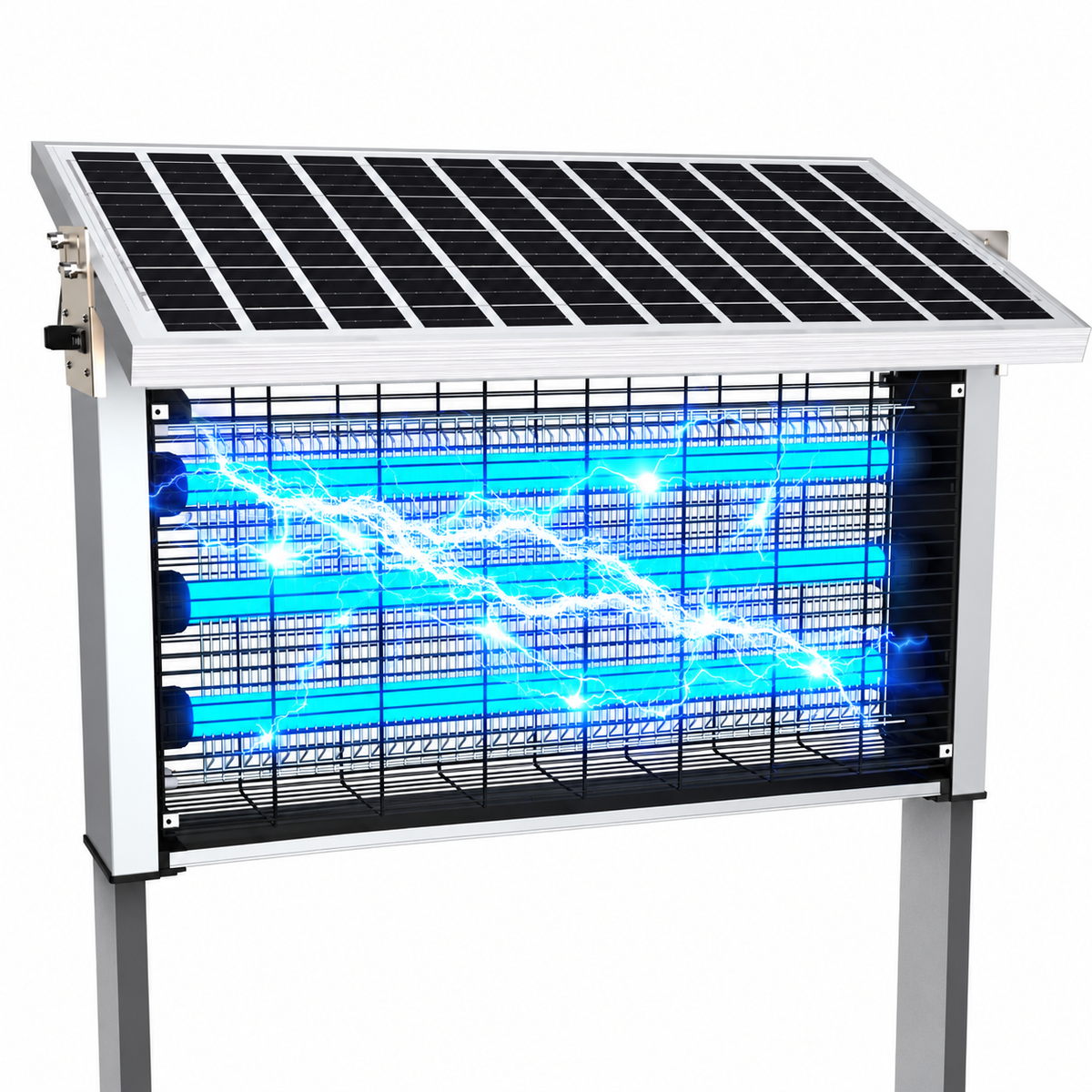

Mosquito killer lamps have become an essential tool for patios, gardens, balconies, and indoor living spaces. These devices quietly attract and eliminate mosquitoes using ultraviolet light, electric grids, or fan-based trapping systems. But like any electronic device exposed to outdoor environments, mosquito lamps eventually fail — and in many cases, the problem lies inside the circuit board.
Instead of immediately replacing the entire unit, repairing the circuit board can often restore full functionality at a fraction of the cost. With basic tools, careful safety practices, and a clear understanding of common faults, many repairs are surprisingly achievable even for beginners.
This comprehensive guide walks through the real-world process of diagnosing, soldering, and replacing electronic components in mosquito killer lamp circuit boards. Whether your lamp stopped lighting, lost power, or no longer attracts insects, this step-by-step resource explains how to troubleshoot and repair it safely and effectively.
Understanding How a Mosquito Killer Lamp Works
Before attempting repairs, it’s important to understand the basic operating principle.
Most mosquito killer lamps contain three primary electronic systems:
-
Power Supply Circuit
Converts household electricity into usable voltage for internal components. -
UV Light Driver
Powers LED or fluorescent ultraviolet light sources that attract mosquitoes. -
Killing Mechanism
Either a high-voltage electric grid or a fan-based suction system.
The circuit board acts as the control center, distributing power and regulating performance across these systems.
When one section fails, the entire device may stop working.
Common Signs of Circuit Board Failure
Not all malfunctions require circuit repair, but certain symptoms strongly indicate electronic issues.
Typical Warning Signs
- Lamp does not turn on at all
- UV light flickers or dims
- Fan stops spinning
- Burning smell from device
- Visible scorch marks
- Buzzing sound without operation
- Device works intermittently
If cleaning and power checks do not resolve these issues, internal components are likely damaged.
Safety First: Essential Precautions
Electronic repairs always involve risk, especially devices using high-voltage mosquito grids.
Before opening the unit:
- Unplug the device completely.
- Wait at least 10–15 minutes for capacitors to discharge.
- Work on a dry, non-conductive surface.
- Wear insulated gloves if possible.
- Avoid touching exposed high-voltage sections.
Even unplugged devices may temporarily store electrical energy.
Never skip safety preparation.
Tools Required for Circuit Board Repair
You don’t need a professional lab setup, but proper tools make repairs easier and safer.
Basic Tool Kit
- Soldering iron (30–60W adjustable preferred)
- Solder wire (lead-free recommended)
- Desoldering pump or wick
- Multimeter
- Precision screwdriver set
- Tweezers
- Flux paste
- Magnifying glass or inspection lamp
Optional but helpful:
- Hot air rework station
- PCB holder clamp
- Anti-static wrist strap
Quality tools reduce accidental board damage.
Opening the Mosquito Lamp Safely
Each model differs slightly, but the general process is similar.
- Remove external screws hidden under rubber feet or labels.
- Carefully separate housing halves.
- Disconnect fan or LED connectors gently.
- Photograph wiring before removal for reference.
Avoid pulling wires directly — connectors should be lifted evenly.
Proper documentation prevents reassembly mistakes later.
Identifying Key Components on the Circuit Board
Understanding basic components helps narrow down faults quickly.
Common Components You’ll See
Capacitors
- Cylindrical components
- Store and smooth electrical energy
Resistors
- Small components with colored bands
- Control current flow
Diodes
- Allow current in one direction
Transistors or MOSFETs
- Control switching functions
Integrated Circuits (ICs)
- Small black chips managing logic
Transformers or Inductors
- Used in voltage conversion
Learning to recognize these parts is the foundation of successful repair.
Step 1: Visual Inspection (The Most Important Step)
Many circuit failures are visible without testing equipment.
Look for:
- Burn marks
- Cracked components
- Bulging capacitors
- Broken solder joints
- Corrosion from moisture
- Loose connectors
Outdoor mosquito lamps often fail due to humidity or insect debris entering the housing.
A careful visual inspection solves a large percentage of cases.
Step 2: Testing with a Multimeter
A multimeter helps confirm whether components are functioning.
Check Power Input
Set multimeter to continuity or voltage mode.
Verify:
- Power reaches the board
- Switch connections work
- Fuse continuity exists
If no input power is detected, the issue may be external rather than internal.
Testing Capacitors
Signs of bad capacitors include:
- Bulging tops
- Leakage
- Incorrect capacitance readings
Failed capacitors commonly cause flickering lights or startup failure.
Testing Diodes
Use diode testing mode.
A good diode shows voltage drop in one direction and blocks current in reverse.
If readings are identical both ways, replacement is required.
Step 3: Desoldering Faulty Components
Once a defective part is identified, removal begins.
Proper Desoldering Technique
- Heat solder joint with iron tip.
- Apply desoldering pump or wick.
- Remove molten solder gently.
- Pull component out carefully.
Avoid excessive heat exposure, which can lift PCB traces.
Patience is critical here.
Step 4: Preparing for Soldering
Clean surfaces ensure strong electrical connections.
Before installing replacement parts:
- Clean pads using isopropyl alcohol.
- Apply small amount of flux.
- Ensure holes are fully open.
Flux improves solder flow and prevents cold joints.
Step 5: Installing Replacement Components
Correct orientation matters.
Key Rules
- Match polarity markings for capacitors and diodes.
- Align IC pins carefully.
- Ensure components sit flush with board.
Insert leads through holes and slightly bend them to hold parts in place before soldering.
Step 6: Proper Soldering Technique
Good solder joints look smooth and shiny.
Soldering Process
- Heat pad and component lead simultaneously.
- Apply solder (not directly to iron tip).
- Allow solder to flow naturally.
- Remove iron after 1–2 seconds.
- Let joint cool undisturbed.
Avoid excessive solder, which may cause short circuits.
Recognizing Good vs. Bad Solder Joints
Good Joint
- Smooth cone shape
- Shiny surface
- Fully covers pad
Bad Joint
- Dull or grainy appearance
- Ball-shaped solder
- Cracks or gaps
Cold solder joints are a common cause of repair failure.
Step 7: Inspecting Your Work
After soldering:
- Check for solder bridges between pins.
- Confirm polarity again.
- Inspect under magnification.
A quick inspection prevents powering a faulty board.
Step 8: Safe Power Testing
Before full reassembly:
- Place board on insulated surface.
- Reconnect essential wiring only.
- Power device briefly.
- Observe behavior carefully.
Watch for:
- Smoke
- Sparks
- Overheating components
If everything works normally, proceed to reassembly.
Most Frequently Replaced Components in Mosquito Lamps
Based on repair experience, the most common failures include:
Electrolytic Capacitors
Heat and voltage stress degrade them over time.
Rectifier Diodes
Power surges often damage these components.
Switching Transistors
Responsible for UV driver or fan control.
Resistors Near Power Input
May burn during electrical spikes.
Keeping spare parts available speeds future repairs.
Preventing Future Circuit Board Failures
Maintenance reduces repeat issues.
Preventive Tips
- Keep lamp dry and covered outdoors.
- Clean insect debris regularly.
- Avoid unstable power outlets.
- Use surge protectors.
- Ensure ventilation openings remain clear.
Electronics last significantly longer with basic care.
When Repair Is Not Worth It
Sometimes replacement is more practical.
Consider replacing the unit if:
- PCB traces are heavily burned.
- Multiple IC chips failed.
- Transformer damage exists.
- Severe water corrosion covers board.
Extensive damage often exceeds repair effort.
Beginner Mistakes to Avoid
Many first-time repairs fail due to simple errors.
Avoid:
- Using overly hot soldering irons
- Pulling components before solder melts
- Mixing component polarity
- Skipping flux
- Testing without inspection
Slow, careful work produces better results than rushing.
Environmental Benefits of Repairing Instead of Replacing
Repairing electronics helps reduce waste.
Benefits include:
- Lower electronic waste generation
- Reduced resource consumption
- Cost savings
- Extended product lifecycle
DIY repair supports more sustainable consumption habits.
Building Confidence Through Small Repairs
Mosquito lamp circuit boards are excellent beginner projects because:
- Circuits are relatively simple
- Components are inexpensive
- Failures are often localized
Successful repair builds practical electronics skills transferable to many devices.
Final Thoughts
A malfunctioning mosquito killer lamp does not automatically mean it belongs in the trash. In many cases, a single faulty capacitor, diode, or solder joint is responsible for the entire failure.
By understanding circuit basics, using proper soldering techniques, and following safe diagnostic procedures, anyone with patience and attention to detail can restore a broken device to working condition.
Learning to repair circuit boards is not only cost-effective but also empowering. Each successful repair deepens your understanding of electronics and reduces reliance on disposable products.
With the right tools, careful observation, and steady hands, your mosquito lamp can return to illuminating nights — quietly protecting your outdoor space once again.