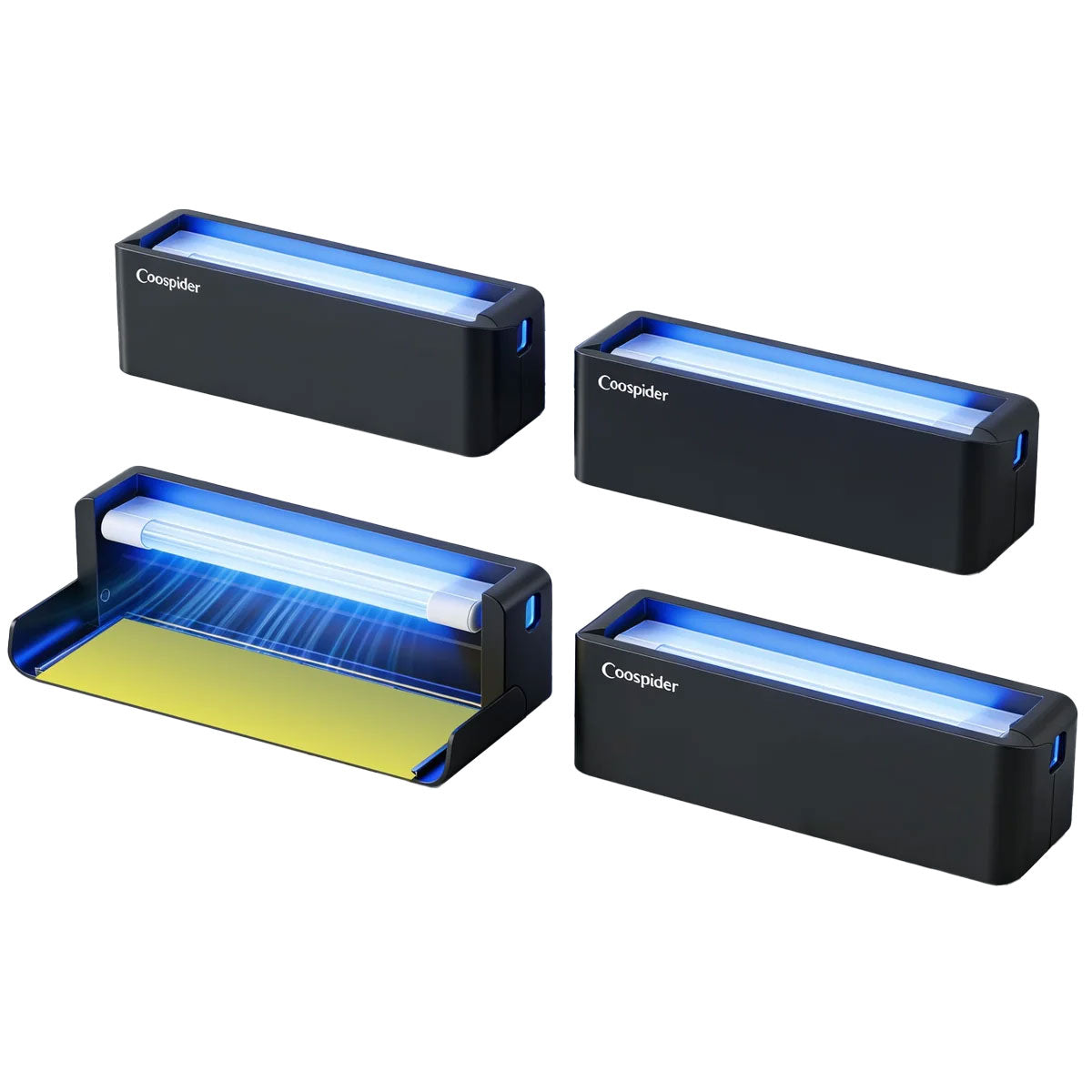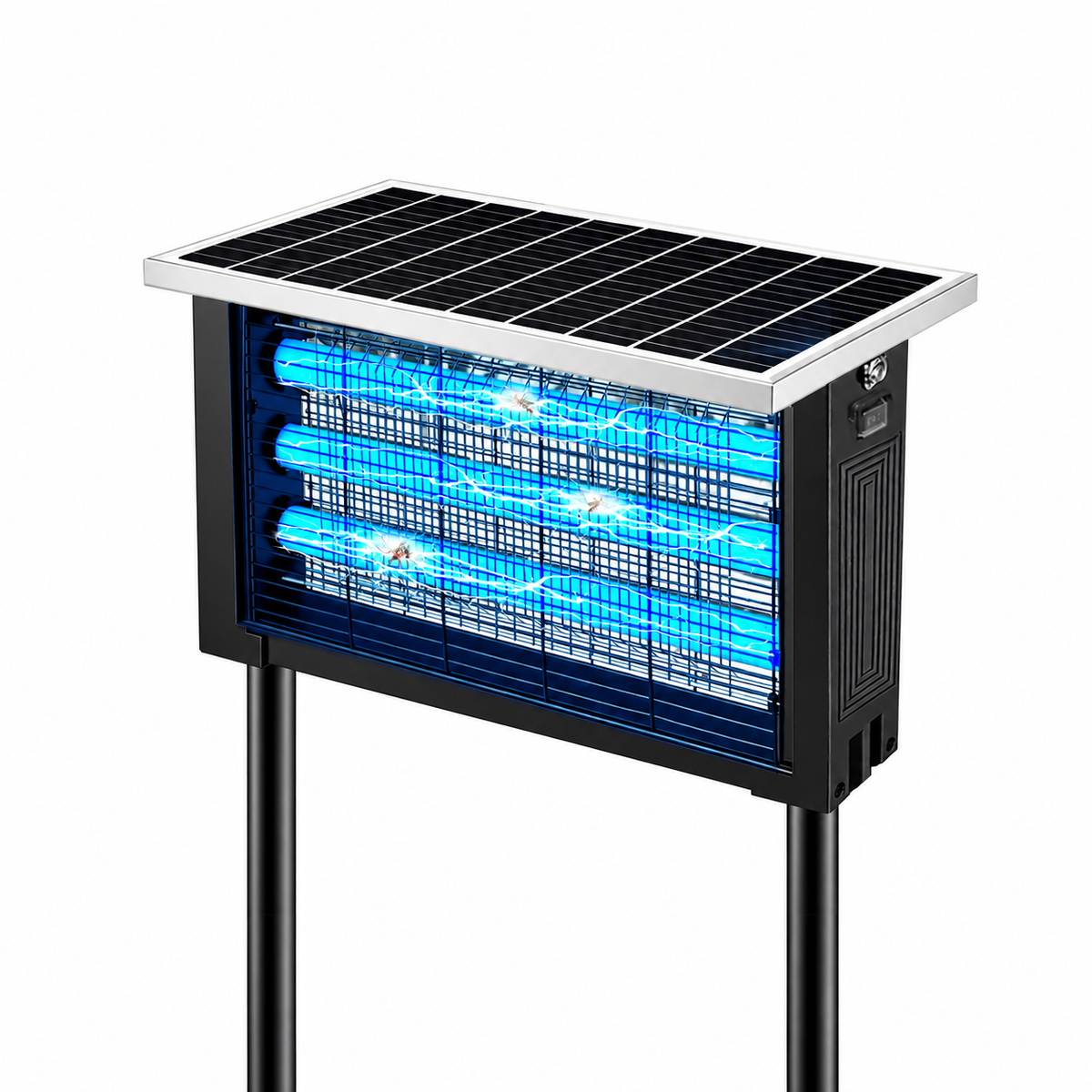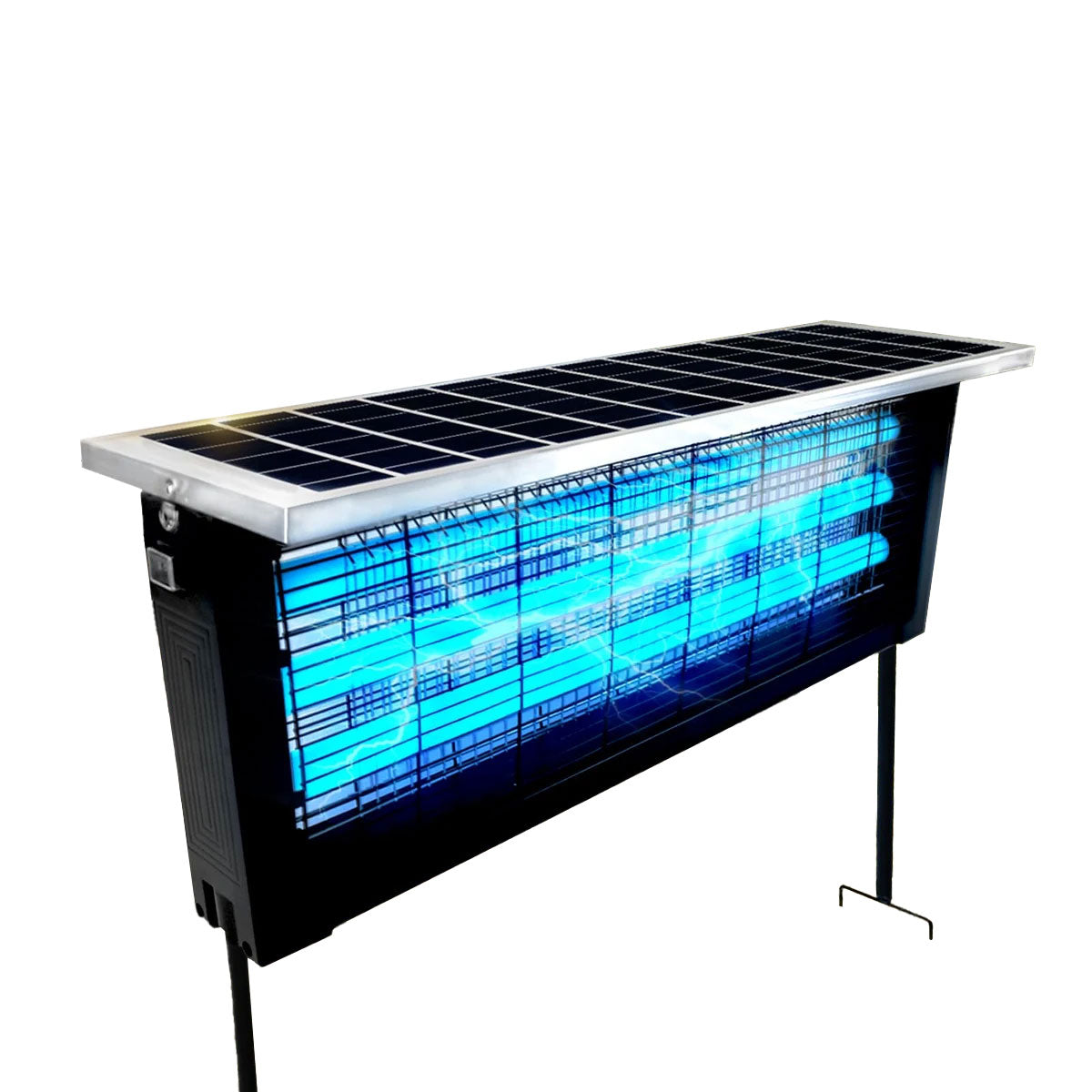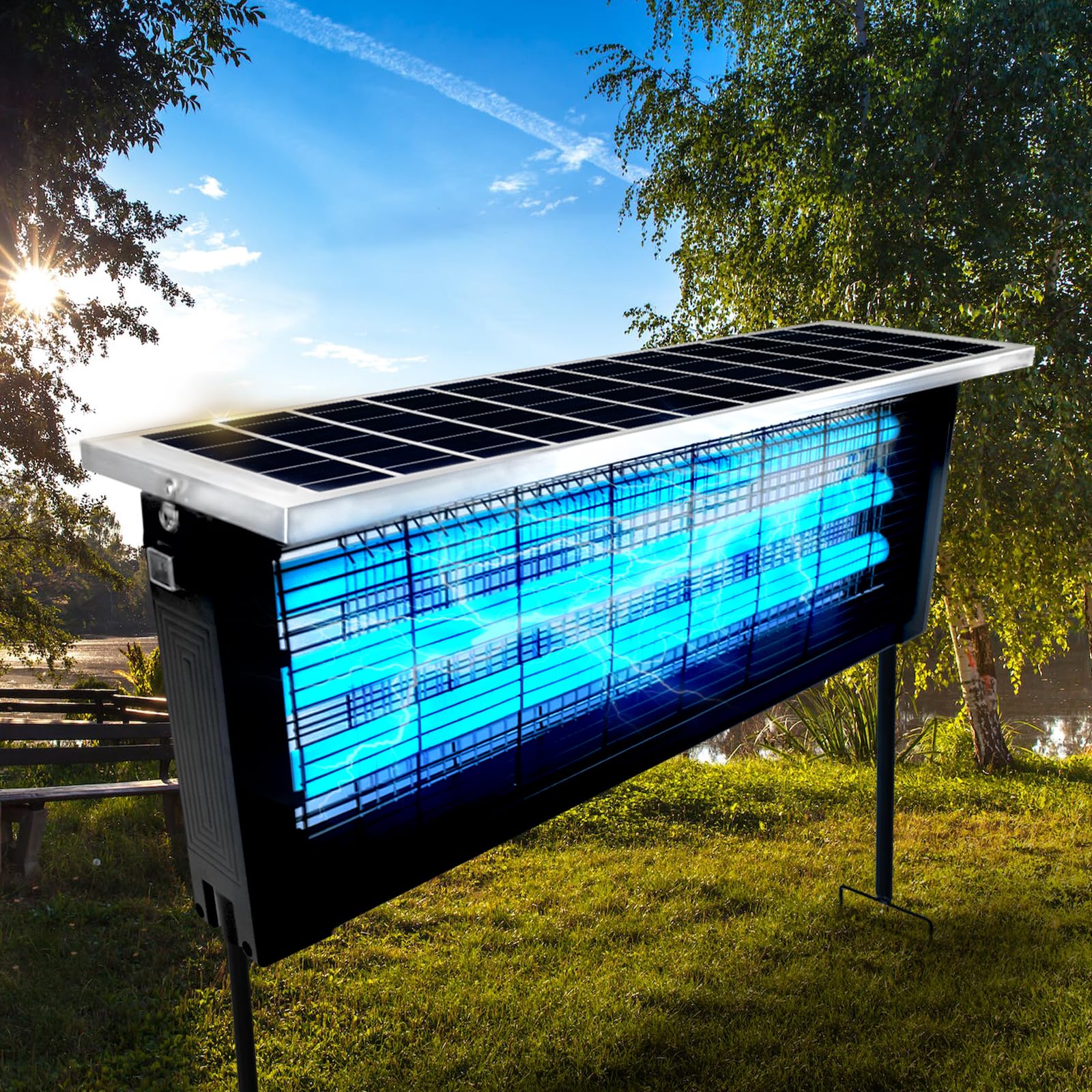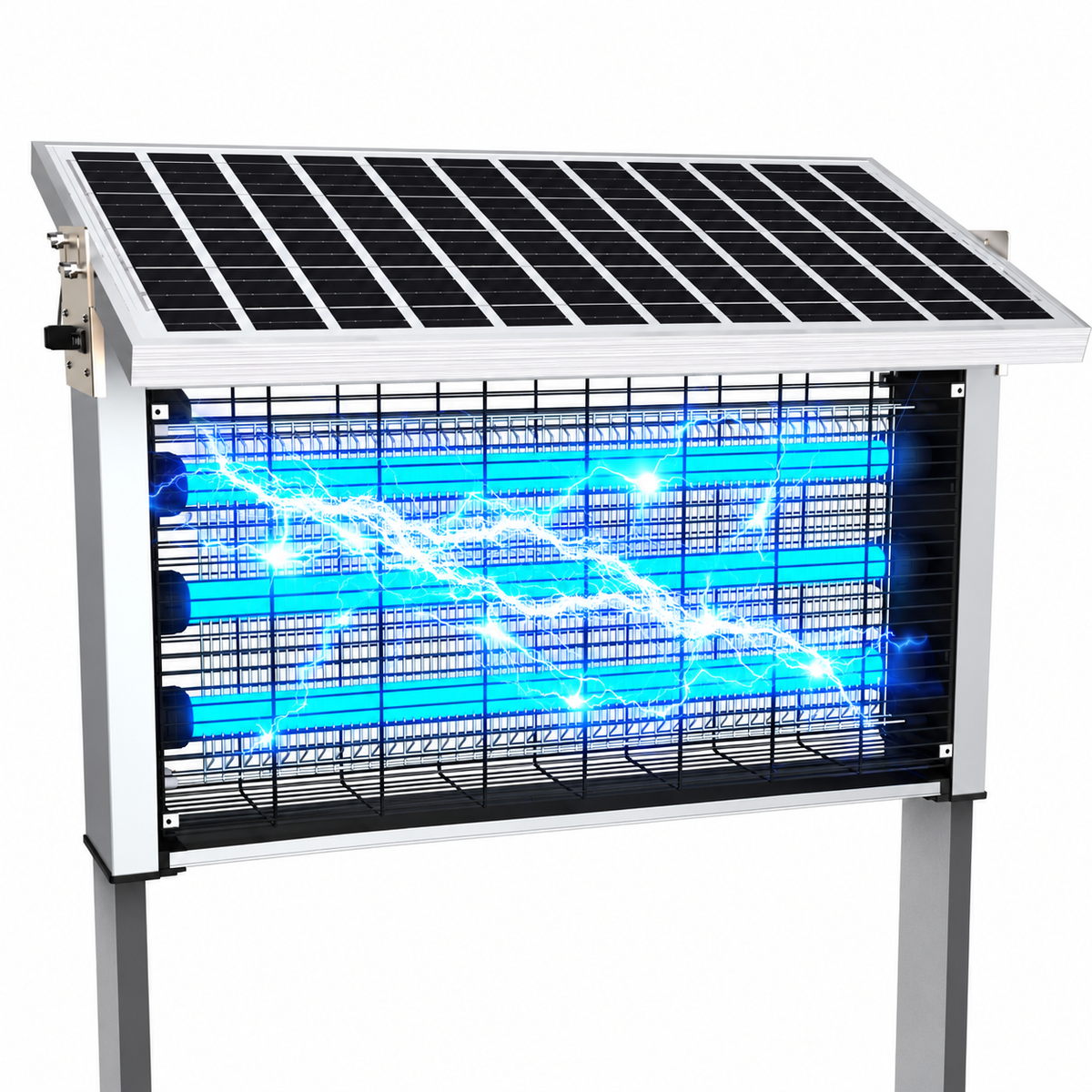

Mosquito lamps have become one of the most convenient and chemical-free ways to keep bugs away from homes, patios, bedrooms, and offices. Unlike sprays or coils, these devices work quietly in the background, attracting insects with light and trapping them using airflow generated by an internal fan.
But one day, you turn on your mosquito lamp — the light works perfectly — and suddenly you notice something is wrong.
The fan isn’t spinning.
Without the fan, the mosquito lamp loses most of its effectiveness. Bugs may still be attracted to the light, but they won’t be pulled into the trap chamber. The device becomes little more than a decorative night light.
The good news? In most cases, a non-spinning fan is not a serious failure. You often don’t need replacement parts, technical skills, or professional repair. Many problems can be diagnosed and fixed in just a few minutes.
This guide walks you through a practical, beginner-friendly process to diagnose and repair a mosquito lamp fan that stopped working — safely and quickly.
How a Mosquito Lamp Fan Actually Works
Before fixing anything, it helps to understand what’s happening inside the device.
A typical mosquito lamp includes four main components:
- UV or LED light source – attracts mosquitoes and flying insects.
- Fan motor – creates downward airflow.
- Power control circuit – regulates electricity.
- Collection chamber – traps insects after suction.
The fan is the heart of the trapping mechanism. When spinning, it creates negative air pressure that pulls insects into the container, where dehydration prevents escape.
If the fan stops, one of three things is usually responsible:
- Power delivery issue
- Mechanical obstruction
- Motor wear or electrical fault
Fortunately, most failures fall into the first two categories — which are easy to fix.
Safety First: What to Do Before Repairing
Never skip this step.
Even small household electronics can cause injury if handled incorrectly.
Before opening or touching anything:
- Unplug the mosquito lamp completely.
- If battery powered, remove the battery.
- Wait at least 60 seconds for capacitors to discharge.
- Work on a dry, flat surface.
- Avoid wet hands.
You do not need specialized tools. Usually, a small screwdriver, cotton swab, and soft brush are enough.
The 3-Minute Diagnosis Method
Instead of randomly taking the lamp apart, follow this structured check. Each step takes less than a minute.
Minute 1: Listen Carefully
Plug the lamp back in briefly and observe:
- Is the light turning on?
- Do you hear a humming sound?
- Does the fan twitch slightly?
These clues reveal a lot:
| Symptom | Likely Cause |
|---|---|
| No light, no fan | Power issue |
| Light on, silent fan | Motor not receiving power |
| Light on, humming | Fan blocked |
| Fan moves slightly | Dirt or bearing friction |
Unplug again before continuing.
Minute 2: Check for Physical Blockage
This is the most common reason fans stop spinning.
Mosquito lamps constantly pull in:
- Dust
- Hair
- Dead insects
- Pet fur
- Sticky residue
Over time, debris wraps around the fan shaft.
Quick Fix
- Remove the bottom collection tray.
- Shine a flashlight inside.
- Rotate the fan gently with a finger or cotton swab.
If it feels stiff or stuck, you’ve found the problem.
Clean using:
- Soft brush
- Compressed air
- Dry cotton swab
Avoid water unless the manufacturer allows washing.
Reassemble and test.
Many users discover the fan instantly works again.
Minute 3: Inspect the Power Connection
If cleaning didn’t help, the next suspect is power delivery.
Check:
- USB cable damage
- Loose DC connector
- Bent charging port
- Weak adapter output
Try:
- A different USB cable
- Another wall adapter
- Plugging into a computer USB port
Low voltage often powers the light but not the motor, since motors require higher startup current.
Why the Fan Stops Spinning in the First Place
Understanding root causes helps prevent repeat failures.
1. Dust Accumulation
Continuous airflow turns the lamp into a mini vacuum cleaner.
Fine particles build up on:
- Fan blades
- Motor bearings
- Air vents
After months of use, resistance increases until the motor can’t start.
2. Oil and Residue from Insects
Mosquito bodies release moisture and oils. Combined with dust, this creates sticky buildup.
This residue acts like glue around the rotating shaft.
3. Voltage Drop
Cheap or aging adapters deliver unstable voltage.
Symptoms include:
- Fan starts slowly
- Fan stops randomly
- Buzzing noise
Switching to a higher-quality adapter often solves the issue instantly.
4. Worn Motor Bearings
After thousands of operating hours, internal bearings dry out.
Signs include:
- Grinding noise
- Slow spinning
- Stops after a few seconds
This is still repairable in many cases.
Advanced 3-Minute Fixes (Still Beginner Friendly)
If basic cleaning didn’t work, try these simple upgrades.
Add a Drop of Lubrication
A dry bearing creates friction.
Use:
- Sewing machine oil
- Electric motor oil
Do NOT use:
- Cooking oil
- WD-40 (temporary solution only)
Steps:
- Locate motor shaft.
- Apply one tiny drop.
- Rotate fan manually several times.
Too much oil attracts dust, so less is better.
Reset the Internal Protection Circuit
Some mosquito lamps include overload protection.
To reset:
- Unplug device.
- Hold power button for 10 seconds.
- Leave unplugged for 5 minutes.
- Restart.
This clears minor electrical lockups.
Tighten the Fan Hub
Sometimes the fan blade loosens from the motor shaft.
Symptoms:
- Motor spins but airflow weak.
- Fan wobbles.
Gently press blade inward to reseat it.
When the Motor Is Actually Broken
True motor failure is less common but possible.
Signs include:
- Burnt smell
- No movement even when pushed
- Visible wire damage
Replacement motors are inexpensive and widely available online.
Typical specs:
- DC 5V or 12V brush motor
- 3000–6000 RPM
- Small cooling fan size
Replacing one usually takes under 10 minutes.
Preventing the Problem from Returning
A little maintenance dramatically extends lifespan.
Weekly (30 seconds)
- Empty collection tray.
- Tap out dust.
Monthly (2 minutes)
- Brush intake vents.
- Inspect fan movement.
Every 3 Months
- Deep clean interior.
- Check cable condition.
Consistency prevents 90% of fan failures.
Ideal Placement for Longer Fan Life
Location matters more than most people realize.
Avoid placing mosquito lamps:
- Near kitchens (grease buildup)
- On carpets (dust intake)
- Next to curtains
- In humid bathrooms
Best placement:
- Elevated surface
- Open airflow area
- Away from strong wind
Good airflow reduces strain on the motor.
Common Mistakes People Make During Repair
Learning what not to do is just as important.
Using Water Inside the Device
Moisture damages circuits and causes corrosion.
Always dry clean unless parts are removable and washable.
Forcing the Fan to Spin
If resistance exists, forcing rotation can bend the shaft.
Always clean first.
Using High-Voltage Adapters
Higher voltage does not mean better performance.
It may permanently damage electronics.
Match original voltage rating.
Ignoring Early Warning Signs
Slow startup and unusual noise are early indicators.
Fixing issues early prevents total failure.
Should You Repair or Replace?
Consider replacement if:
- Motor coils are burned.
- Plastic housing melted.
- Repair cost exceeds half of new unit price.
Otherwise, repair is almost always worthwhile.
Most mosquito lamps are mechanically simple and designed for long use.
Frequently Asked Questions
Why does the light work but the fan doesn’t?
The lighting circuit consumes less power. A weak adapter can run the light while failing to start the motor.
Can I run the lamp without the fan?
Technically yes, but trapping efficiency drops dramatically.
How long should a mosquito lamp fan last?
Typically 5,000–20,000 operating hours depending on maintenance and environment.
Is fan noise normal after cleaning?
Slight noise may occur temporarily while lubrication distributes.
Can dust really stop a motor?
Yes. Even thin debris layers increase friction enough to prevent startup.
The 3-Minute Repair Checklist (Quick Summary)
If your mosquito lamp fan stops spinning:
- Unplug device.
- Check for debris blockage.
- Clean fan blades and vents.
- Test with another power adapter.
- Add a tiny drop of lubricant.
- Reset power circuit.
In most cases, the fan will start working again immediately.
Why Quick Repairs Matter
A malfunctioning mosquito lamp doesn’t just reduce comfort — it changes indoor insect control effectiveness. Mosquitoes reproduce quickly, and even short interruptions in trapping can increase populations indoors.
Fixing the fan early ensures:
- Continuous insect control
- Lower replacement costs
- Longer device lifespan
- Better indoor comfort
And perhaps most importantly, you avoid throwing away a device that only needed a few minutes of care.
Final Thoughts
When a mosquito lamp fan stops spinning, it may feel like the device has reached the end of its life. In reality, most failures come from simple causes: dust buildup, minor power issues, or dry motor bearings.
With a calm approach and a few minutes of attention, you can restore performance without specialized tools or technical knowledge.
Think of your mosquito lamp like any airflow appliance — a small system that benefits from occasional cleaning and inspection. A little preventive care keeps it running quietly night after night, protecting your living space without chemicals or noise.
Next time the fan stops, don’t rush to replace the lamp.
Give it three minutes first.
You might be surprised how quickly it comes back to life.