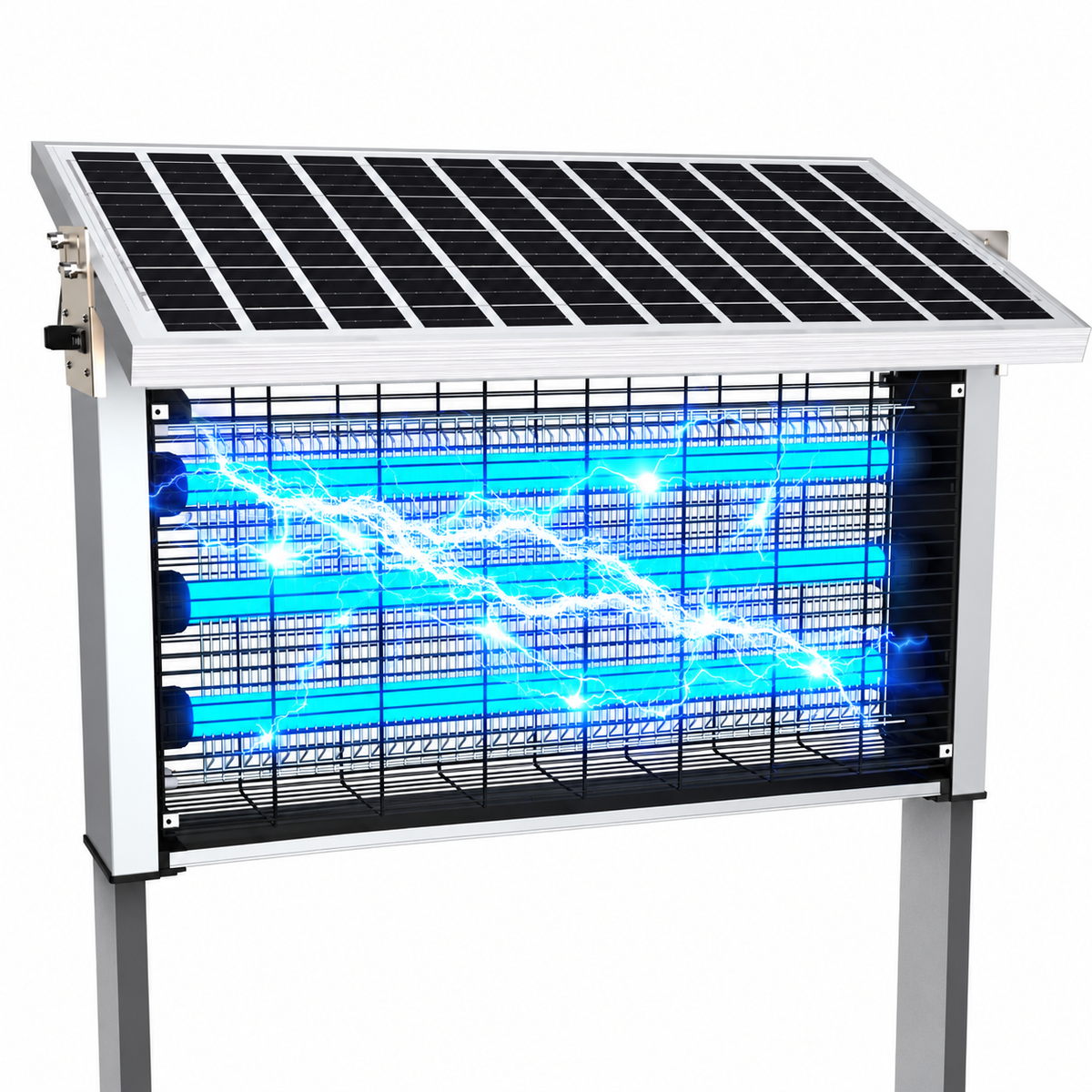
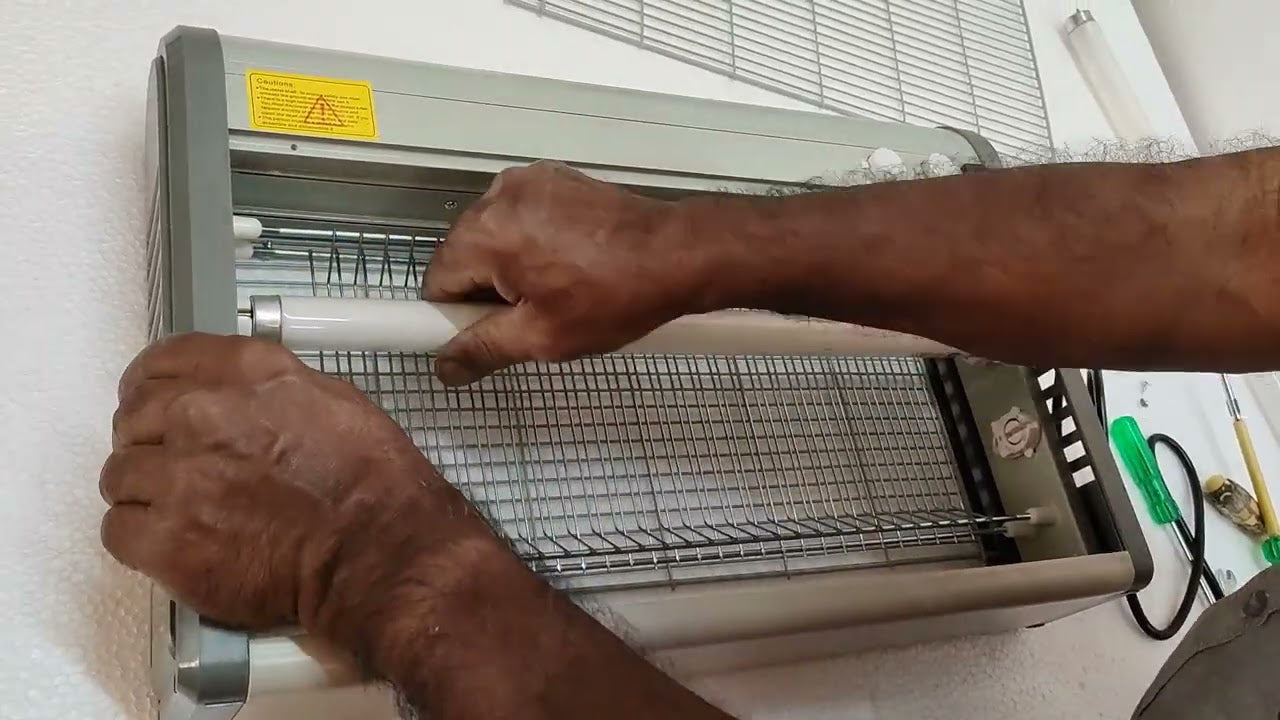
Introduction: When Your Mosquito Lamp Suddenly Stops Working
You plug in your mosquito lamp expecting quiet, reliable protection — but nothing happens. No glow, no fan sound, no buzzing light. Just silence.
For many households, a non-working mosquito lamp becomes an urgent problem, especially during warm seasons when mosquitoes quickly return indoors. The immediate reaction is often frustration or the assumption that the device has completely failed.
But here’s the good news: most mosquito lamp issues are not permanent failures.
In fact, many problems can be identified and solved within minutes using simple troubleshooting steps — no technical background required.
This guide walks you through five systematic diagnostic steps used by technicians and product engineers to determine why a mosquito lamp stops working. By understanding how these devices operate and where failures commonly occur, you can restore functionality quickly and avoid unnecessary replacements.
Understanding How a Mosquito Lamp Works
Before troubleshooting, it helps to understand the basic components inside a typical mosquito lamp.
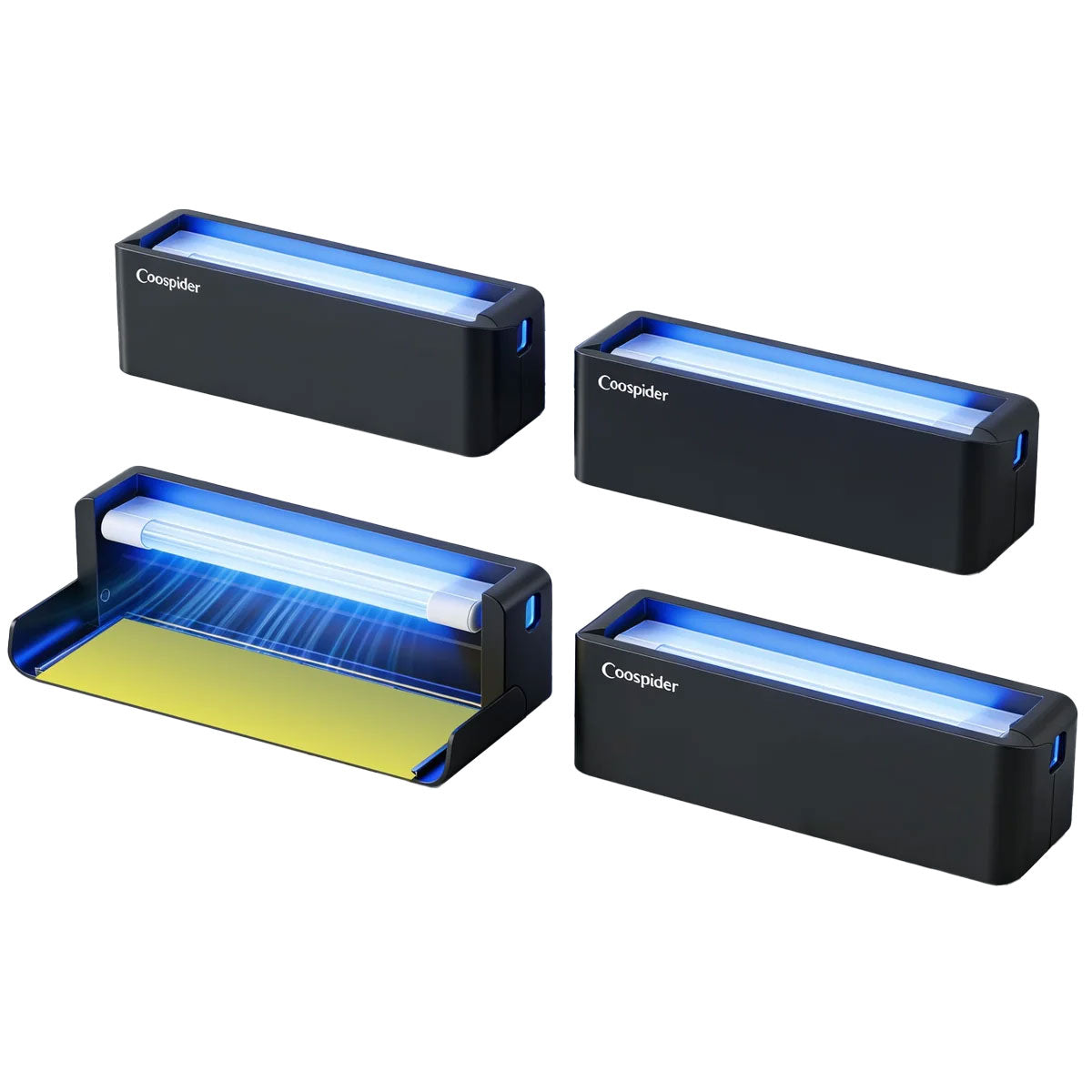
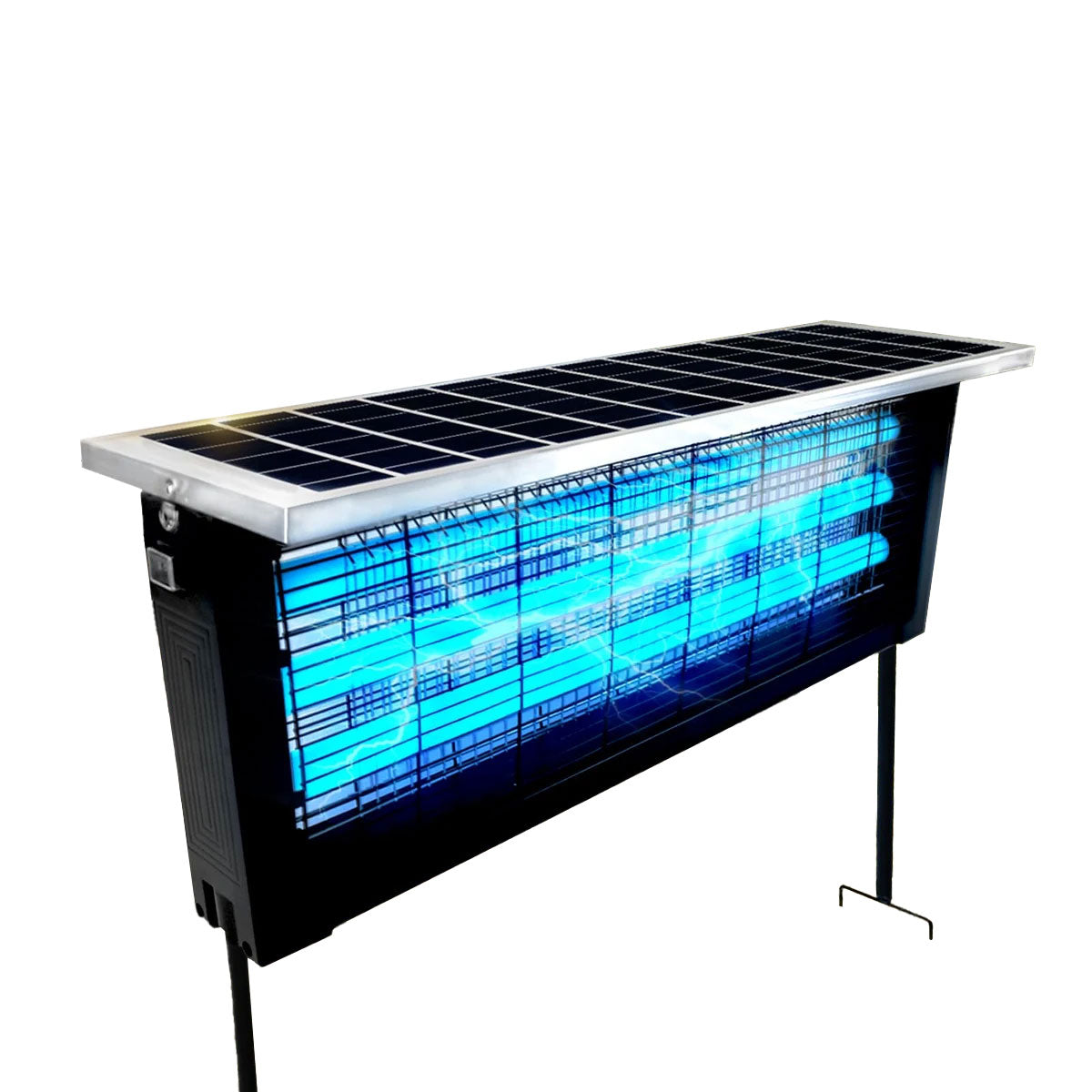
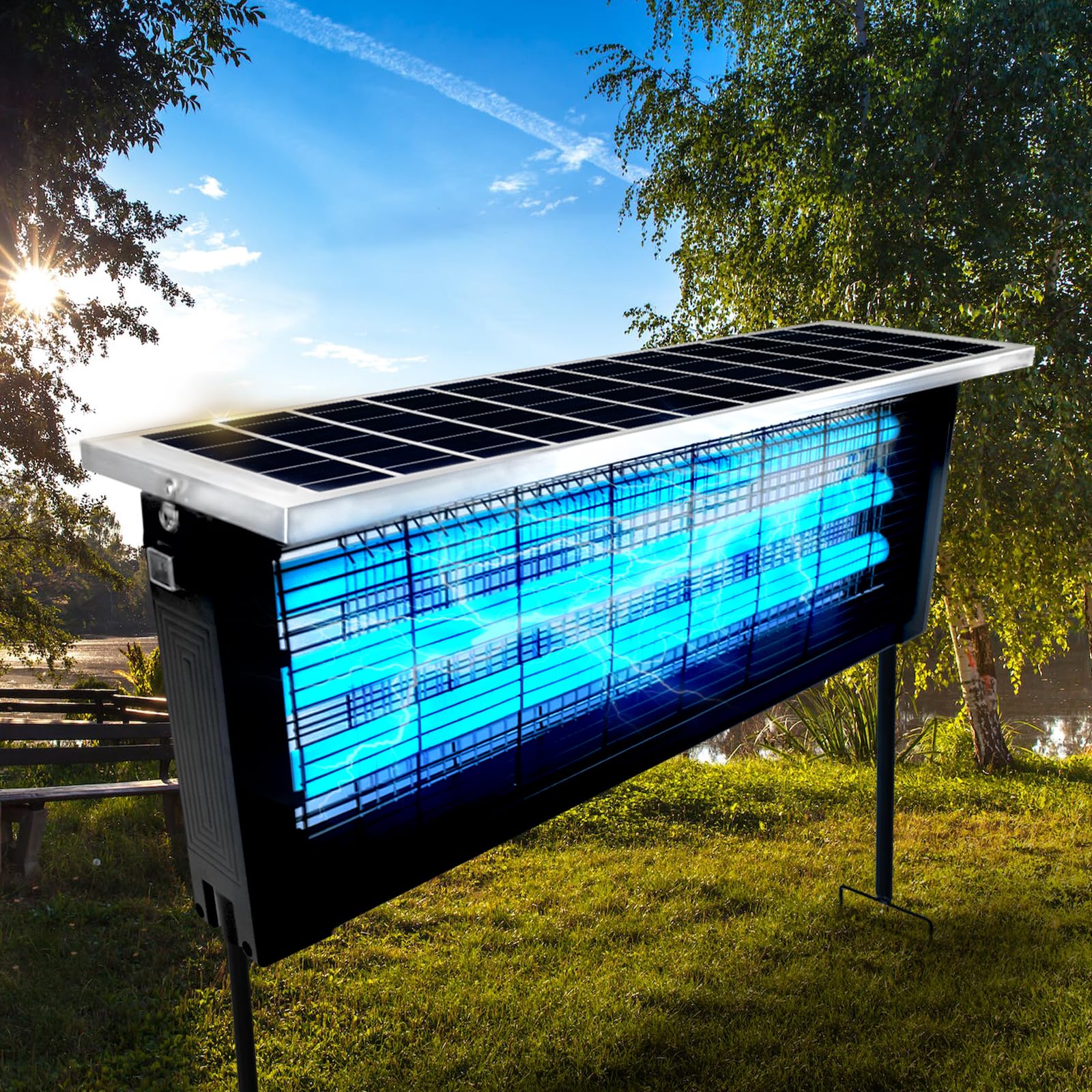
Although designs vary, most modern mosquito lamps include:
- A power supply system
- UV or LED attraction light
- Internal fan or electric grid
- Control circuitry
- Airflow or capture chamber
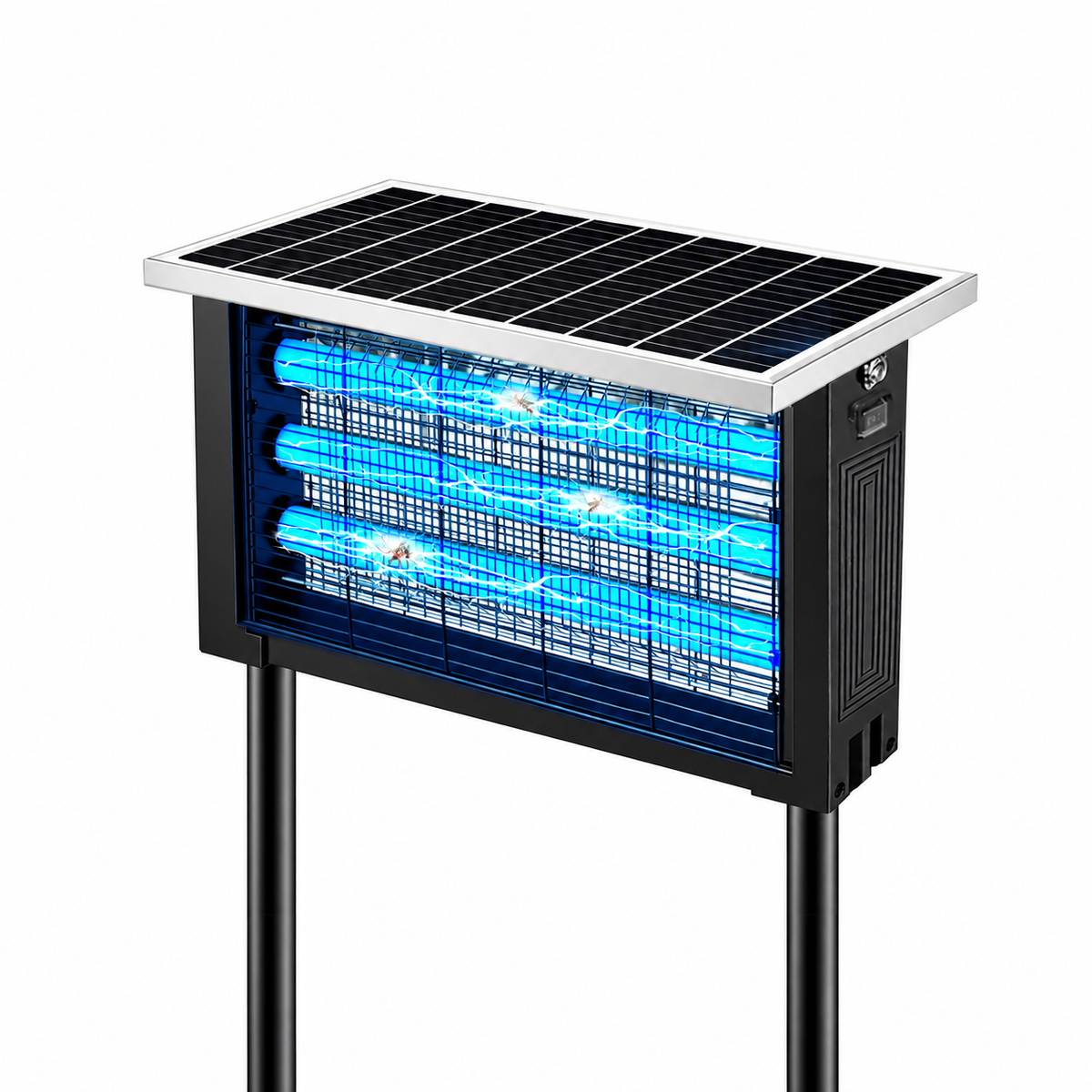
The device attracts mosquitoes using light wavelengths or airflow, then traps or eliminates them through suction or electric contact.
Because several systems work together, failure in any one area can cause the lamp to appear completely dead.
Troubleshooting becomes much easier when approached logically — starting from the simplest causes and moving toward internal components.
Step 1: Check the Power Source First (The Most Common Issue)
Surprisingly, power problems account for a large percentage of mosquito lamp failures.
What to Check
Start with the basics:
- Is the outlet functioning?
- Is the plug fully inserted?
- Has a power strip switch been turned off?
- Did a circuit breaker trip?
Test the outlet using another device such as a phone charger or lamp.
If the outlet works but the mosquito lamp does not, move to cable inspection.
Inspect the Power Cable
Look for:
- Bent connectors
- Frayed wires
- Loose USB ends
- Heat damage
Frequent unplugging or tight bending near the connector can break internal wiring even when the exterior looks normal.
USB-Powered Models
Many newer mosquito lamps rely on USB power.
Common issues include:
- Low-output adapters
- Damaged charging cables
- Incompatible power bricks
Some lamps require specific voltage or amperage levels. Using weak adapters may prevent startup entirely.
Step 2: Confirm the Device Is Actually Receiving Power
If external power seems fine, determine whether electricity reaches the internal system.
Signs of Partial Power
Watch for subtle indicators:
- A faint LED flicker
- Brief startup flash
- Clicking sounds
- Fan attempting to spin
These signals suggest power delivery exists but another component is failing.
Try a Different Power Configuration
Switch:
- Wall adapter
- USB cable
- Outlet location
Power inconsistencies are often mistaken for internal device failure.
Step 3: Inspect the UV Light or LED Module
The attraction light is the heart of most mosquito lamps. If it fails, the device may appear completely inactive.
Why Lights Fail
Common causes include:
- LED lifespan exhaustion
- Voltage fluctuations
- Overheating
- Dust accumulation
Unlike traditional bulbs, LEDs usually dim before failing completely, but sudden failure can occur after electrical surges.
Visual Inspection
Unplug the device and check:
- Darkened LED housing
- Burn marks
- Loose internal connections (if accessible safely)
If the lamp powers on but emits no light, the LED module may need replacement.
Step 4: Check the Internal Fan or Airflow System
Many mosquito lamps rely on a quiet fan to pull insects into a capture chamber.
If the fan jams, safety circuits may prevent the device from starting.
Signs of Fan Obstruction
- Device lights briefly then shuts off
- Low humming noise
- No airflow felt near vents
Dust, insect debris, or hair can block fan blades over time.
Cleaning Procedure
- Disconnect power completely.
- Open removable covers according to manufacturer instructions.
- Remove visible debris using a soft brush.
- Avoid water near electrical components.
Regular cleaning often restores normal operation immediately.
Step 5: Examine Safety Sensors and Internal Protection Systems
Modern mosquito lamps include protective features designed to prevent overheating or electrical hazards.
These systems may shut down the device intentionally.
Common Safety Triggers
- Overheating from blocked vents
- Improper assembly after cleaning
- Loose collection tray
- Tilt or position sensors
Some models will not operate unless all parts are correctly installed.
Resetting the Device
Try a full reset:
- Unplug the lamp.
- Wait 10–15 minutes.
- Reconnect power.
- Restart the unit.
This clears temporary protection states in many electronic designs.
Why Mosquito Lamps Stop Working Over Time
Understanding wear patterns helps prevent future failures.
Dust Accumulation
Airflow devices naturally collect particles.
Insect Residue
Organic debris can affect fans and sensors.
Voltage Stress
Frequent power fluctuations shorten component lifespan.
Continuous Operation
Running devices nonstop increases thermal stress.
Routine maintenance significantly extends usability.
Preventive Maintenance Tips
Keeping your mosquito lamp functioning properly requires minimal effort.
Weekly Care
- Empty collection tray
- Wipe external vents
Monthly Care
- Inspect fan area
- Remove dust buildup
Seasonal Care
- Deep clean internal chamber
- Check cables and adapters
Preventive habits reduce most performance problems.
Environmental Factors That Affect Performance
Sometimes the lamp itself isn’t the problem.
Room Lighting
Bright ambient light reduces UV attraction visibility.
Placement Height
Optimal placement is typically waist height or slightly lower.
Airflow Interference
Strong fans or air conditioners disrupt mosquito flight patterns.
Competing Light Sources
Screens and lamps nearby may attract insects away from the device.
Adjusting environment often restores effectiveness.
When Repair Is Better Than Replacement
Many users replace mosquito lamps unnecessarily.
Consider repair if:
- Device is less than three years old
- Power system works intermittently
- Only one component has failed
Simple part replacement often costs far less than buying a new unit.
Signs It May Be Time to Replace the Device
Replacement becomes reasonable when:
- Internal electronics show burn damage
- Multiple components fail simultaneously
- Plastic housing warps from heat
- Repair cost approaches new device price
Even durable appliances eventually reach end of life.
Safety Reminders During Troubleshooting
Always prioritize safety.
- Disconnect power before opening the device.
- Avoid touching internal circuits.
- Never use water inside electrical sections.
- Use manufacturer-approved parts when possible.
If unsure, consult professional repair services.
Common Myths About Mosquito Lamp Failures
Myth 1: If It Doesn’t Light Up, It’s Broken
Often caused by simple power issues.
Myth 2: Mosquito Lamps Require No Maintenance
All airflow devices need cleaning.
Myth 3: LEDs Never Fail
They last long but are not permanent.
Myth 4: More Power Means Better Performance
Incorrect voltage can damage electronics.
Understanding these misconceptions prevents unnecessary frustration.
Extending the Lifespan of Your Mosquito Lamp
To maximize longevity:
- Use stable power sources
- Avoid humid storage conditions
- Clean regularly
- Turn off when not needed for extended periods
Small habits dramatically increase durability.
Why Systematic Troubleshooting Works
Many people jump randomly between possible causes when devices fail.
A step-by-step approach works because it follows the actual energy flow:
Power → Electronics → Light → Fan → Safety Controls
Checking systems in this order eliminates guesswork and speeds diagnosis.
The Future of Mosquito Control Devices
Modern mosquito lamps continue evolving with features such as:
- Smart sensors
- Energy-efficient LEDs
- Quiet airflow engineering
- Automated cleaning alerts
- Hybrid attraction technologies
As designs improve, troubleshooting becomes easier thanks to modular components and built-in diagnostics.
Final Thoughts: Most Problems Are Easier Than They Look
A mosquito lamp that won’t turn on can feel like a major inconvenience — especially when mosquitoes quickly reclaim indoor spaces.
Yet in most cases, the solution is simple.
By checking power sources, confirming electrical flow, inspecting lighting systems, clearing airflow obstructions, and resetting safety protections, you can identify the issue quickly and confidently.
Instead of immediately replacing the device, a few minutes of structured troubleshooting often restores full functionality.
Technology works best when users understand how it operates — and once you know what to look for, a silent mosquito lamp becomes less of a mystery and more of a manageable fix.
Because sometimes, the difference between a broken appliance and a working one is just five careful steps.