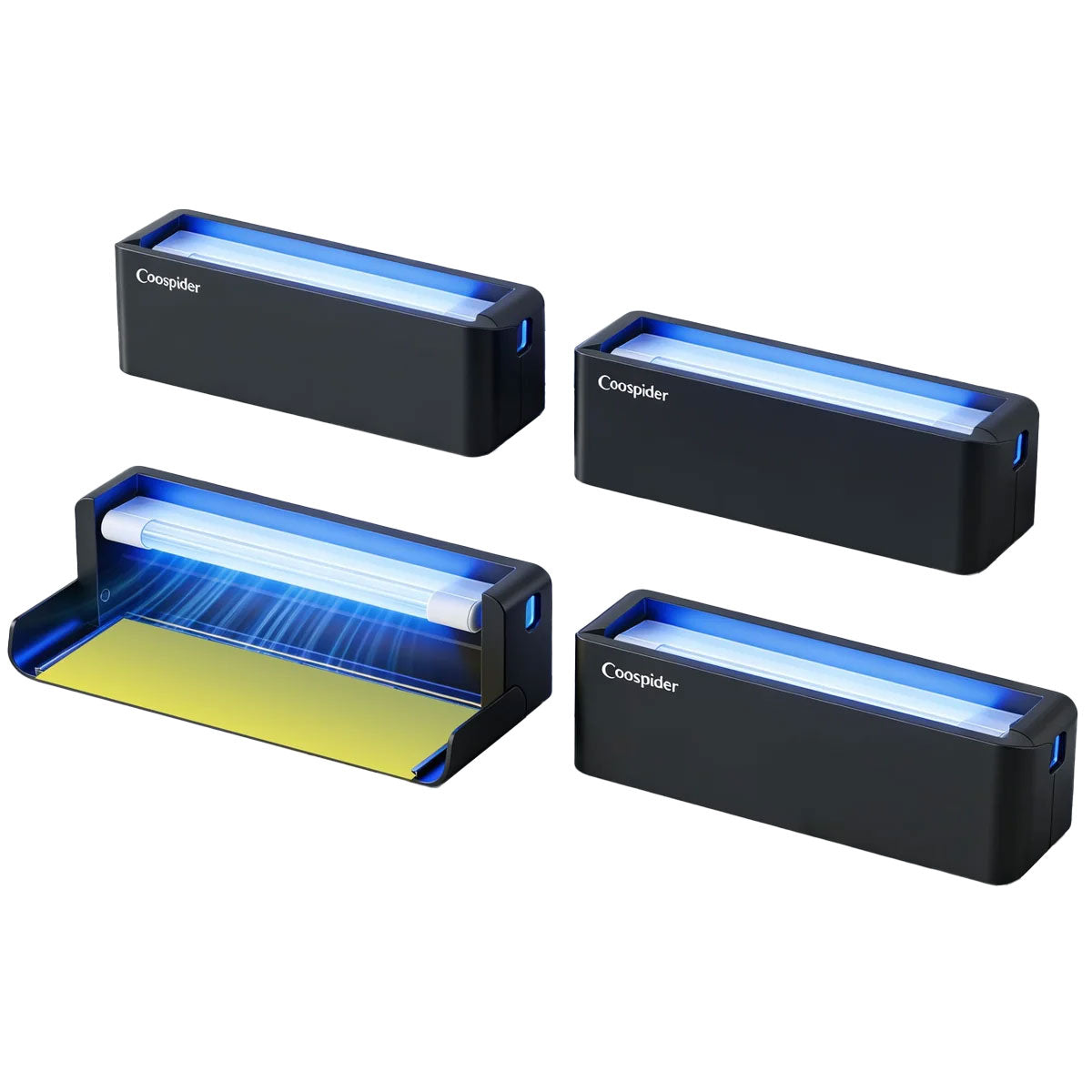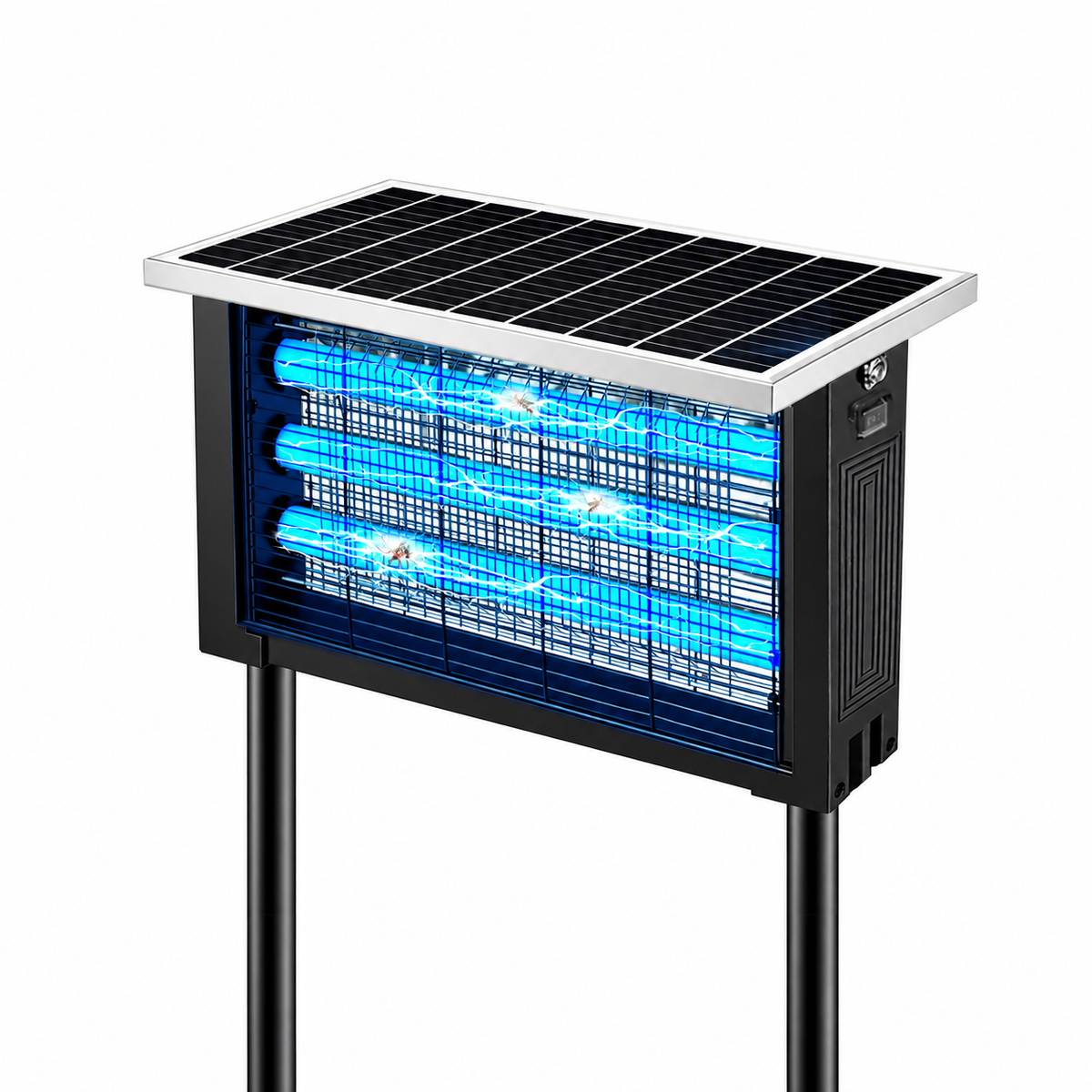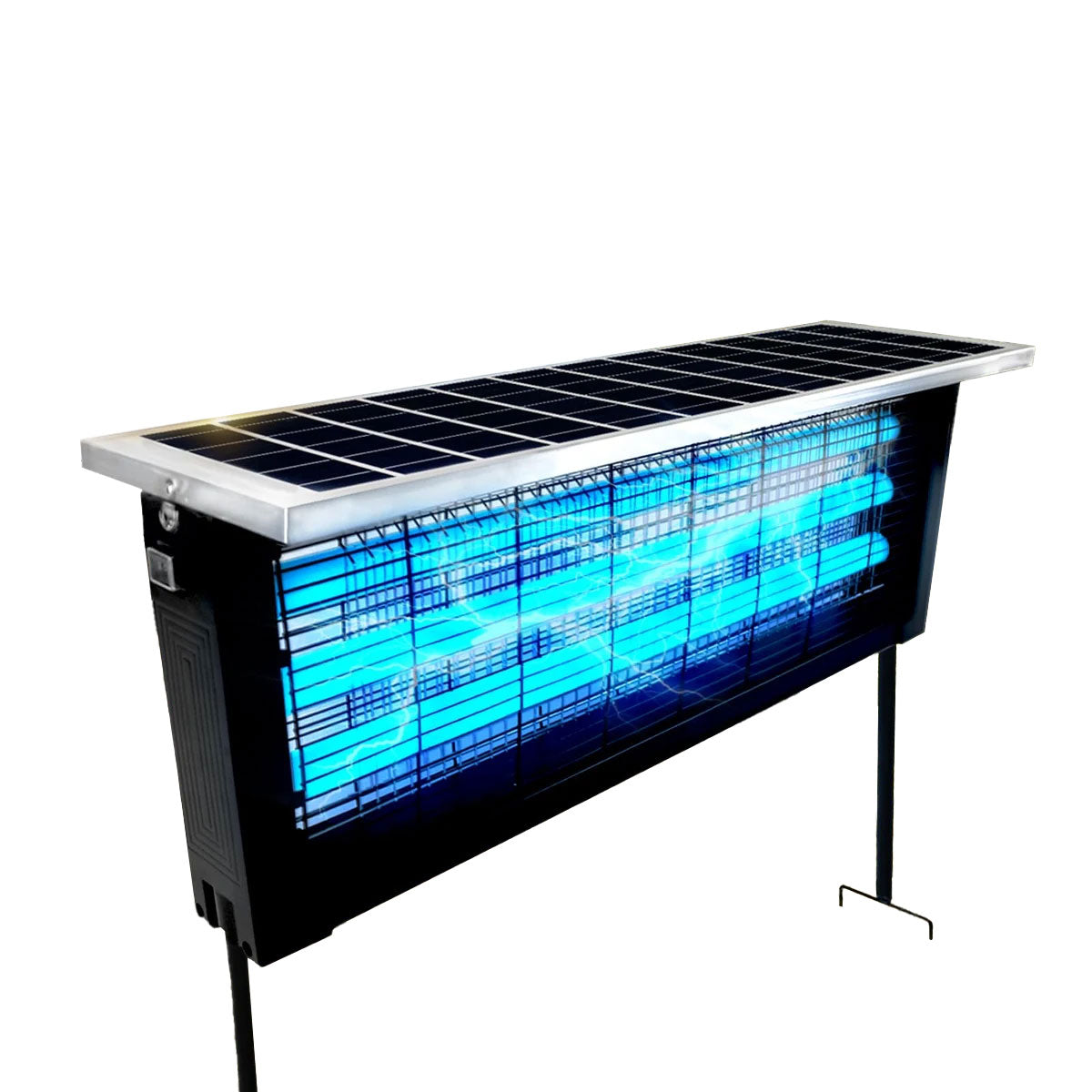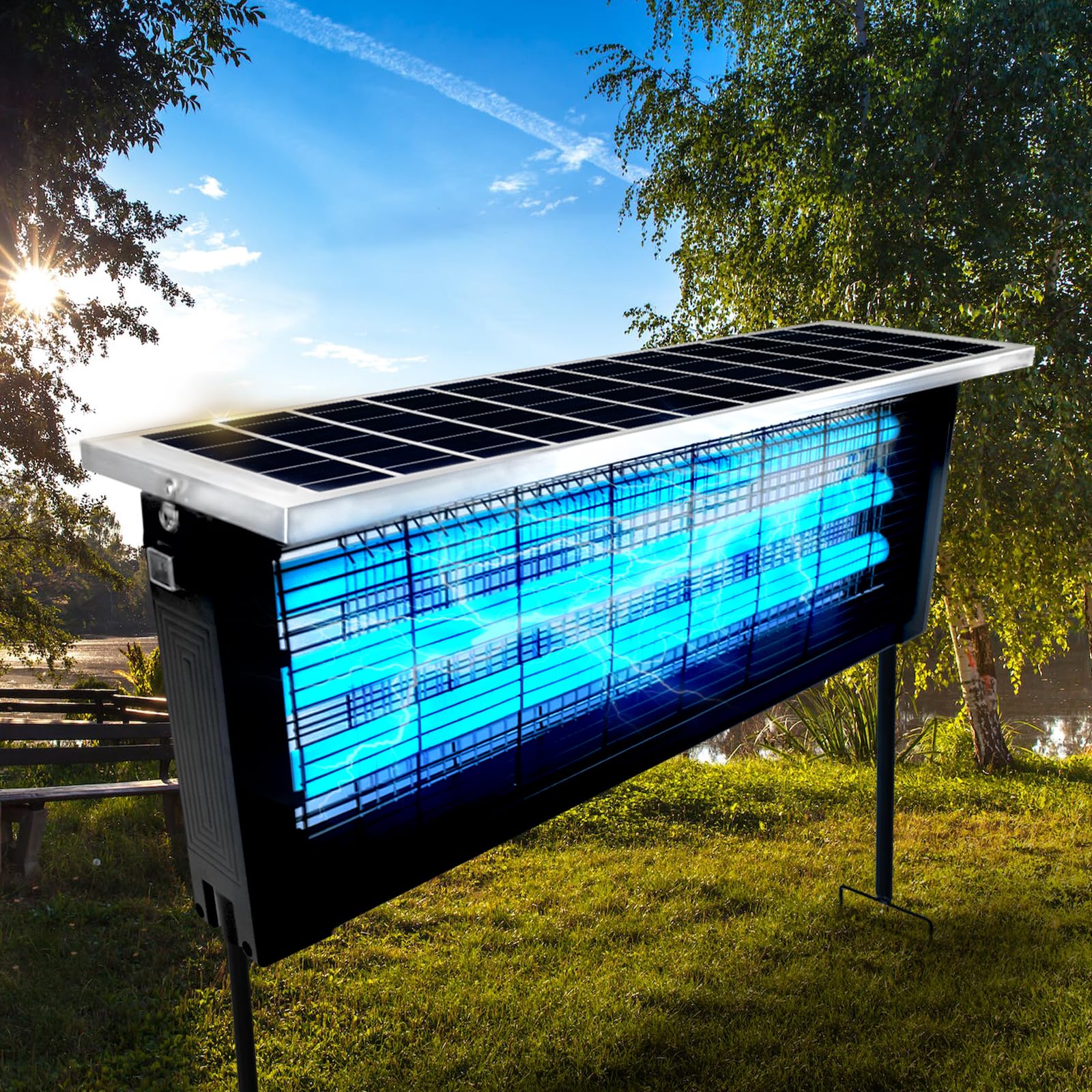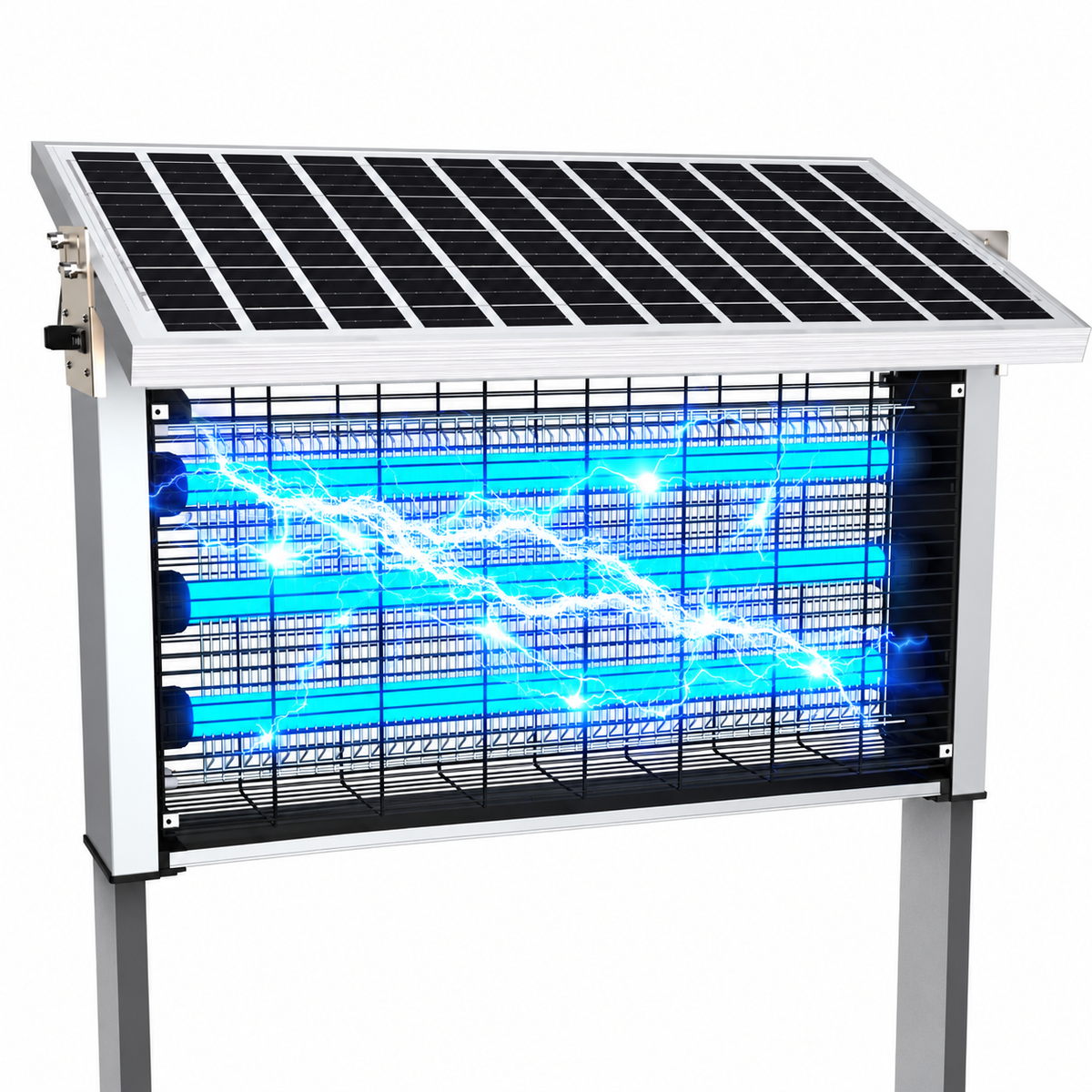
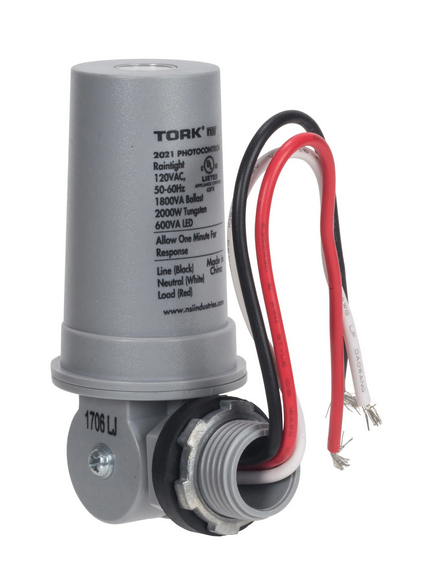
Automatic mosquito killer lamps are designed to make outdoor living effortless. One of their most convenient features is the photocell sensor, also known as a light-sensitive sensor, which allows the device to turn on automatically at dusk and shut off at sunrise. This intelligent function saves energy, extends device lifespan, and ensures mosquitoes are targeted when they are most active.
However, many users encounter a frustrating issue after months of use: the mosquito lamp suddenly turns on during the daytime, stays on continuously, or behaves unpredictably regardless of lighting conditions.
If your mosquito zapper is glowing under bright sunlight or refuses to turn off in the morning, the problem is almost always related to a malfunctioning light sensor system.
This comprehensive guide explains why photocell sensors fail, how to diagnose the problem, and how to safely repair or prevent future issues—without immediately replacing your device.
Understanding How Photocell Sensors Work
Before fixing the problem, it helps to understand how automatic mosquito lamps detect light.
A photocell sensor measures ambient brightness using a light-sensitive electronic component. When surrounding light drops below a preset threshold, the circuit activates the lamp.
Typical workflow:
- Daylight hits the sensor.
- Sensor detects high light intensity.
- Circuit keeps the lamp OFF.
- At dusk, light intensity decreases.
- Sensor triggers power to UV or LED light.
- Lamp turns ON automatically.
This system allows mosquito lamps to operate without manual switching.
Why Mosquito Lamps Should Only Turn On at Night
Mosquitoes are primarily attracted to ultraviolet wavelengths during low-light conditions. Daytime operation is inefficient because:
- Sunlight competes with UV attraction.
- Energy consumption increases unnecessarily.
- Internal components heat up faster.
- Lamp lifespan shortens significantly.
When a unit runs during the day, both performance and durability suffer.
Common Signs of Photocell Sensor Failure
If your mosquito killer lamp shows any of these symptoms, the light sensor may be malfunctioning:
- Lamp turns on even in direct sunlight
- Device never shuts off automatically
- Random on/off cycling during the day
- Works normally at night but ignores daylight
- Requires unplugging to stop operation
- Sensor area looks cloudy or damaged
These signs usually indicate sensor obstruction, electrical drift, or component degradation.
Main Causes of Daytime Activation Problems
Photocell issues rarely happen randomly. Most failures develop gradually due to environmental stress.
1. Dirt and Dust Blocking the Sensor
Outdoor devices accumulate:
- Dust
- Pollen
- Insect residue
- Spider webs
- Pollution particles
A dirty sensor interprets reduced light as nighttime.
This is the most common and easiest-to-fix cause.
2. Water Intrusion or Moisture Damage
Rain or condensation can affect sensor electronics.
Moisture may cause:
- False resistance readings
- Corrosion on sensor leads
- Electrical leakage
Even small amounts of humidity can alter sensitivity.
3. UV Exposure Aging the Sensor
Long-term sunlight exposure degrades photocell materials.
After prolonged outdoor use:
- Sensor calibration drifts
- Sensitivity decreases
- Daylight detection weakens
This typically appears after one to three seasons.
4. Incorrect Installation Location
Placement dramatically affects sensor performance.
Problematic locations include:
- Under patio roofs
- Behind furniture
- Near walls casting shadows
- Under trees with dense leaves
The sensor receives reduced light even during daytime.
5. Artificial Light Interference at Night
Ironically, nearby lighting can also confuse sensors.
Examples:
- Porch lights
- Street lamps
- Decorative garden lighting
These sources may cause cycling behavior or delayed shutdown.
6. Electrical Component Drift
Inside the circuit board, resistors and capacitors control switching thresholds.
Over time:
- Heat changes resistance values
- Voltage regulators degrade
- Sensor calibration shifts
This creates inaccurate light detection.
Step-by-Step Diagnosis Guide
Before attempting repairs, confirm the exact cause.
Step 1: Perform a Shadow Test
- Turn the lamp on.
- Shine bright light directly onto the sensor.
- Observe response within 5–20 seconds.
If the lamp stays on, the sensor is likely faulty.
Step 2: Locate the Photocell
The sensor is usually:
- A small dark dome
- Clear plastic window
- Tiny round component near the top housing
Consult product documentation if needed.
Step 3: Check for Obstructions
Inspect for:
- Dirt buildup
- Dead insects
- Tape or packaging residue
- Water droplets
Clean before assuming failure.
Quick Fix #1: Clean the Sensor Properly
Cleaning solves a large percentage of cases.
Materials Needed
- Microfiber cloth
- Cotton swabs
- Isopropyl alcohol (70–90%)
Cleaning Steps
- Unplug device.
- Gently wipe sensor surface.
- Use alcohol on stubborn residue.
- Allow to dry completely.
Avoid scratching protective coating.
Test again after cleaning.
Quick Fix #2: Reset the Internal Circuit
Some mosquito lamps include simple control circuits that reset after power discharge.
Steps:
- Unplug device.
- Leave unplugged for 10–15 minutes.
- Press power switch (if present) to discharge residual energy.
- Plug back in.
This may restore normal behavior.
Quick Fix #3: Improve Installation Position
Relocate the device where the sensor receives clear daylight exposure.
Ideal placement:
- Open sky visibility
- Away from permanent shadows
- At least 3–6 feet above ground
- Not under thick roofing
Proper placement alone often resolves daytime activation.
Advanced Repair: Replacing the Photocell Sensor
If cleaning and repositioning fail, sensor replacement may be necessary.
Warning
Proceed only if comfortable with electronics repair.
Tools Required
- Screwdriver set
- Replacement photocell (LDR or photodiode type)
- Soldering iron
- Solder wire
Replacement Overview
- Disconnect power completely.
- Open housing carefully.
- Locate sensor leads on circuit board.
- Note wiring orientation.
- Desolder old sensor.
- Install matching replacement.
- Reassemble and test.
Photocells are inexpensive and widely available.
Temporary Workaround: Manual Control Mode
If immediate repair isn’t possible, you can bypass automatic activation.
Options include:
- Using a timer plug
- Smart outlet scheduling
- Manual switching
Set operation from dusk to dawn manually until repair is completed.
Preventing Future Sensor Failures
Long-term reliability depends heavily on maintenance habits.
Monthly Maintenance Checklist
- Clean sensor lens
- Remove insect debris
- Inspect seals
- Check housing cracks
- Confirm proper placement
Small maintenance routines prevent large failures.
Environmental Factors That Accelerate Sensor Damage
Outdoor electronics face harsh conditions:
- UV radiation
- Temperature fluctuations
- Humidity cycles
- Dust storms
- Coastal salt air
Choosing partially sheltered installation locations dramatically increases lifespan.
Understanding Sensor Lifespan
Typical photocell lifespan:
- Budget models: 1–2 years
- Mid-range devices: 2–3 years
- Premium units: 3–5 years
Gradual sensitivity loss is normal over time.
Replacing the sensor often restores full functionality.
Energy and Safety Risks of Daytime Operation
A mosquito lamp running continuously can cause:
- Increased electricity costs
- UV bulb overheating
- Faster grid degradation
- Fire risk in extreme cases
Fixing the issue quickly protects both safety and investment.
When Replacement Is the Better Choice
Consider replacing the entire unit if:
- Circuit board corrosion is severe
- Multiple components fail simultaneously
- Housing seals are damaged
- Repair cost approaches replacement price
Modern models often include improved waterproofing and smarter sensors.
Choosing a More Reliable Mosquito Lamp in the Future
When purchasing a new device, look for:
- Sealed sensor windows
- Weather-resistant housing
- Replaceable components
- Automatic sensitivity adjustment
- Certified outdoor ratings
Higher build quality directly reduces sensor failures.
Frequently Asked Questions
Why does my mosquito lamp work normally at night?
The sensor still detects darkness correctly but fails to recognize daylight intensity.
Can sunlight permanently damage sensors?
Yes. Long-term UV exposure gradually reduces sensitivity.
Is sensor repair expensive?
Usually not. Replacement parts cost very little compared to a new lamp.
Can humidity alone cause failure?
Yes. Moisture changes electrical resistance and confuses readings.
Final Thoughts: Restore Smart Automation and Save Energy
A mosquito killer lamp that turns on during the day is more than an inconvenience—it’s a sign that the light-sensing system needs attention. Fortunately, photocell failures are often simple to diagnose and repair.
In most cases, the solution involves:
- Cleaning the sensor
- Correcting placement
- Drying moisture exposure
- Resetting circuitry
- Replacing an inexpensive component
By understanding how photocell sensors function and maintaining them regularly, you can keep your mosquito lamp operating exactly as intended—activating automatically at dusk, conserving energy during daylight, and providing reliable insect control night after night.
Smart maintenance leads to smarter performance, longer device life, and a consistently comfortable outdoor environment free from unwanted pests.