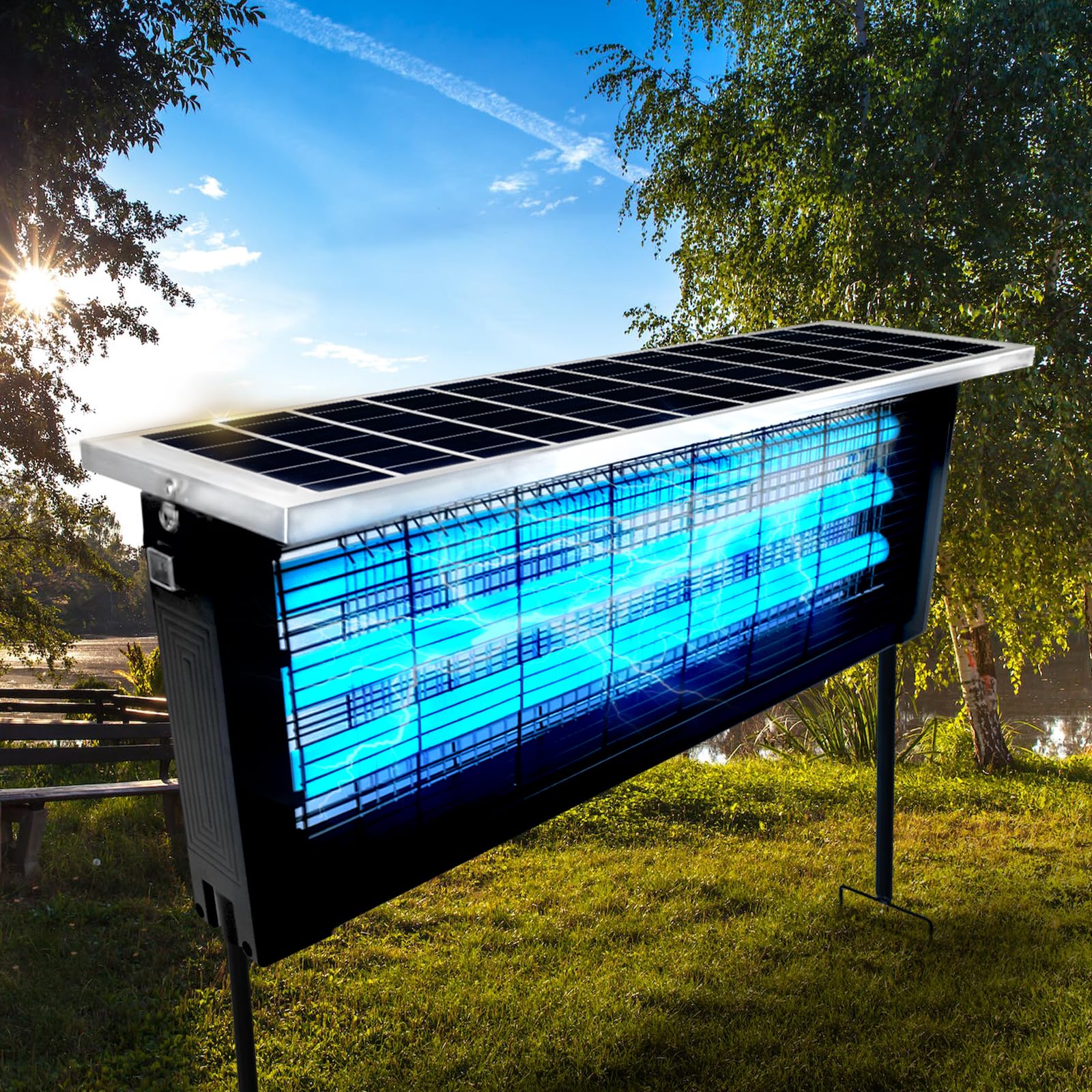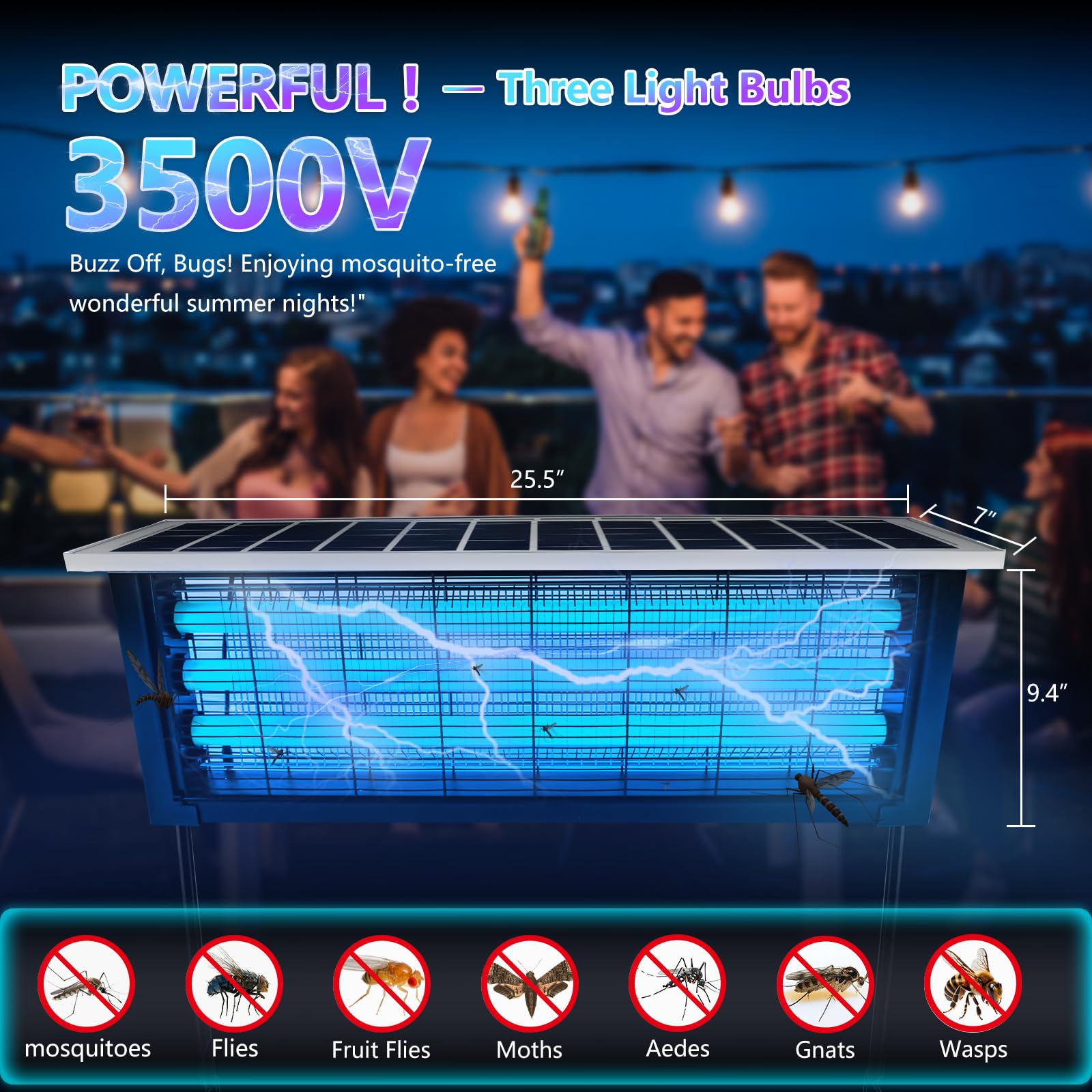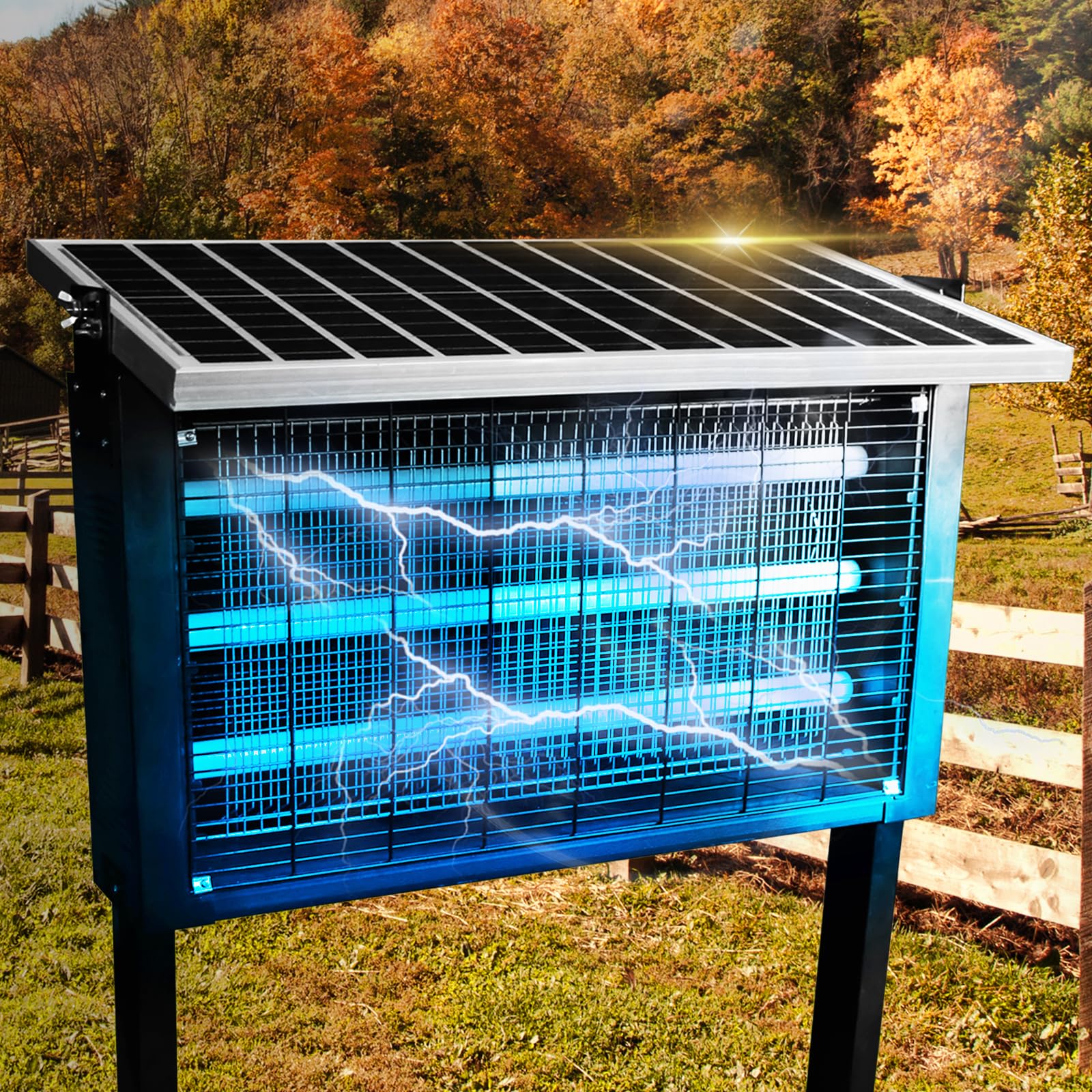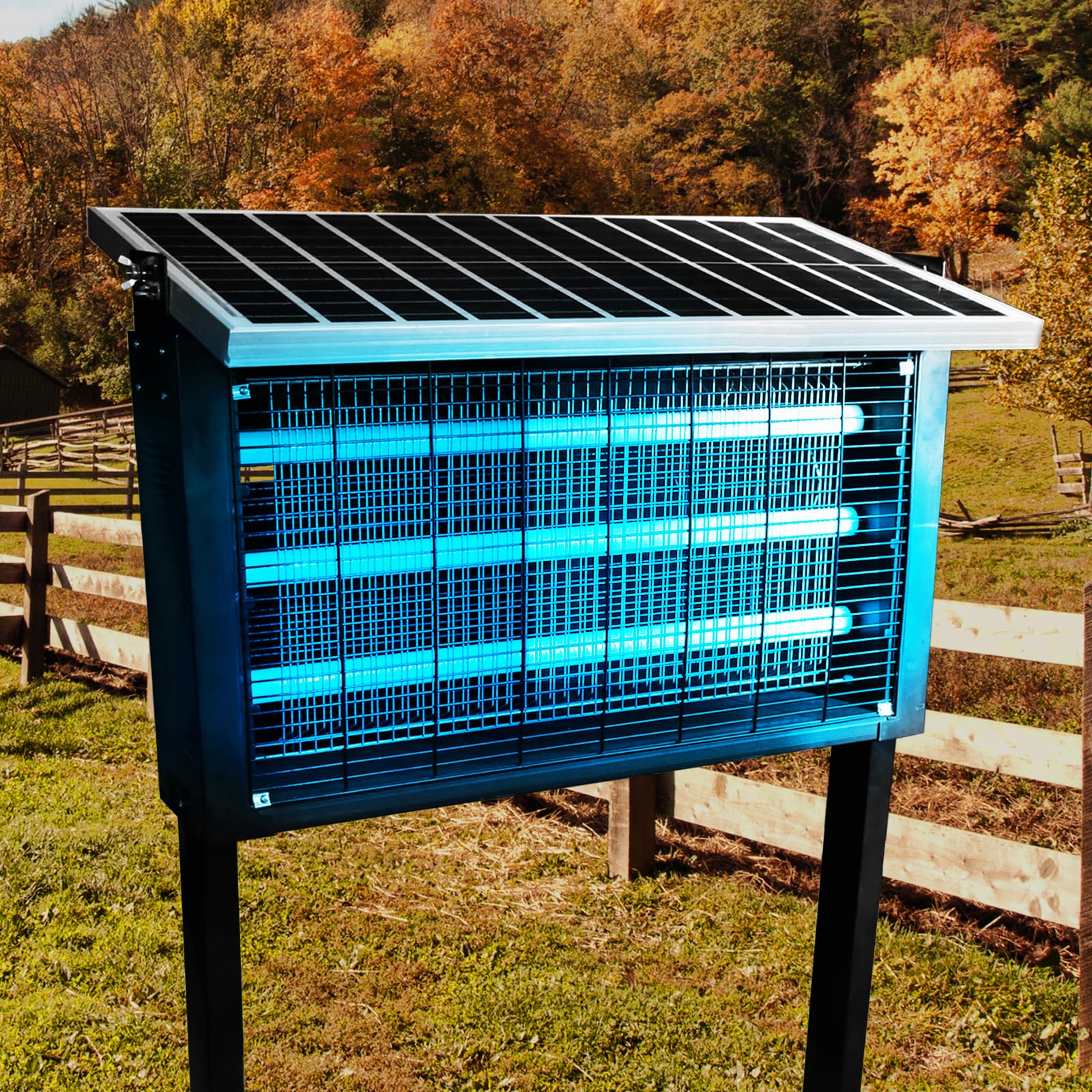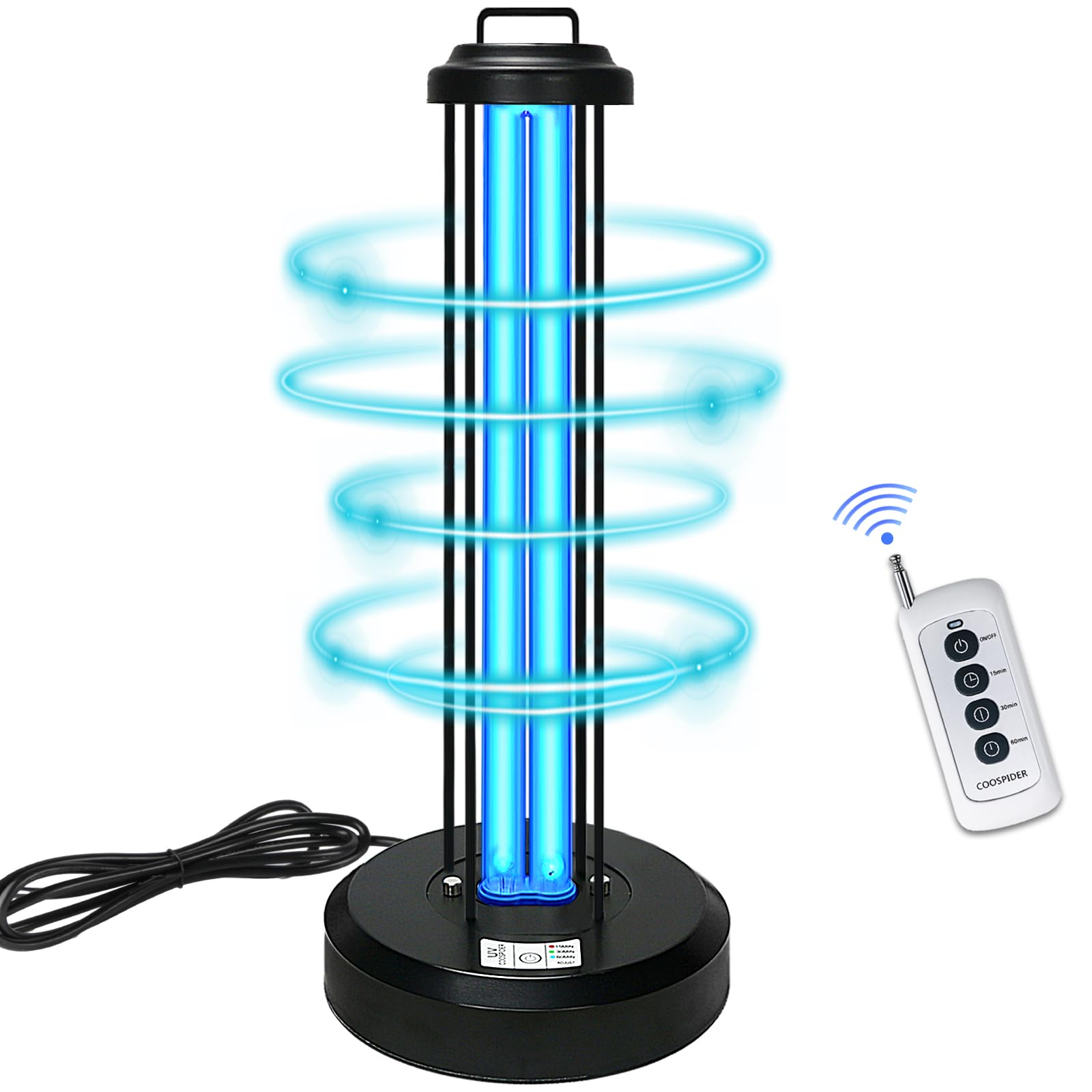
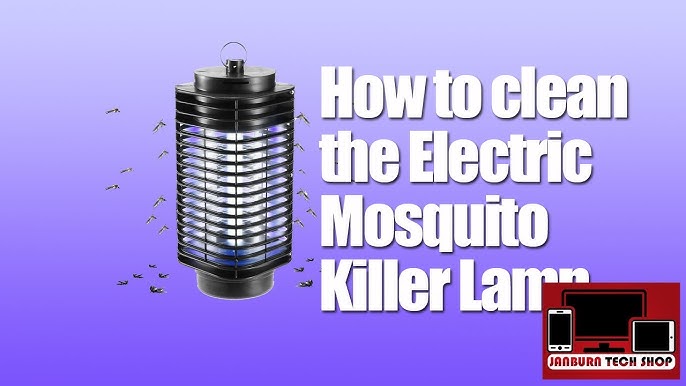
Outdoor mosquito killer lamps are essential tools for maintaining a comfortable and pest-free environment in your backyard, patio, garden, or campsite. Whether you're hosting evening gatherings, relaxing after a long day, or simply enjoying fresh air, these devices play a critical role in keeping mosquitoes and other flying insects at bay.
However, like any outdoor equipment, mosquito killer lamps are exposed to dust, rain, pollen, insect debris, and environmental pollutants. Over time, this buildup can reduce efficiency, affect performance, and even shorten the lifespan of the device.
Deep cleaning your mosquito killer lamp is necessary—but doing it incorrectly can damage sensitive internal circuits and render the device useless. In this comprehensive guide, you’ll learn how to safely and effectively clean your outdoor mosquito lamp without risking electrical damage.
Why Deep Cleaning Your Mosquito Killer Lamp Matters
Most people only think about cleaning their devices when they stop working properly. But regular deep cleaning offers several important benefits:
Improved Performance
Dust, dead insects, and debris can block light output and airflow, reducing the lamp’s ability to attract and eliminate mosquitoes.
Increased Lifespan
Clean components experience less strain, helping your device last longer and perform consistently over time.
Better Hygiene
Accumulated insect remains can harbor bacteria and create unpleasant odors. Cleaning keeps your outdoor space fresher and more sanitary.
Energy Efficiency
A clean lamp operates more efficiently, consuming less power while maintaining effectiveness.
Understanding the Components of a Mosquito Killer Lamp
Before cleaning, it’s important to understand the main parts of your device. While designs vary, most outdoor mosquito lamps include:
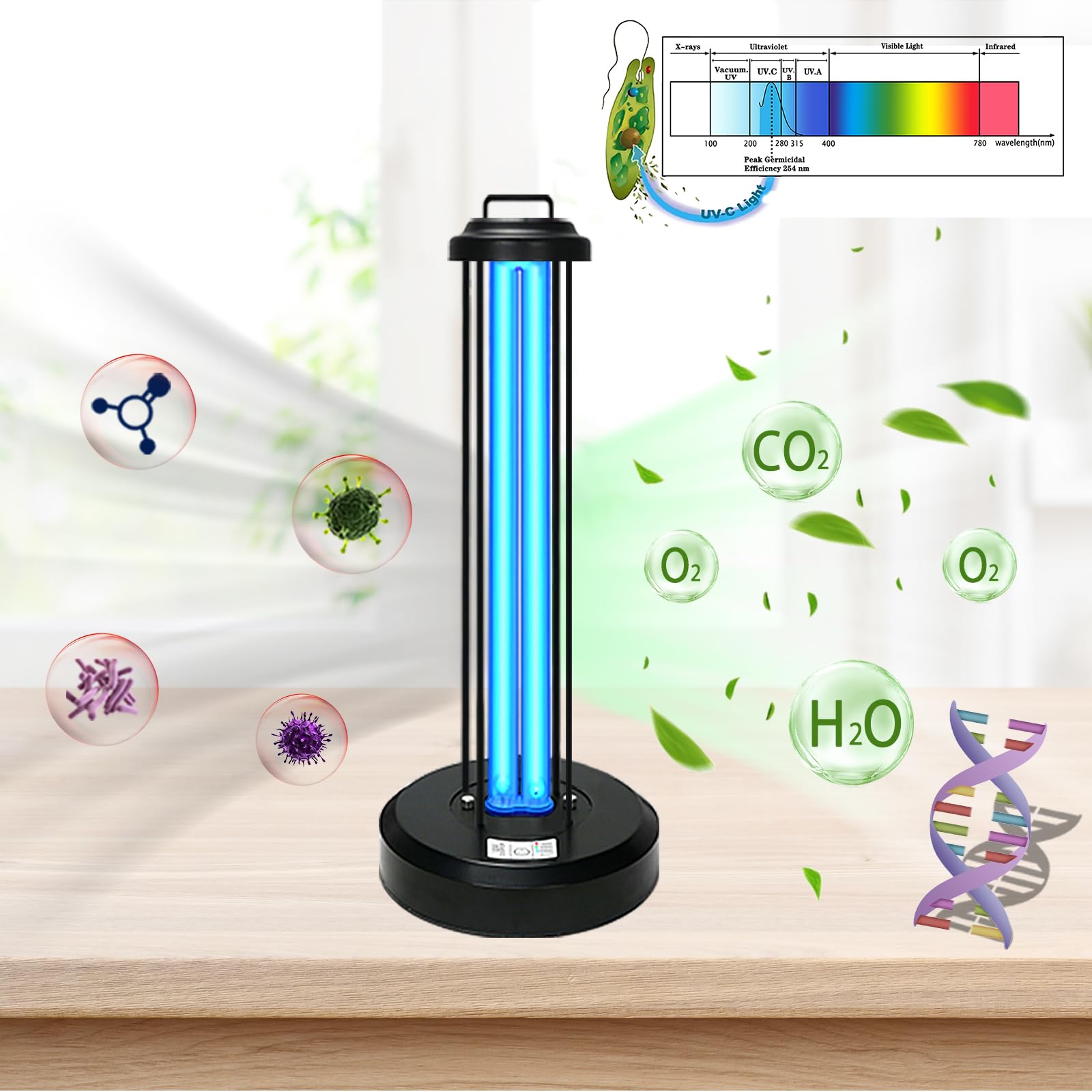
- UV light source (bulb or LED)
- Protective outer housing
- High-voltage grid or fan system
- Collection tray or compartment
- Internal circuitry and power supply
Each of these components requires a different cleaning approach. The key is to clean thoroughly without allowing water or moisture to reach the electrical system.
Tools and Supplies You’ll Need
To safely deep clean your mosquito killer lamp, gather the following items:
- Soft microfiber cloths
- Small soft-bristle brush (like a paintbrush or toothbrush)
- Compressed air (optional but helpful)
- Mild dish soap
- A bowl of warm water
- Cotton swabs
- Screwdriver (if disassembly is required)
- Dry towel
- Protective gloves
Avoid harsh chemicals, abrasive scrubbers, or high-pressure water tools, as they can damage both the exterior and internal components.
Safety First: Critical Precautions Before Cleaning
Cleaning an electrical device requires caution. Follow these essential safety steps before you begin:
1. Disconnect the Power Source
Unplug the device or remove the batteries completely. Never attempt to clean a mosquito lamp while it is connected to power.
2. Allow the Device to Cool Down
If the lamp has been in use, give it at least 15–30 minutes to cool, especially if it uses a UV bulb.
3. Work in a Dry Area
Choose a clean, dry workspace away from water sources. Avoid cleaning outdoors if humidity is high.
4. Read the Manufacturer’s Instructions
Some models have specific cleaning guidelines or restrictions. Always check the manual if available.
Step-by-Step Guide to Deep Cleaning
Step 1: External Inspection
Start by examining the exterior of the lamp. Look for:
- Visible dirt or stains
- Insect buildup
- Loose or damaged parts
This helps you plan your cleaning approach and identify areas that need extra attention.
Step 2: Disassemble (If Applicable)
Many mosquito lamps are designed with removable parts such as:
- Outer casing
- Collection tray
- Protective grid
Carefully remove these components using a screwdriver if needed. Keep track of all screws and parts to ensure easy reassembly.
Important: Do not open sealed sections that house the circuitry unless the manufacturer explicitly allows it.
Step 3: Dry Cleaning First
Before introducing any moisture, remove as much dry debris as possible.
Use a Brush
Gently brush away:
- Dead insects
- Dust
- Cobwebs
Focus on crevices and corners where debris tends to accumulate.
Use Compressed Air
Blow out fine particles from tight spaces, especially around vents and grills.
This step is crucial because mixing dust with water can create grime that’s harder to remove.
Step 4: Cleaning the Outer Housing
The outer shell is usually the safest part to clean with water.
- Mix a small amount of mild dish soap with warm water.
- Dip a microfiber cloth into the solution and wring it out thoroughly.
- Wipe down the exterior surfaces gently.
Avoid soaking the cloth—excess water can drip into internal components.
After cleaning, wipe again with a dry cloth to remove any moisture.
Step 5: Cleaning the Collection Tray
The collection tray often holds the most debris and requires deeper cleaning.
- Remove the tray from the device.
- Empty all contents into a trash bag.
- Wash the tray with warm soapy water.
- Rinse lightly and dry completely with a towel.
Let it air dry for at least 30 minutes to ensure no moisture remains.
Step 6: Cleaning the Protective Grid or Fan Area
This is one of the most delicate parts of the device.
For Electric Grid Models:
- Use a dry brush or cotton swab to clean between the wires.
- Do not use water directly on the grid.
- If necessary, use a barely damp cloth and dry immediately.
For Fan-Based Models:
- Clean fan blades with a dry or slightly damp cloth.
- Use compressed air to remove dust from vents.
Always ensure no moisture enters the motor or internal wiring.
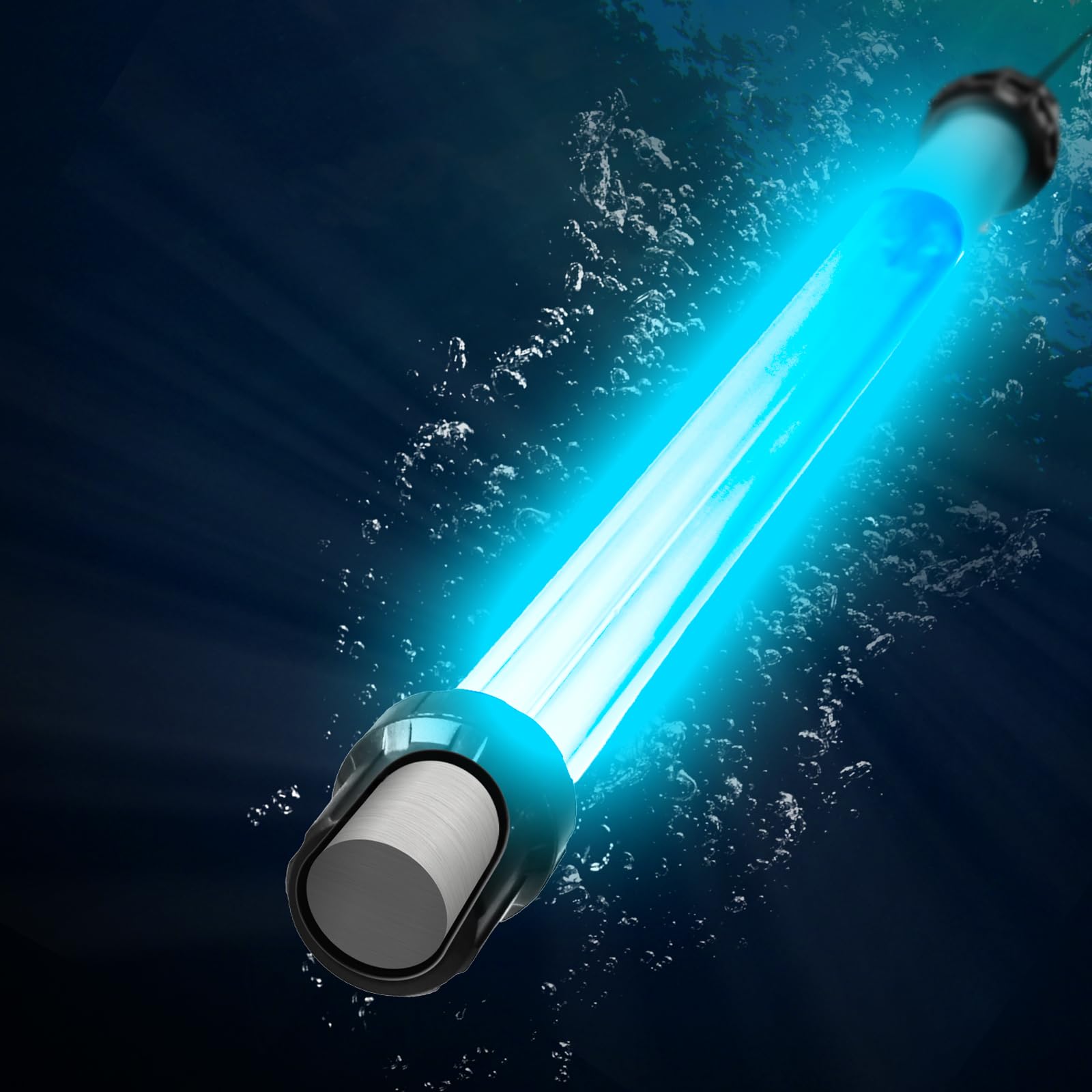
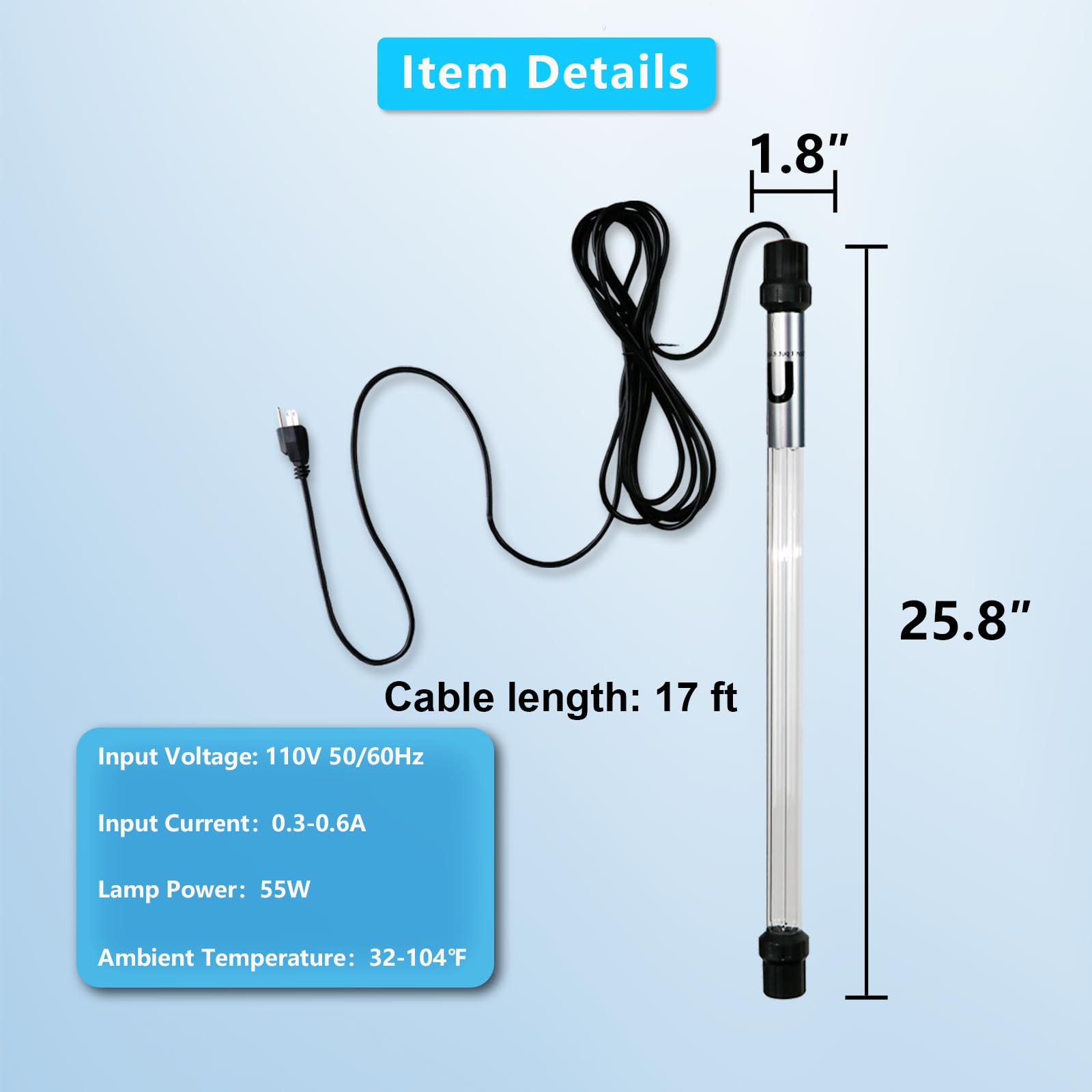
Step 7: Cleaning the UV Light Source
The UV light is critical for attracting mosquitoes, so keeping it clean is essential.
- Use a dry microfiber cloth to gently wipe the bulb or LED surface.
- If needed, use a slightly damp cloth, but ensure the lamp is completely dry before use.
Avoid touching the bulb directly with your fingers, as oils can reduce efficiency.
Step 8: Protecting the Circuitry
The most important rule: keep water away from internal electronics.
- Never submerge the device.
- Never spray water directly onto the lamp.
- Avoid dripping water near seams or openings.
If you suspect moisture has entered the circuitry:
- Do not power on the device
- Let it dry in a warm, ventilated area for 24–48 hours
Step 9: Reassembly
Once all components are completely dry:
- Reattach all removable parts.
- Tighten screws securely but not excessively.
- Double-check that everything is properly aligned.
Step 10: Final Testing
Plug the device back in and turn it on.
Check for:
- Proper light function
- Normal fan or grid operation
- No unusual sounds or smells
If everything works correctly, your cleaning was successful.
How Often Should You Deep Clean?
Cleaning frequency depends on usage and environment:
- High-use outdoor areas: Every 2–3 weeks
- Moderate use: Once a month
- Low use or seasonal: Before and after storage
Regular maintenance between deep cleans—like emptying the tray and brushing off debris—can extend the time between full cleanings.
Common Mistakes to Avoid
Using Too Much Water
Excess moisture is the number one cause of damage. Always use minimal water and dry thoroughly.
Skipping Dry Cleaning
Failing to remove dust first can make cleaning messier and less effective.
Using Harsh Chemicals
Strong cleaners can damage plastic, coatings, and electrical components.
Reassembling While Damp
Even small amounts of moisture can lead to short circuits or corrosion.
Pro Tips for Long-Term Maintenance
Keep It Covered
When not in use, cover your lamp to prevent dust and moisture buildup.
Place It Strategically
Avoid placing the lamp directly under trees or near heavy debris sources.
Inspect Regularly
Quick weekly checks can help you spot issues before they become serious.
Replace Parts When Needed
UV bulbs and other components may lose effectiveness over time. Replace them according to manufacturer recommendations.
Can You Hose Down a Mosquito Lamp?
Short answer: No.
Even if a device is labeled as water-resistant, using a hose or pressure washer can force water into sensitive areas and damage the circuitry. Always stick to controlled, minimal-moisture cleaning methods.
Eco-Friendly Cleaning Practices
If you’re environmentally conscious, you can adopt these practices:
- Use biodegradable soap
- Limit water usage
- Reuse cleaning cloths
- Avoid disposable wipes
These small steps reduce environmental impact while keeping your equipment in top condition.
Troubleshooting After Cleaning
If your lamp doesn’t work properly after cleaning:
It Won’t Turn On
- Check power connections
- Ensure all parts are fully dry
- Inspect for loose components
Reduced Effectiveness
- Clean the UV bulb again
- Ensure no debris is blocking light
- Replace old bulbs if necessary
Strange Noises
- Check for misaligned parts
- Ensure nothing is obstructing the fan
Final Thoughts
Deep cleaning your outdoor mosquito killer lamp doesn’t have to be complicated or risky. With the right approach, tools, and precautions, you can safely maintain your device without damaging its circuitry.
By incorporating regular cleaning into your routine, you not only improve performance and extend the lifespan of your lamp, but also create a cleaner, more enjoyable outdoor environment.
A well-maintained mosquito lamp is more than just a convenience—it’s a key part of a comfortable, pest-free lifestyle. Take the time to care for it properly, and it will continue to serve you effectively season after season.