Remote work has redefined how we live, communicate, and stay productive. Whether you're working from a dedicated home office, a shared kitchen table, or a cozy corner of your living room, one thing remains constant: your keyboard and mouse are among the most frequently touched items in your workspace.
Yet, despite how often we use them, these devices are often overlooked when it comes to cleaning and hygiene. Over time, they accumulate dust, oils, food particles, and—more importantly—microorganisms that can impact both your health and the longevity of your equipment.
This is where a UV sanitizing wand becomes a powerful tool. Fast, efficient, and easy to use, it offers a modern solution for maintaining a clean and hygienic workspace without the need for harsh chemicals or time-consuming routines.
In this guide, we’ll walk through everything you need to know about using a UV sanitizing wand to clean your keyboard and mouse effectively, safely, and quickly.
Why Cleaning Your Keyboard and Mouse Matters More Than Ever
When you work remotely, your keyboard and mouse become extensions of your hands. You may spend 6–10 hours a day interacting with them, often while eating, drinking, or multitasking. Over time, this leads to a buildup of:
- Skin oils and sweat
- Dust and debris
- Food crumbs
- Bacteria and viruses
Studies have shown that keyboards can harbor more bacteria than common household surfaces. While not all microbes are harmful, the accumulation increases the risk of illness—especially if you frequently touch your face or eat at your desk.
Additionally, dirt buildup can affect performance. Sticky keys, lagging clicks, and sensor interference are all common issues caused by poor maintenance.
What Is a UV Sanitizing Wand?
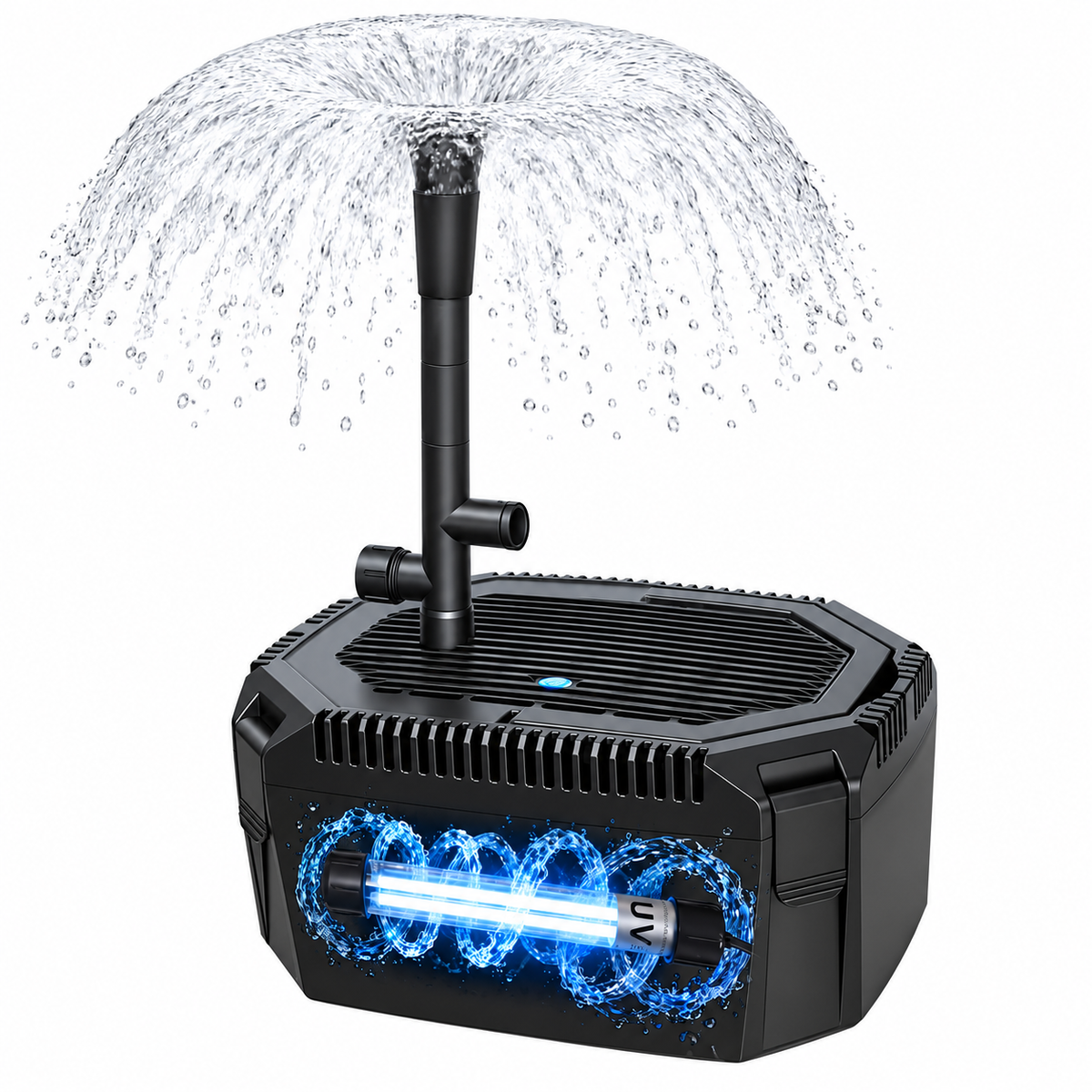
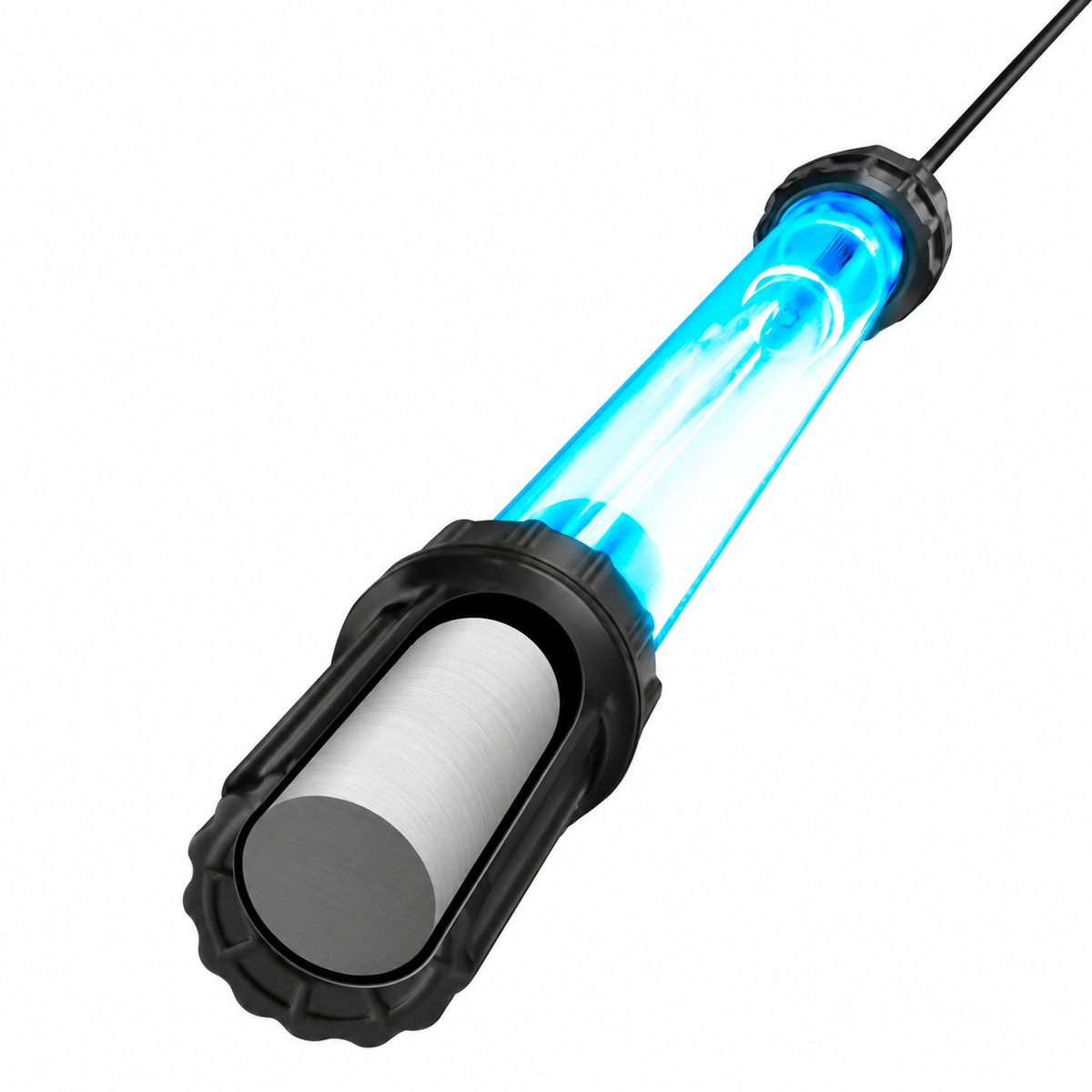
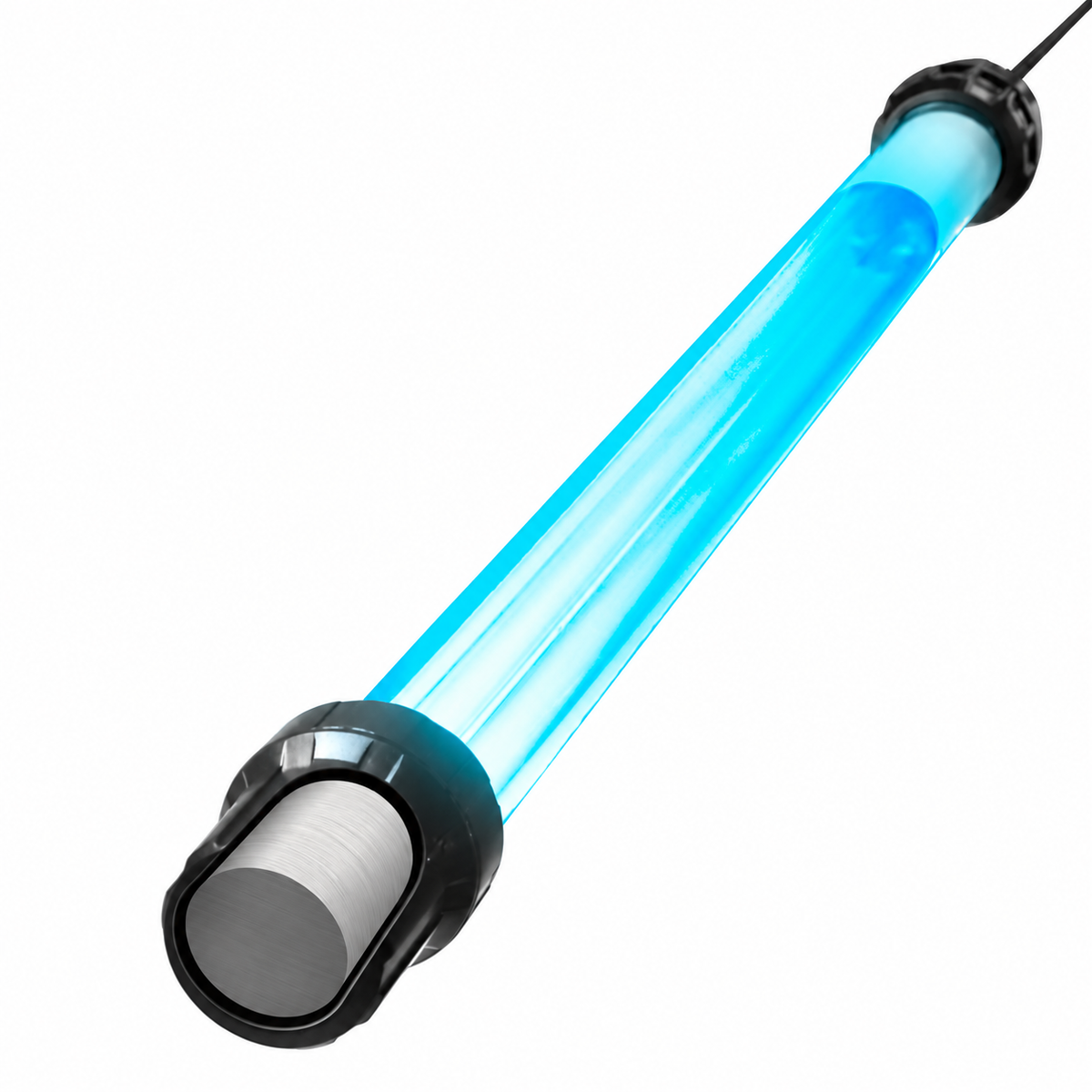
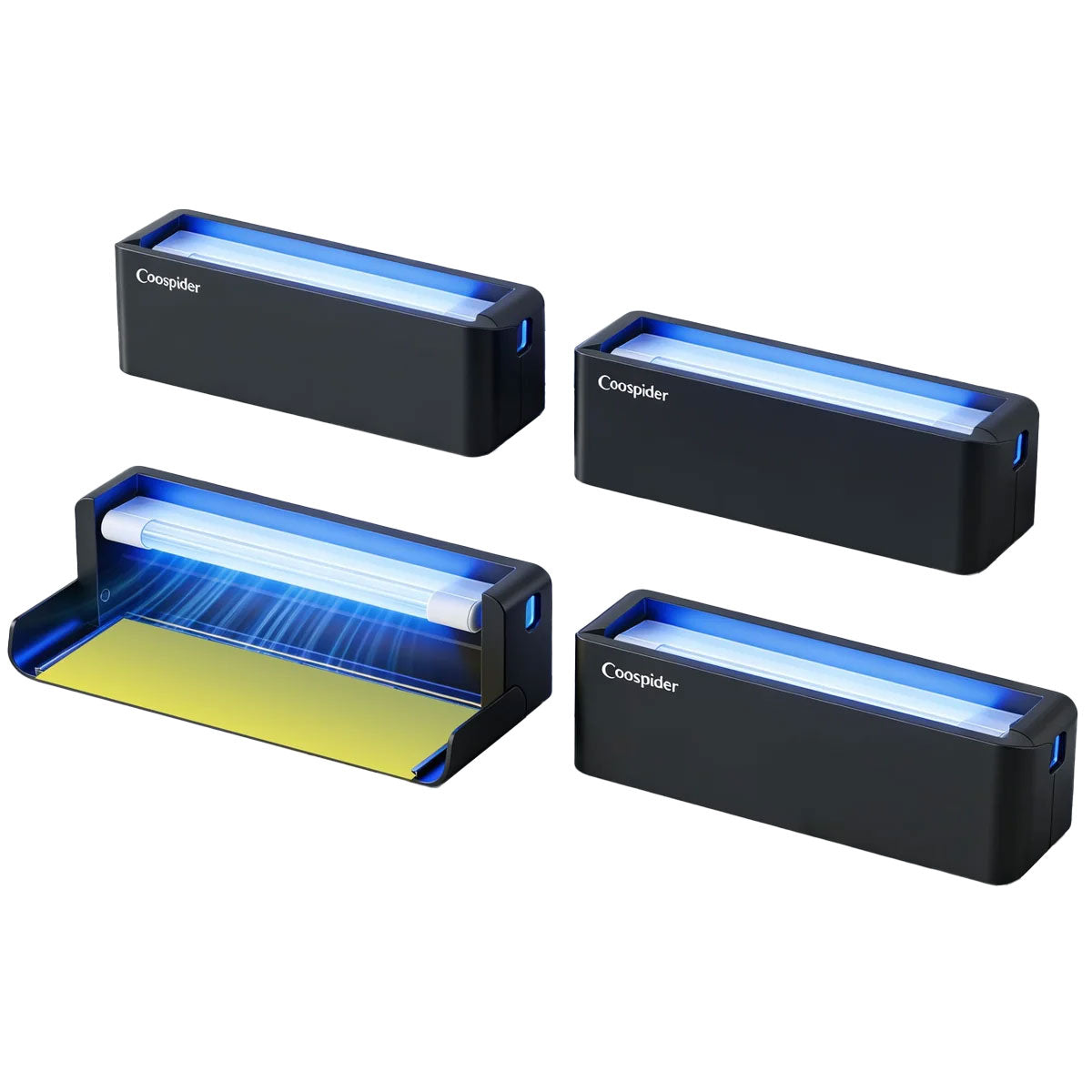
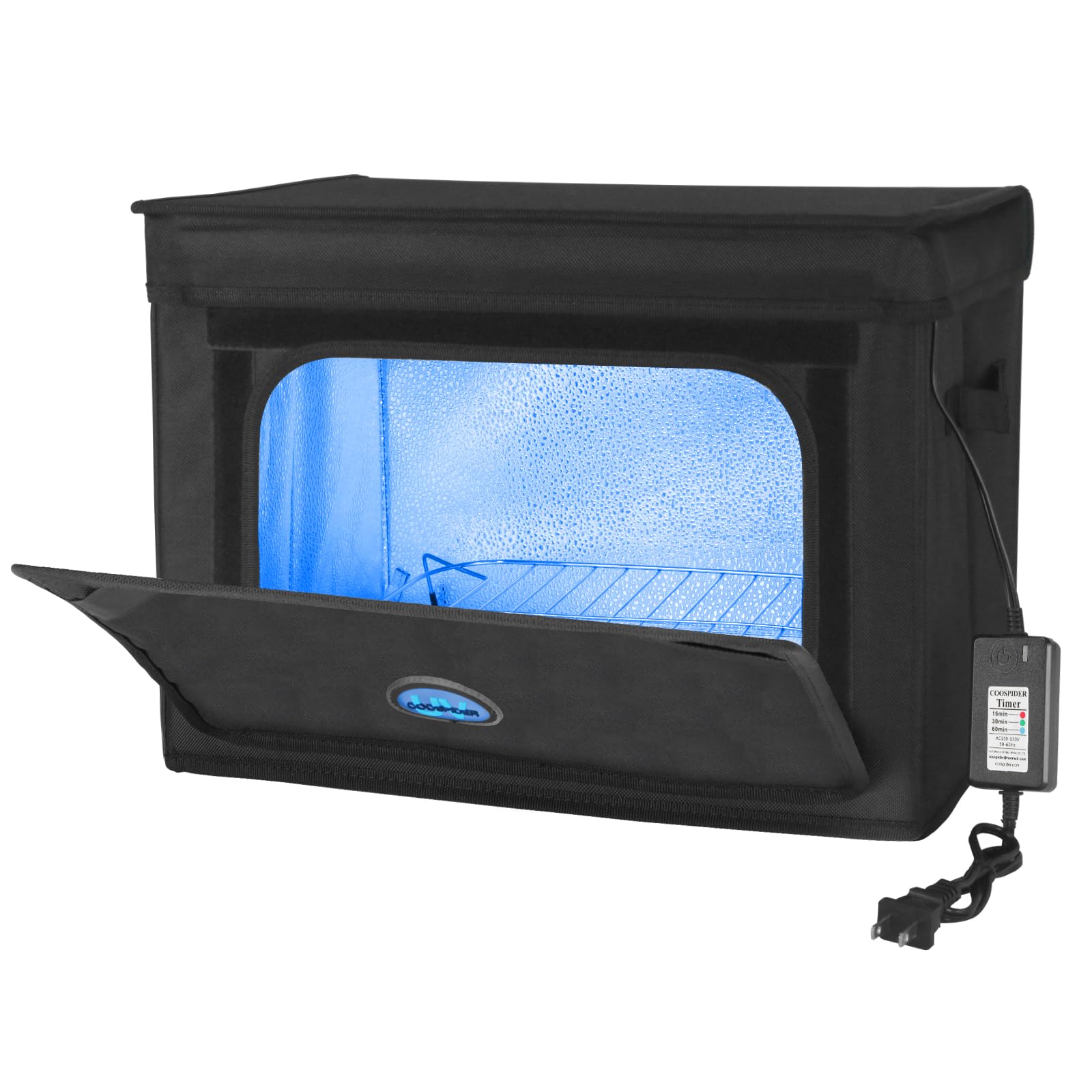
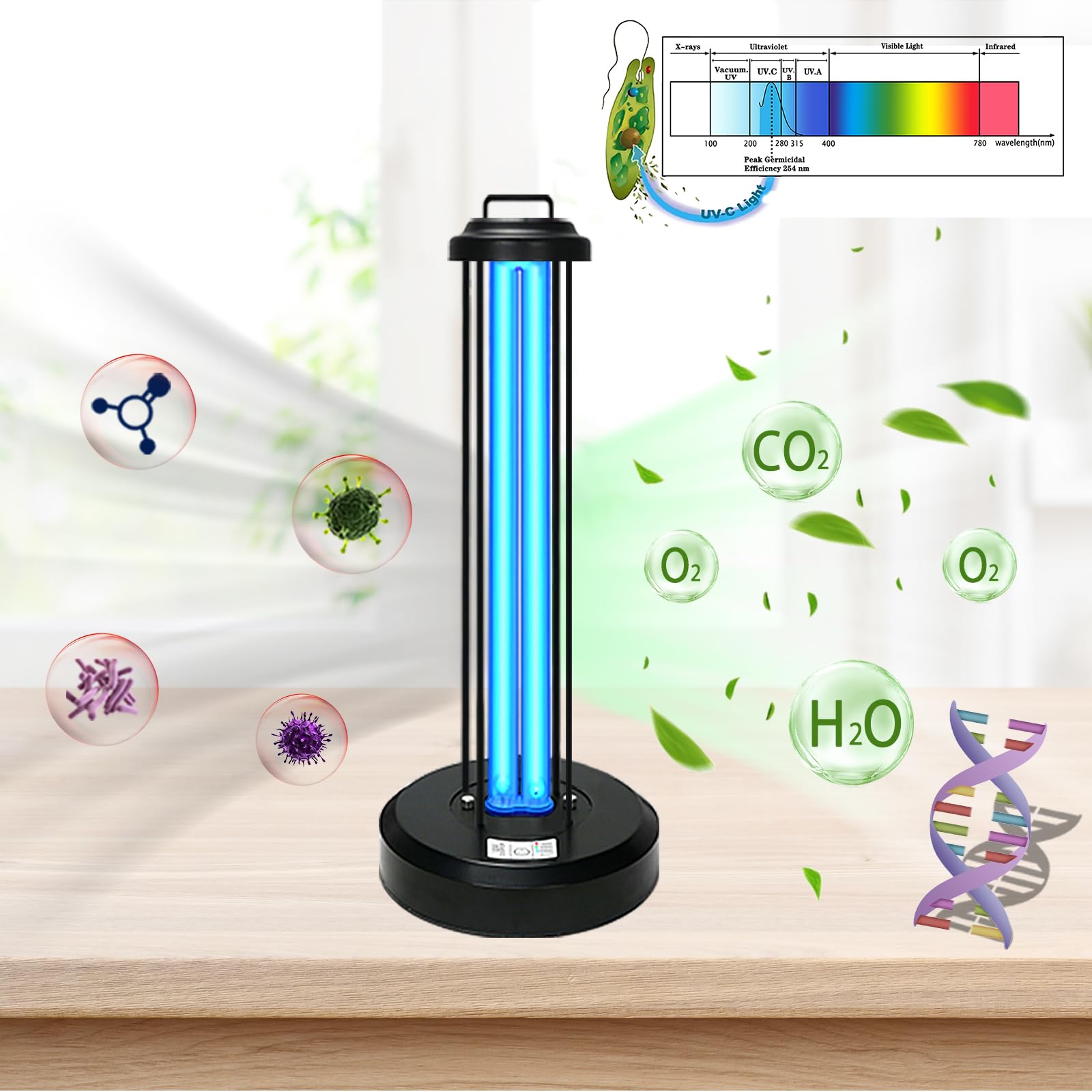
A UV sanitizing wand is a handheld device that uses ultraviolet (UV-C) light to kill or inactivate microorganisms. UV-C light works by disrupting the DNA or RNA of bacteria, viruses, and other pathogens, preventing them from reproducing.
Unlike traditional cleaning methods, UV sanitization:
- Requires no liquids or chemicals
- Leaves no residue
- Works in seconds
- Reaches into crevices and uneven surfaces
This makes it especially effective for cleaning electronics like keyboards and mice, where moisture can be risky.
Benefits of Using a UV Wand for Remote Work Setups
1. Speed and Efficiency
One of the biggest advantages of a UV sanitizing wand is how quickly it works. Most devices can sanitize surfaces in 10–30 seconds per area, allowing you to clean your entire workspace in just a few minutes.
2. No Risk of Moisture Damage
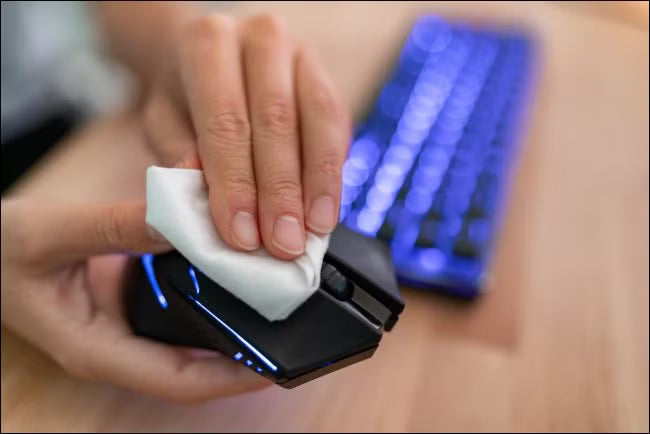
Traditional cleaning often involves sprays or wipes, which can seep into electronic components and cause damage. UV light eliminates that risk entirely.
3. Chemical-Free Cleaning
If you’re sensitive to cleaning products or prefer a more eco-friendly approach, UV sanitization offers a safe alternative without harsh chemicals.
4. Portability
Most UV wands are lightweight and compact, making them easy to carry between rooms or even take on the go if you work from different locations.
Before You Start: Preparing Your Workspace
Before using your UV sanitizing wand, take a few minutes to prepare your workspace for optimal results.
Step 1: Power Down Your Devices
Turn off your computer or disconnect your keyboard and mouse. This ensures safety and prevents accidental inputs.
Step 2: Remove Visible Debris
UV light works best on clean surfaces. Use a soft brush, compressed air, or a dry cloth to remove:
- Dust
- Crumbs
- Loose particles
This allows the UV light to directly reach the surface and maximize effectiveness.
Step 3: Position Your Equipment
Place your keyboard and mouse on a flat, stable surface. Ensure good lighting so you can clearly see the areas you’re sanitizing.
How to Use a UV Sanitizing Wand on Your Keyboard
Cleaning a keyboard can be tricky due to its many crevices and uneven surfaces. Follow these steps for thorough and effective sanitization.
Step 1: Hold the Wand at the Correct Distance
Most UV wands are most effective when held about 1–2 inches above the surface. Check your device’s instructions for optimal distance.
Step 2: Move Slowly and Evenly
Turn on the wand and slowly glide it across the keyboard. Move in a steady, sweeping motion to ensure even coverage.
Focus on:
- Key surfaces
- Spaces between keys
- Function keys and edges
Step 3: Overlap Your Passes
To avoid missing spots, slightly overlap each pass as you move across the keyboard. Think of it like mowing a lawn—consistent coverage is key.
Step 4: Spend Extra Time on High-Touch Areas
Pay special attention to frequently used keys such as:
- Spacebar
- Enter key
- Shift keys
- Letter keys (especially if you type heavily)
Hold the wand over these areas for a few extra seconds.
Step 5: Flip and Repeat (Optional)
If your keyboard is detachable or portable, consider turning it over and briefly sanitizing the underside as well.
How to Use a UV Sanitizing Wand on Your Mouse
Your mouse is just as important as your keyboard and often accumulates even more oils and bacteria due to constant hand contact.
Step 1: Clean the Surface First
Wipe away visible smudges or dust with a dry microfiber cloth.
Step 2: Target Key Areas
Use the UV wand on:
- Left and right buttons
- Scroll wheel
- Side grips
- Bottom sensor area
Step 3: Rotate the Mouse
Turn the mouse slightly to expose all angles, ensuring the UV light reaches every surface.
Step 4: Don’t Forget the Underside
The bottom of your mouse can collect dust and debris that affect performance. A quick pass with the UV wand can help maintain functionality.
How Often Should You Use a UV Wand?
The frequency depends on your usage habits, but here are some general guidelines:
- Daily: If you use your setup heavily or share it with others
- 2–3 times per week: For moderate use
- Weekly: For light use or secondary workstations
If you eat at your desk or frequently touch your face, more frequent sanitization is recommended.
Safety Tips When Using a UV Sanitizing Wand
While UV-C light is effective, it must be used responsibly.
Avoid Direct Exposure to Skin and Eyes
Never shine UV light directly on your skin or eyes. Prolonged exposure can cause irritation or damage.
Use in a Controlled Environment
Keep the wand away from children and pets while in use.
Follow Manufacturer Instructions
Each device may have specific guidelines regarding usage time, distance, and safety features.
Store Properly
Turn off the wand after use and store it in a safe place to prevent accidental activation.
UV Wand vs Traditional Cleaning Methods
Let’s compare UV sanitization with other common cleaning methods:
Disinfecting Wipes
Pros:
- Effective at removing grime
- Widely available
Cons:
- Can damage electronics if overused
- Leaves residue
- Requires drying time
Alcohol Sprays
Pros:
- Strong disinfectant
- Quick evaporation
Cons:
- Risk of liquid damage
- Can wear down coatings
UV Sanitizing Wand
Pros:
- No moisture
- Fast and convenient
- Safe for electronics
Cons:
- Requires proper technique
- Doesn’t remove physical dirt (must pre-clean)
The best approach is often a combination: remove debris physically, then use UV light for sanitization.
Common Mistakes to Avoid
Even though UV wands are easy to use, there are some common mistakes to watch out for:
Moving Too Quickly
Rushing reduces effectiveness. Slow, steady passes are essential.
Skipping Pre-Cleaning
UV light can’t penetrate dirt or debris. Always clean surfaces first.
Holding Too Far Away
Distance reduces intensity. Keep the wand close to the surface.
Inconsistent Coverage
Missing spots can leave areas unsanitized. Be methodical in your approach.
Building a Clean Remote Work Routine
Incorporating UV sanitization into your routine doesn’t have to be complicated.
Morning Reset
Start your day by quickly sanitizing your keyboard and mouse. It sets a clean foundation for your work.
Midday Refresh
If you’ve been eating or multitasking, a quick midday pass can help maintain hygiene.
End-of-Day Clean
Finish your workday with a final sanitization to keep your setup ready for tomorrow.
Extending the Life of Your Devices
Regular cleaning isn’t just about hygiene—it also helps extend the lifespan of your equipment.
- Prevents buildup that can cause mechanical issues
- Maintains responsiveness and accuracy
- Reduces wear on keys and buttons
A few minutes of care each day can save you from costly replacements down the line.
Beyond Keyboard and Mouse: What Else Can You Sanitize?
Once you have a UV sanitizing wand, you’ll find plenty of other uses around your workspace:
- Headphones and earbuds
- Phone screens
- Desk surfaces
- Office tools (pens, notebooks)
This makes it a versatile addition to any remote work setup.
Final Thoughts
Maintaining a clean and hygienic workspace is no longer optional—it’s essential for productivity, health, and peace of mind. Your keyboard and mouse, as the most frequently touched tools in your remote work setup, deserve regular attention.
A UV sanitizing wand offers a fast, effective, and modern way to keep these devices clean without the risks associated with moisture or chemicals. By incorporating it into your daily routine, you can create a workspace that not only looks clean but truly supports your well-being.
With just a few minutes each day, you can transform your desk into a safer, more efficient environment—one that helps you stay focused, comfortable, and ready to tackle whatever your workday brings.